This process describes the steps to update an existing device with a new feature
14/04/2025
Loading component...
Risorse correlate
Loading component...
Details
Field Service Update Process (FSU)
Cognex offers field updates for a variety of products, ensuring they remain up-to-date with the latest firmware and software enhancements. Here are some of the key product lines that can be field updated:
In-Sight Vision Systems: These include models like the In-Sight 2800 and In-Sight 3800 series, which can be updated to improve performance and add new features. The legacy models can be updated as well.
DataMan Barcode Readers: Both handheld and fixed-mount DataMan readers can receive firmware updates to enhance their capabilities and maintain compatibility with new standards.
3D-L38 Series: This series of 3D laser displacement sensors can be updated to ensure optimal performance and access to the latest features.
VisionPro Software: Cognex's VisionPro software platform can be updated to include new tools and algorithms for advanced machine vision applications.
To perform a field update, you typically need to register your product on the MyCognex portal and download the latest updates.
Please be aware that some new features are included in the software release that you can simply download from Cognex website, but the proper FSUs are paid and require a purchasing order with the device serial number.
The Field Service Update (FSU) program offered by Cognex provides several benefits:
Minimized Downtime: The FSU program ensures that your Cognex systems are always up-to-date with the latest firmware and software, reducing the risk of unexpected failures and minimizing downtime.
Enhanced Performance: Regular updates can improve the performance and reliability of your Cognex devices, ensuring they operate at peak efficiency.
Access to New Features: Firmware and software updates often include new features and enhancements that can improve the functionality and capabilities of your Cognex systems.
Improved Security: Keeping your systems updated with the latest security patches helps protect against vulnerabilities and potential cyber threats.
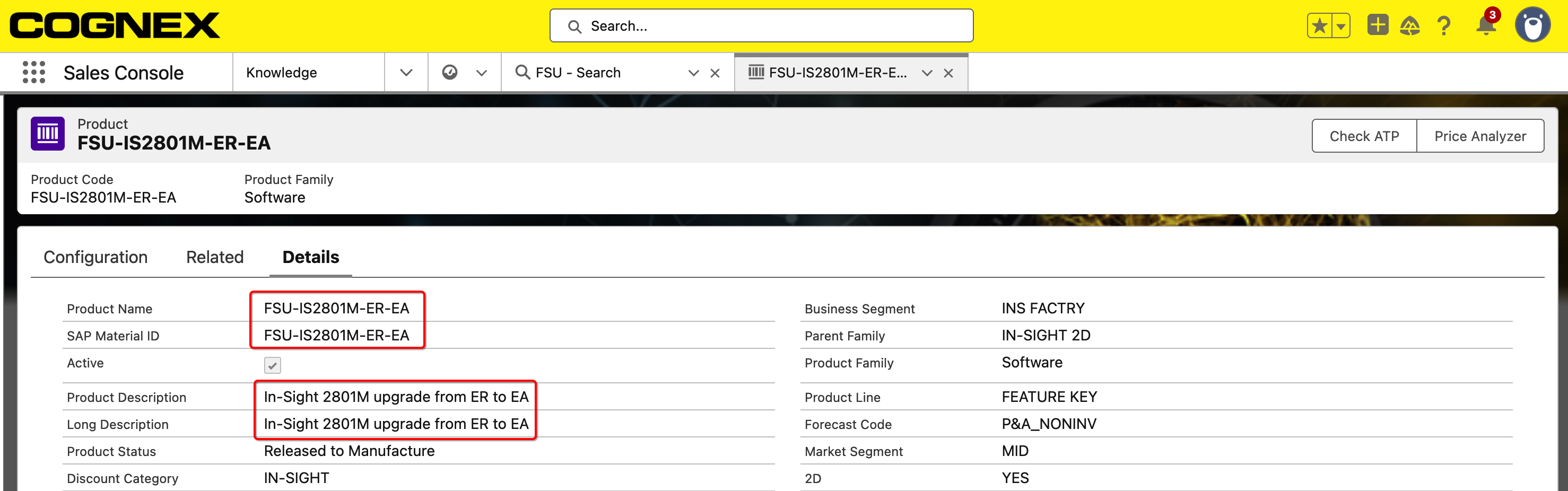
There are 300+ FSUs in Salesforce today, so pay attention and select the correct one. If needed, confirm it with local AE or TS engineer to avoid mistakes.
Below you can find a short list of the available part numbers.
FSU-VP..., FSU-DL... for VisionPro and VisionPro Deep Learning
FSU-IS28…, FSU-IS38… for In-Sight 2800 and In-Sight 3800
FSU-L38… for In-Sight L38
FSU-D9… for In-Sight D900
FSU-IS… for legacy In-Sight products
and more…
More details can be found after selecting a specific feature key.
To field upgrade a Cognex system using a Field Service Update (FSU), follow these steps:
Obtain the FSU, purchase the Field Service Update from Cognex and receive the necessary files via email.
Upload a certificate into the new support case that was created for you and linked to in the email.
Attach your Rac file (instruction below)
Tech Support will contact you with an updated RaU file.
Follow the instructions below to load the new RaU file to the dongle.
Please contact local Sales or Tech Support (ts.global@cognex.com) if you have any question.
Instruction to download RaC file from dongle.
Open CodeMeter Control Center.
Click the refresh button to check for Firmware Update.
If prompted, update Firmware.
After the firmware update is complete, click on "License Update".
Click "Next".
Select "Create license request" and click Next.
Select "Extend existing license" and click Next.
Select "Cognex Corporation (6000417)" and click Next, please make sure to use 6000417.9. Click "Commit".
The license request file should be on the desktop of the computer.
5. Follow the Instruction to import the license update file.
6. Restart Your Device after the update process has been completed.