

Details
It can happen that when trying to connect to the HMI of an In-Sight camera, it results in a Page with the loading icon:
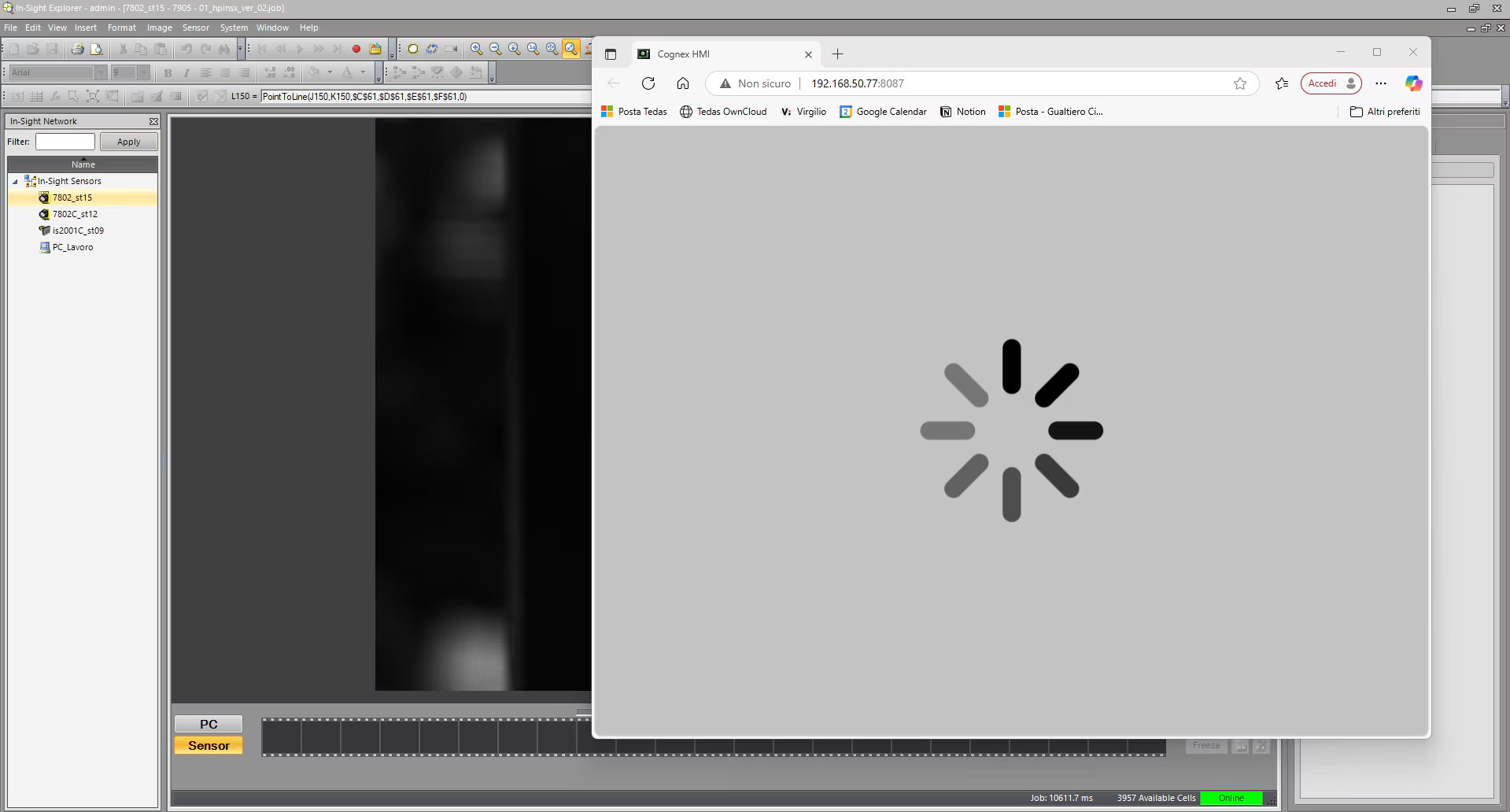
Usually, it can be due to the camera not having all the WebHMI files pre-installed, specifically the "WebPages.bin" file.
- It can be checked by using the "open <IPaddress>" prompt command to establish an FTP connection to the camera, log in, and issue an 'ls -a' command.
- Updating the firmware, even to the same version, should fix the issue.
- Issuing again the above command, the file should be now visible and you should be able to connect via Chrome or IE.
Please keep in mind the officially supported browser versions are:
Google Chrome™ browser, version 64 or greater and Microsoft Edge, version 44.x or greater.
