

Details
Download the latest Cognex VisionView Web firmware.
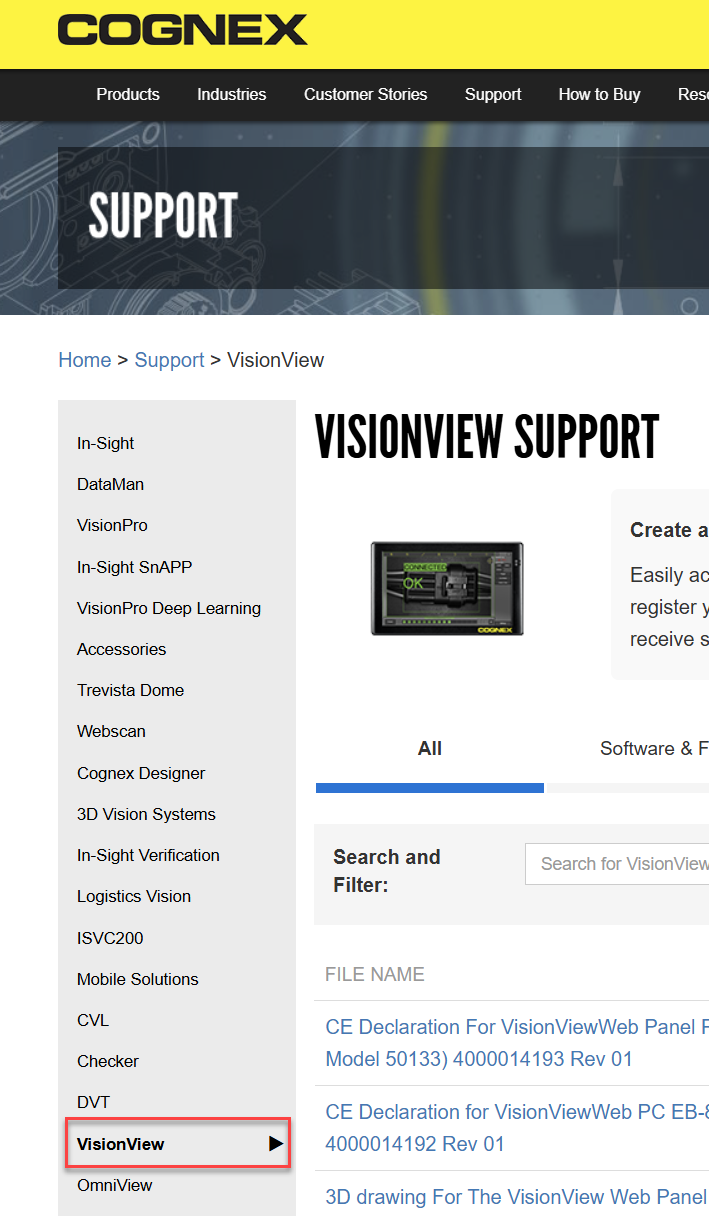
- Run the executable on your local PC and follow the instructions in the wizard to install the Cognex VisionView Web adapter and In-Sight Vision Suite.
- Launch In-Sight Vision Suite.
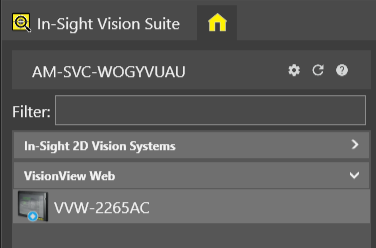
Confirm that your VisionView Web is either directly connected to your PC or on the same network. You should see the VisionView Web device under the VisionView Web Section in the device list.
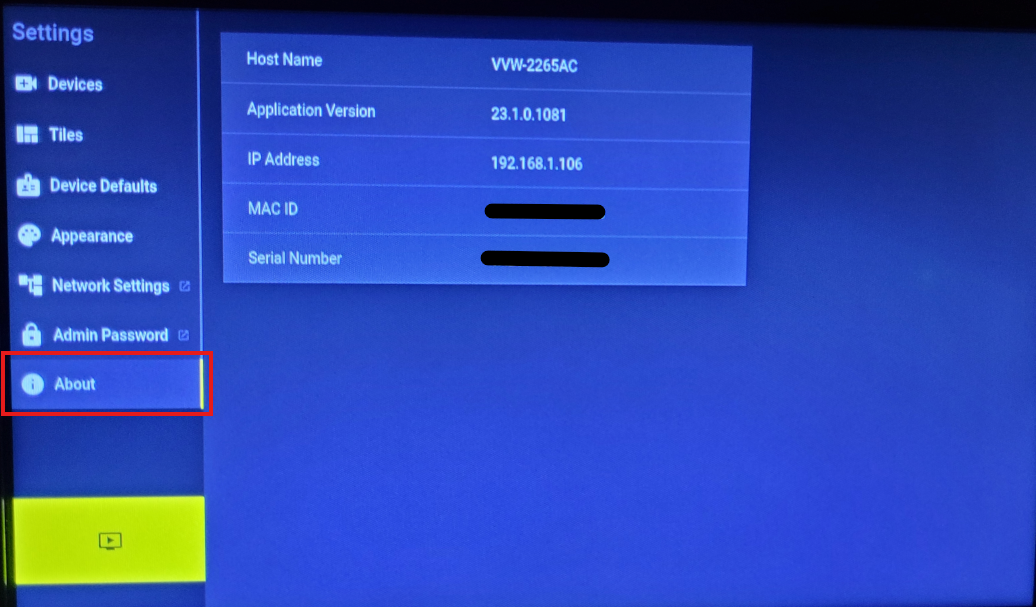
Select your VisionView Web device. Ensure that you are targeting the correct panel. You can check the Serial number on the VVW in the About section of the VVW Settings, or on the back of the device.
Select Firmware Update.
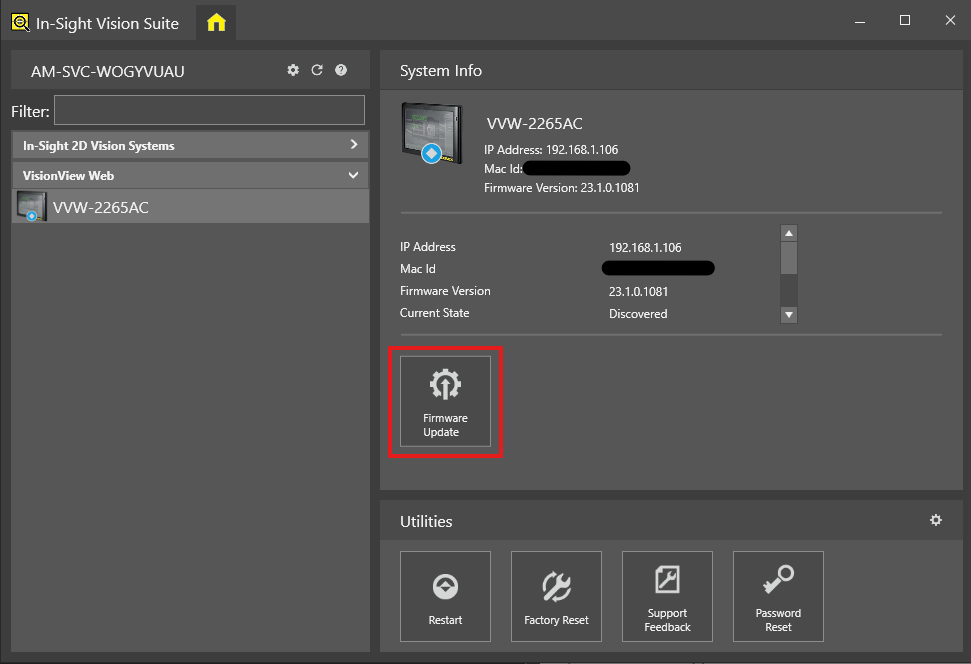
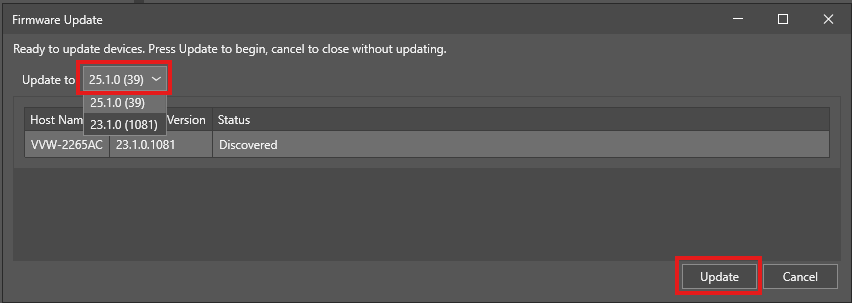
Select the firmware to load and click Update. There is the no need for a backup; the configuration will be maintained through the update.
Once the Status of the device shows Firmware update complete, you can close the window and program.
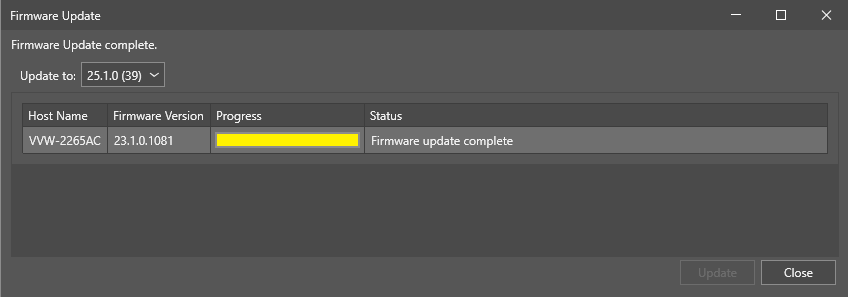
- The firmware update for the VisionView Web is complete.
