Question
How to reset the VisionView 900 admin password in case it becomes forgotten.
Answer
- Download the Cognex Explorer 2.1.3 from the support website.
https://support.cognex.com/en/downloads/detail/visionview/3439/1033 - It’s recommended that you have an external USB keyboard and mouse available.
After installation, run the application. From here, you should be able to see your VisionView up.
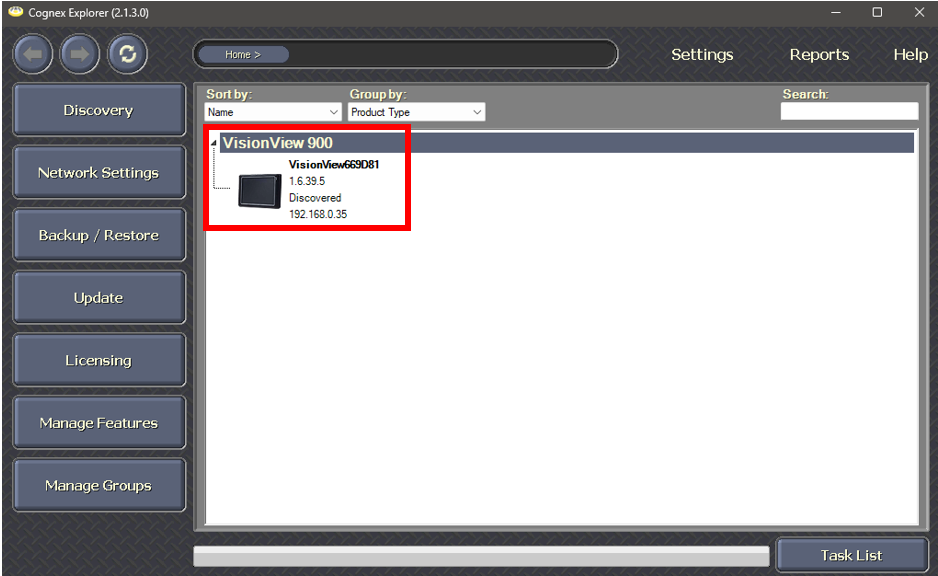
- If your panel does not have a static IP address already set, please setup one manually on the VisionView as this process will not work without it.
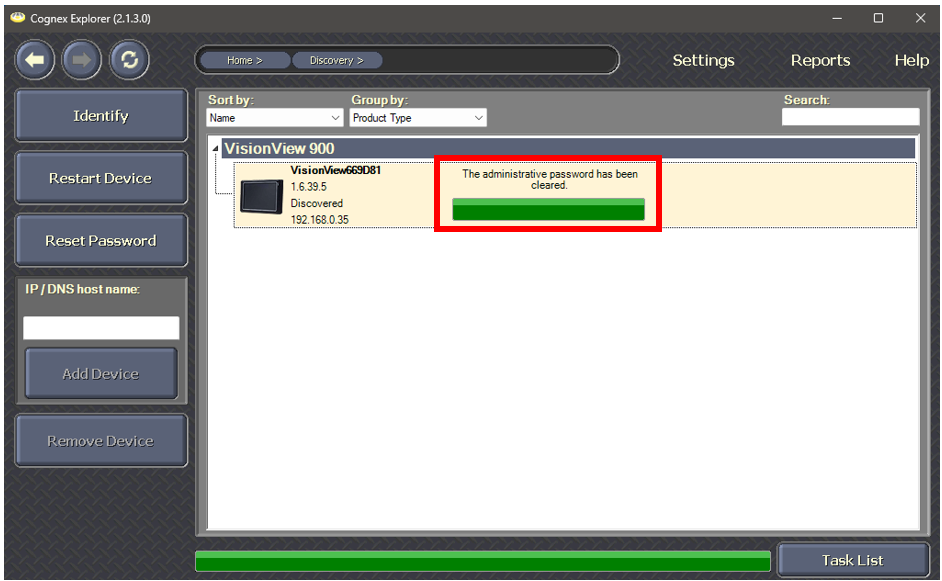
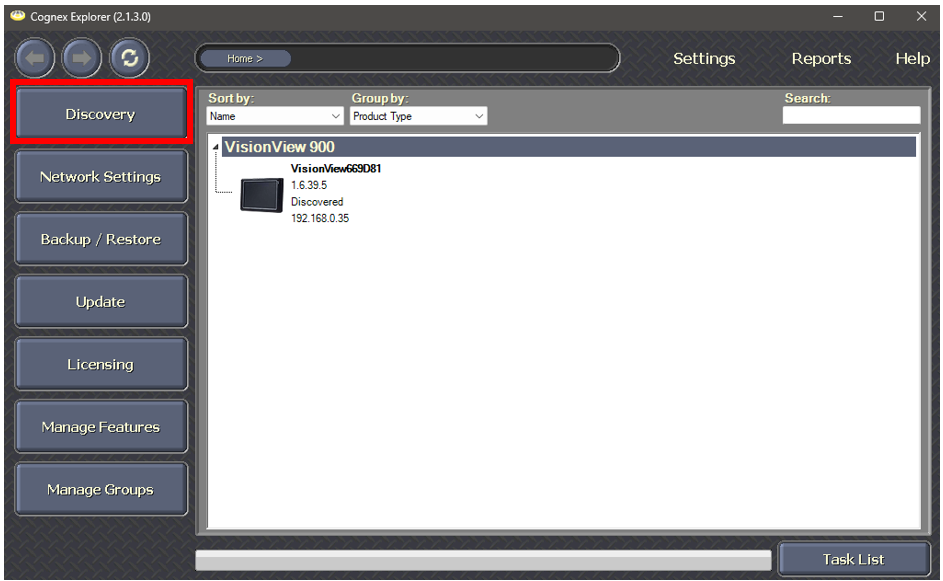
Press the discovery button, then select your VisionView and press, “Reset Password.”
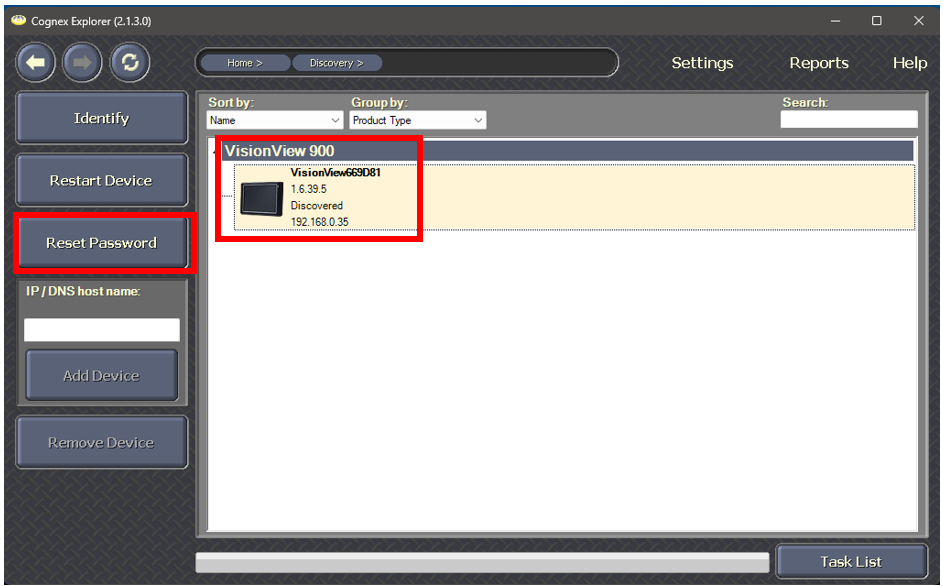
This will prompt you to cycle power on the device.
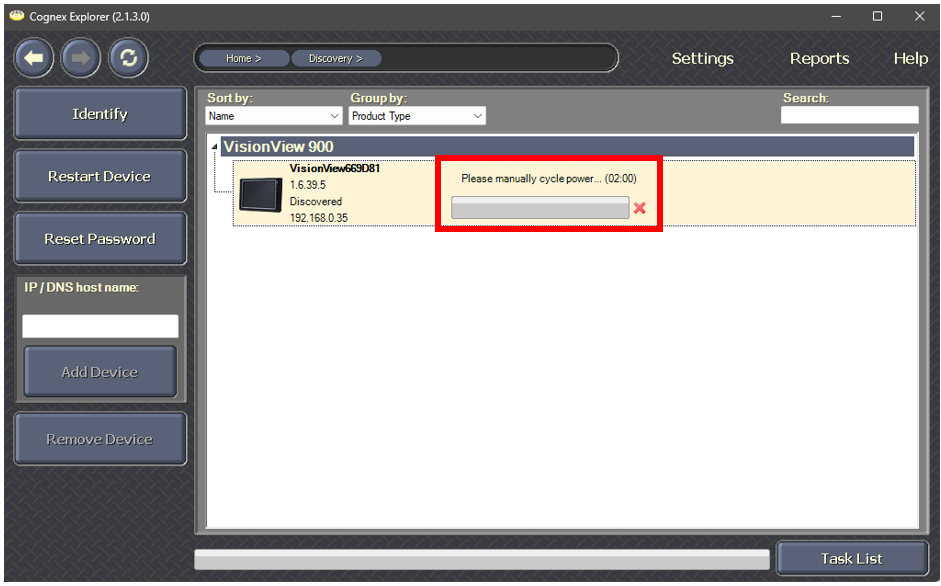
After your VisionView has rebooted, your password will be reset.