Details
Issue:
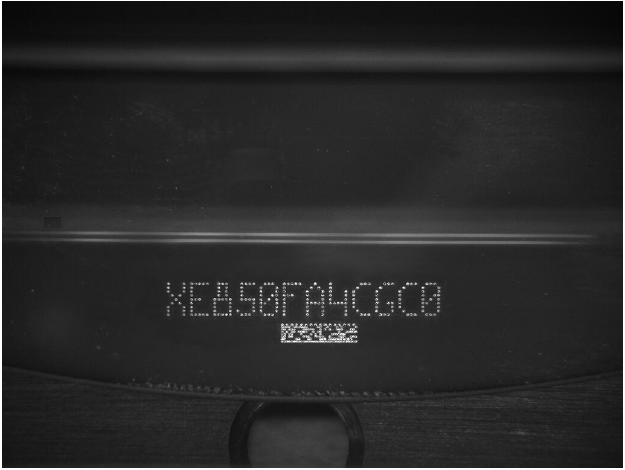
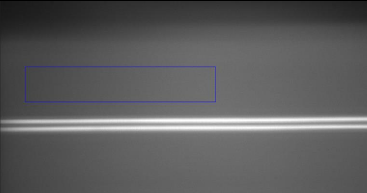
In-Sight 1742 Image has two white lines when illumination is enabled.
Causes:
Illumination cause these two lines.
Resolution:
From Page 12 of the file “Installing In-Sight 1740 Series Wafer Readers”
Under certain conditions, horizontal lines may be observed in the image. These lines are artifacts of the wafer reader’s optical design. They are most visible at a working distance of approximately 30.0mm, with a dark field image. In most cases, these lines will have no impact on reading performance. If desired, position the mark in an area of the field of view that is free of artifacts. To reduce the intensity of the lines, the lighting can be optimized using the setup Tuning process in the Cognex Wafer ID application.