

Question
Well, in this case is possible to use Resource Monitor to check if In-Sight Explorer is allowed to contact cameras.
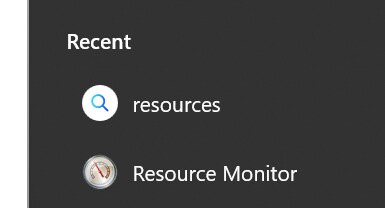
First, you have to start In-Sight Explorer, then you have to start Resource Monitor, you can search it in the Search bar:
Once started, select the Network tab.
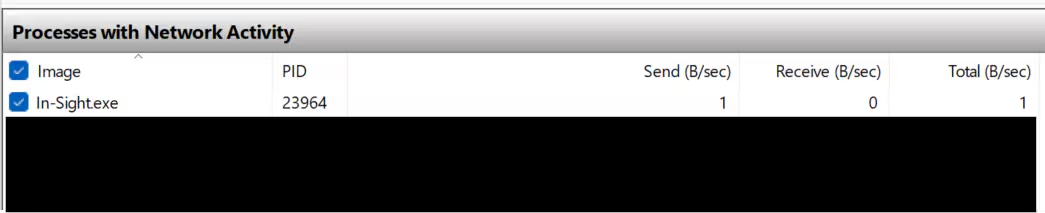
In the below list of Processes with Network Activity, you should find iIn-Sight.Exe, select it, like this:
Now, in the Listening Ports field, you should see something like this:
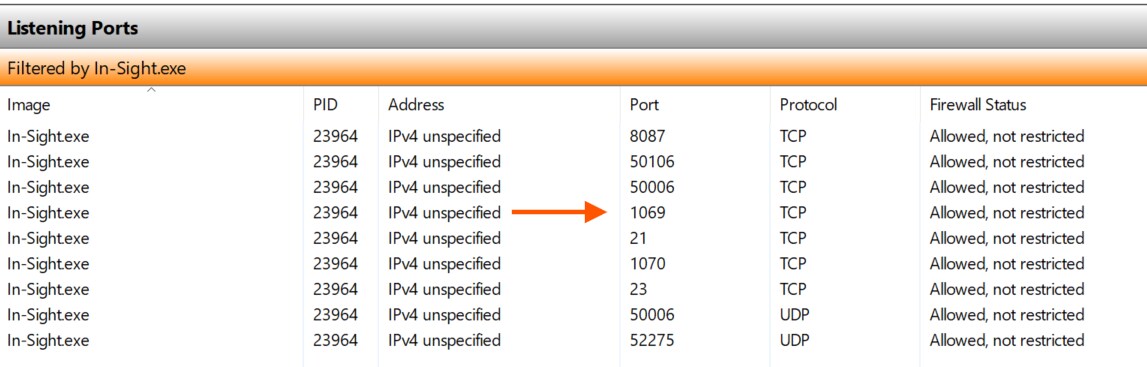
UDP 1069 is the discovery port that In-Sight Explorer use to find Cognex products on the network. This port has to be set as Allowed, not restricted, otherwise In-Sight Explorer cannot find any cameras.
For other info, is possible to check the Network Troubleshooting guide at this link.
