

Details
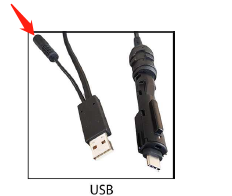
Different methods of powering the unit will provide differing maximum power, which in turn will affect the charging speed. (Refer to the following Specifications)
- Charging time through PoE: 10-11 hours
- Charging time through USB with external power: 6.2 hours
Note: When you connect the DataMan reader through USB, always use a power supply. When using a DataMan 8700 DX with a USB cable (DMC-HH-USBA-02 or DMC-HH-USBC-02), make sure to connect the USB connector to a USB hub that stays enabled even if the PC or Notebook goes to sleep.
How to test charging speed:
- Install the DataMan 8700 wireless kit and connect as general steps.
Using DataMan Setup Tool to go to the Reader Settings screen. Move the mouse over the battery icon. Then we can get the power value and record it.
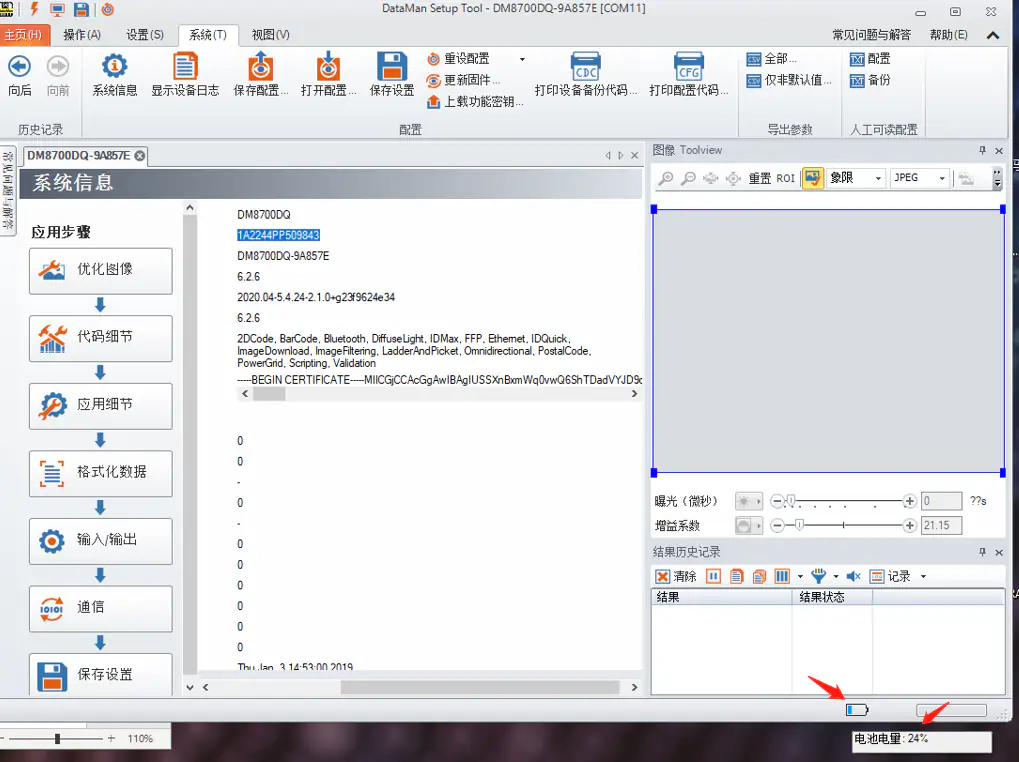
Now, after charging for 30 minutes, observe the increment of power and record it.
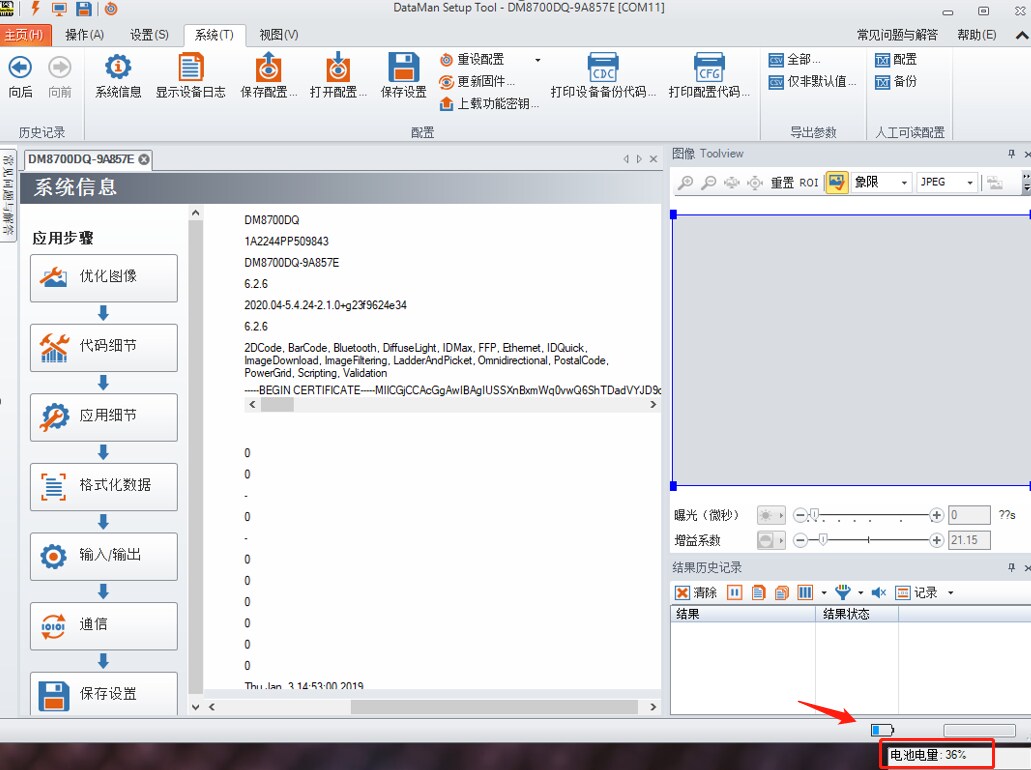
- Referring to the following experience data, if within this range, it is good. You may wish to charge for a longer time to be assured in the accuracy of your test.
Power Supply | increment of power (charging for 30 minutes) |
USB | 8% ~ 10% |
POE | 4.5% ~ 6% |
