Question
How can a DataMan reader connect to a TCP/IP server?
Answer
The DataMan reader acts as a TCP/IP server, and clients can connect to it through a specified port. This functionality is always enabled and cannot be disabled.
If you need the opposite way, connecting from the reader as the client to a TCP/IP server, then this needs to be set.
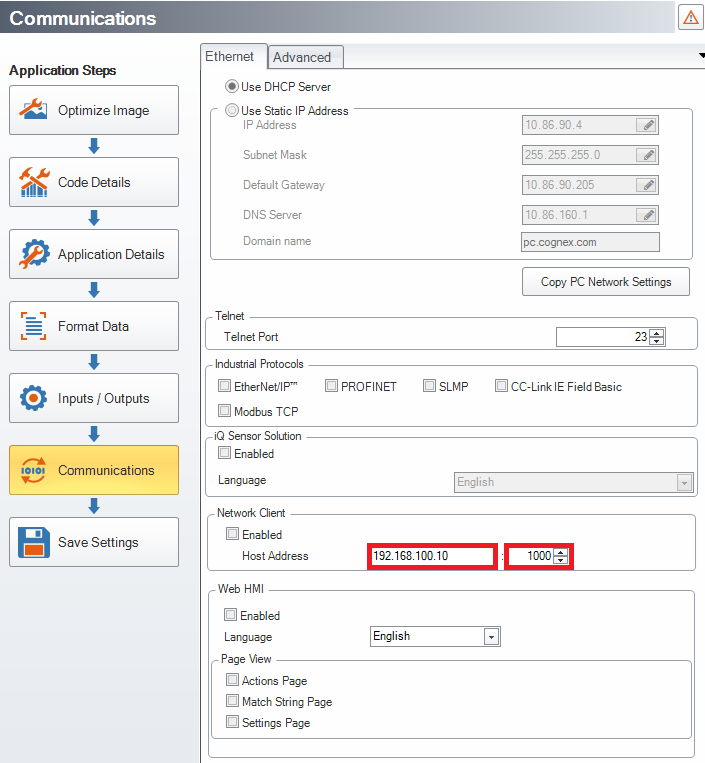
Go to Communication Settings in DataMan Setup Tool software and enter the IP address and port number of the TCP/IP server under the Network Client section. Please note that these values can be changed only while the Enabled checkbox is unticked.
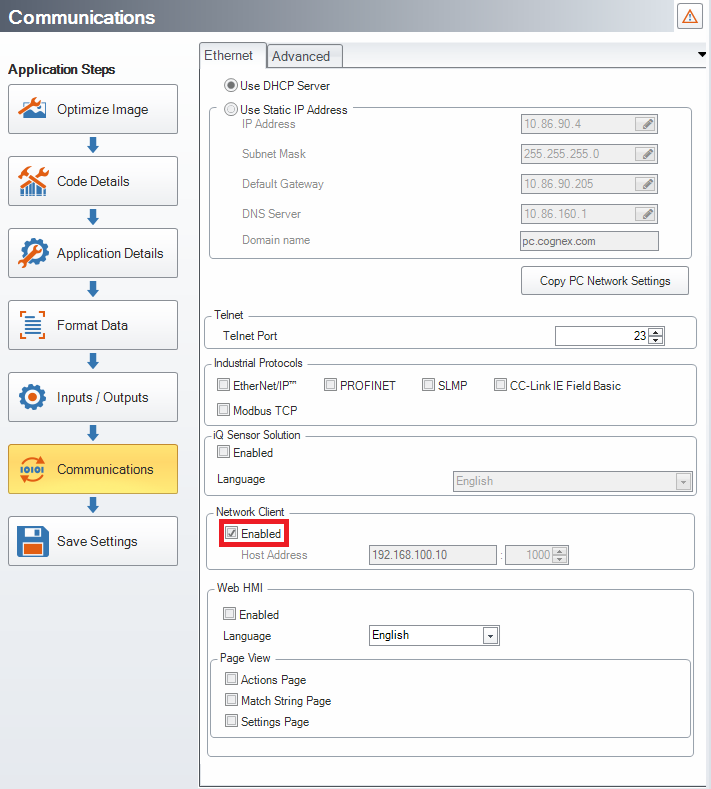
Tick the Enabled checkbox.
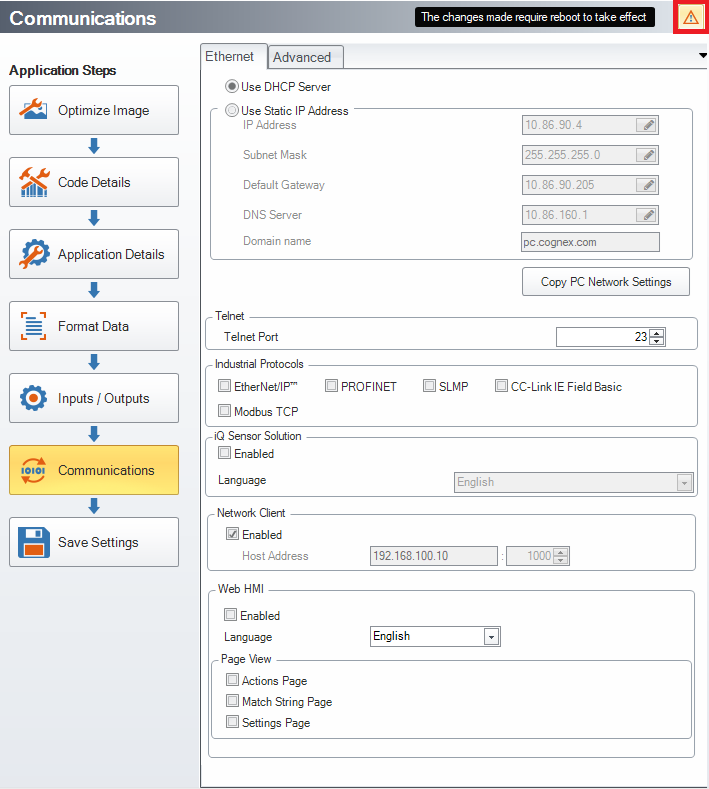
Reboot the device by clicking on the exclamation mark in the right upper corner.