

Details
Issue:
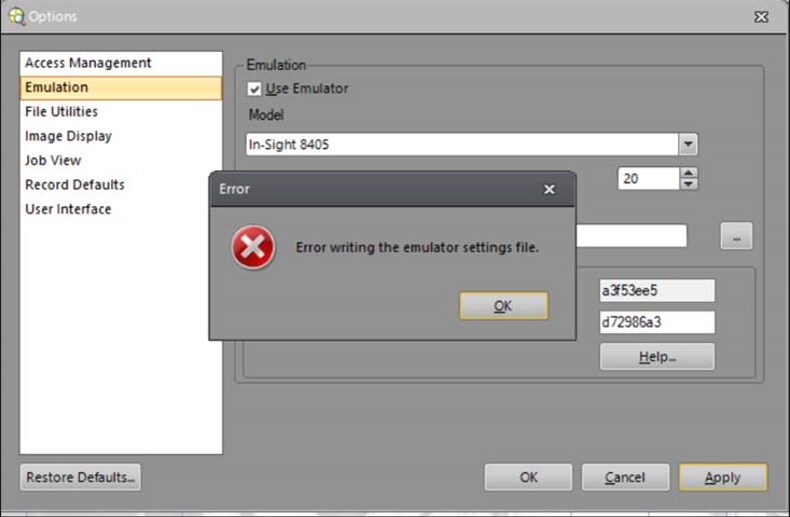
When attempting to modify the Authorized FTP Directory, “Error writing the emulator settings file” message popped up.
Cause:
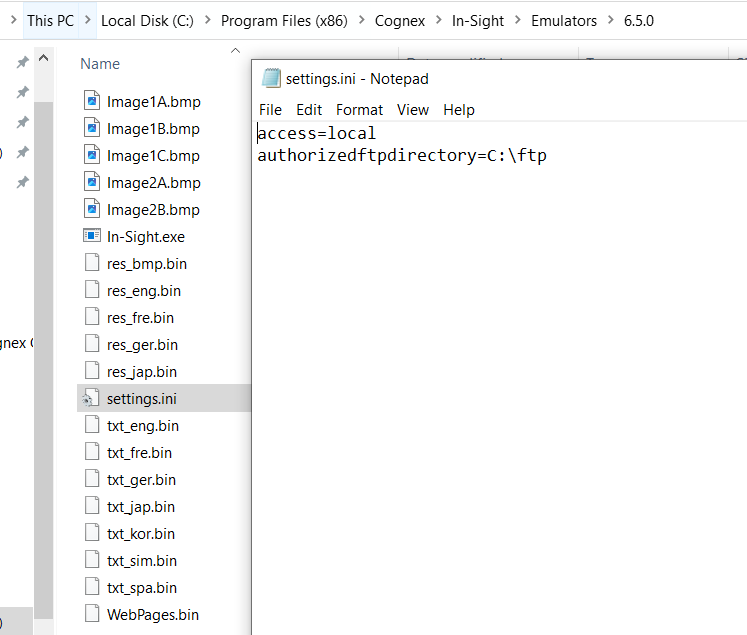
User has no authority to modify emulator settings file “settings.ini”. The emulator settings file is in the following directory.
Resolution:
User needs to have authority to modify emulator settings file “settings.ini”. You may need to talk to your IT department to enable this.
