Details
Issue:
The EL Read Tool keeps loading and is not showing the image properly.
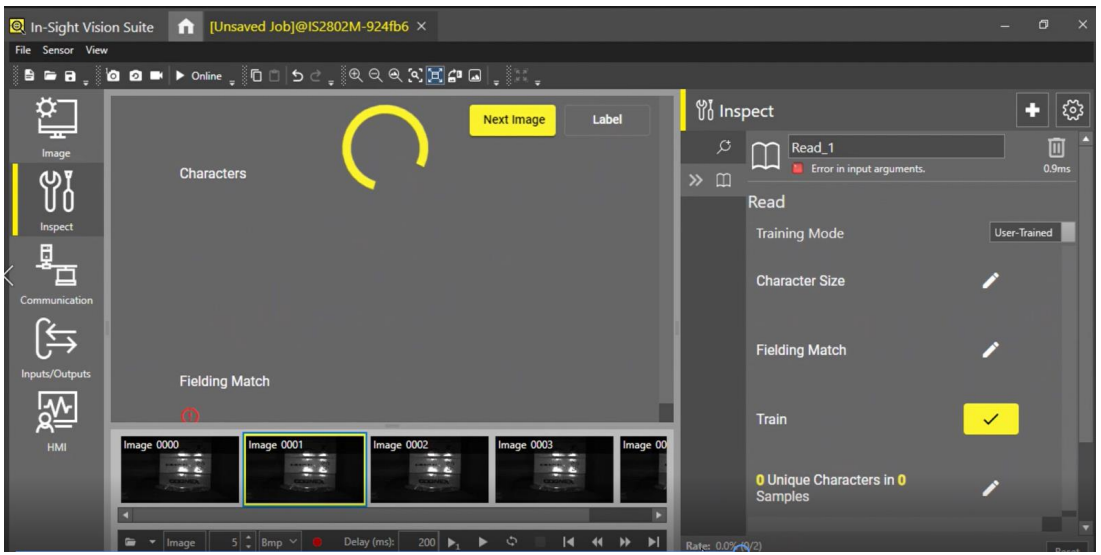
Causes:
The Scale & Layout Settings on the PC are too high. The size of the text is more than 150%.
Resolution:
Reduce the size of the text to 125% or less.


Steps to fix a crash involving the EL Read Tool
The EL Read Tool keeps loading and is not showing the image properly.
The Scale & Layout Settings on the PC are too high. The size of the text is more than 150%.
Reduce the size of the text to 125% or less.