Cognex 支持中心


DataMan Procedure For Device Backup Codes
Here is the detailed procedure to print and read the Device Backup Codes
2025/01/24
Here is the detailed procedure to print and read the Device Backup Codes
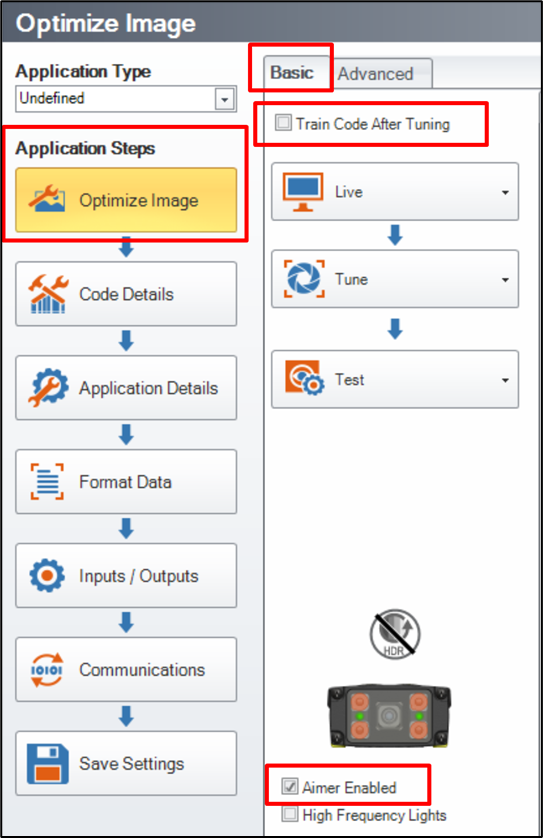
Check the box “Aimer Enabled”, in order to know where the code has to be placed (ideally in the image center) :
Then go to “System”, and click on « Print Device Backup Code » :

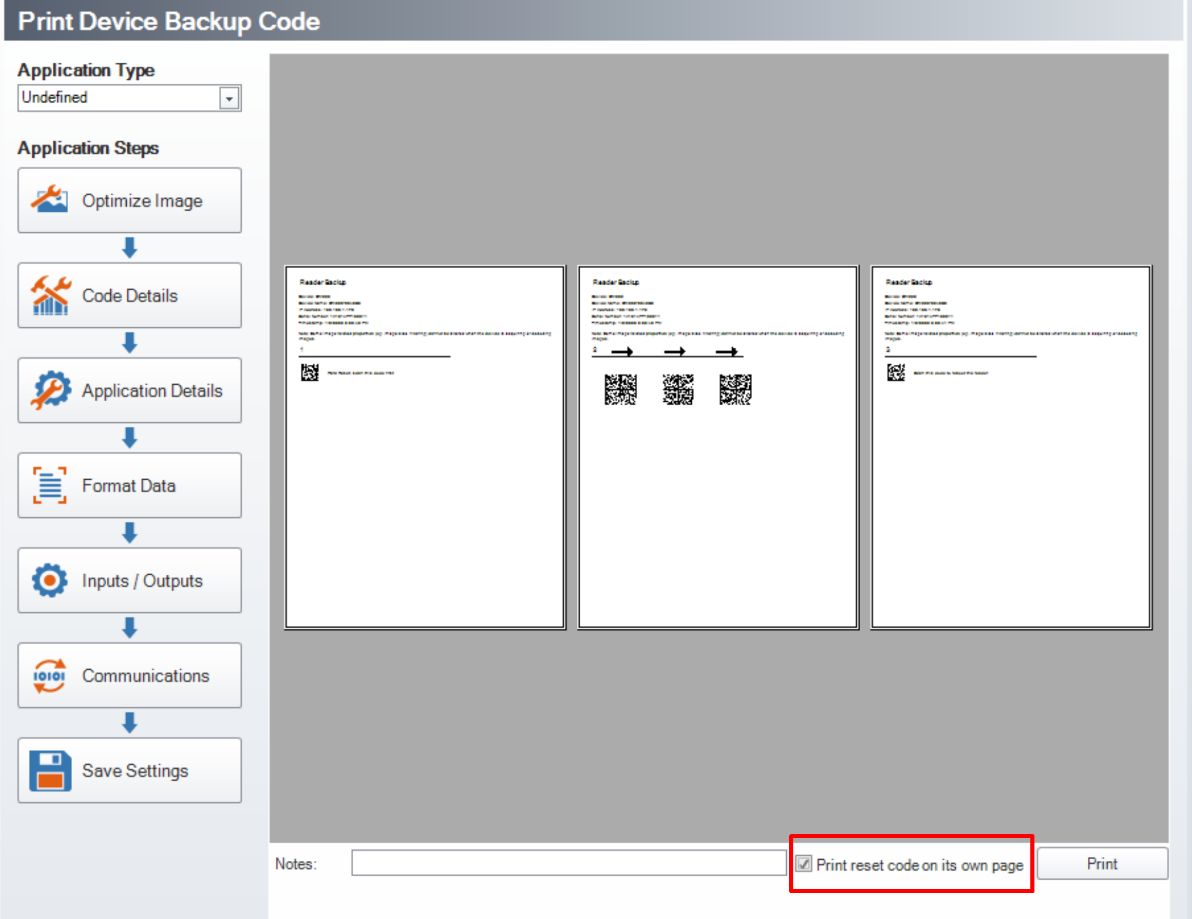
Check the box "Print reset code on its own page” in order to get three separated pages, and be sure to read the right code of each step :
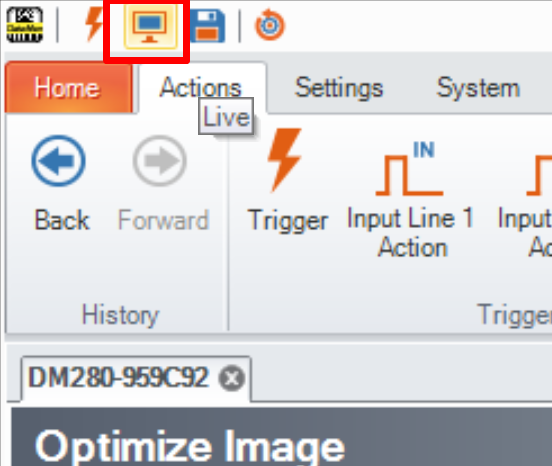
Go to “Live Mode” and place the DataMatrix code (Step 1 « Hard Reset » code) in the image center :
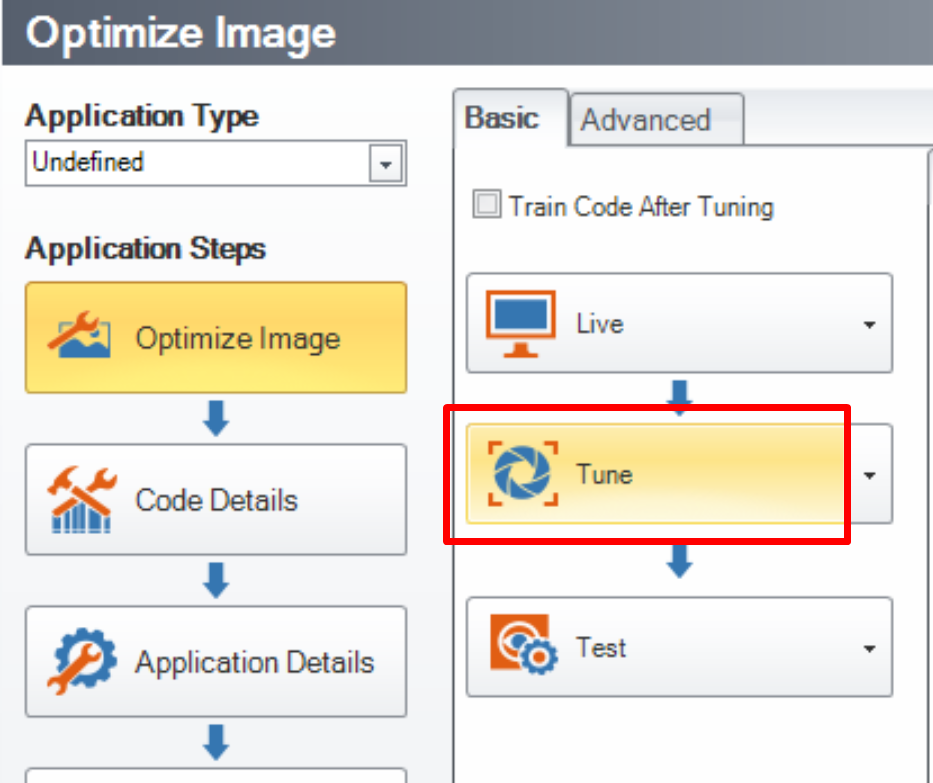
Stop the “Live Mode” and press the “Tune” button, so the reader will adjust the exposure time and the focus, to be able to read the « Hard Reset » code :
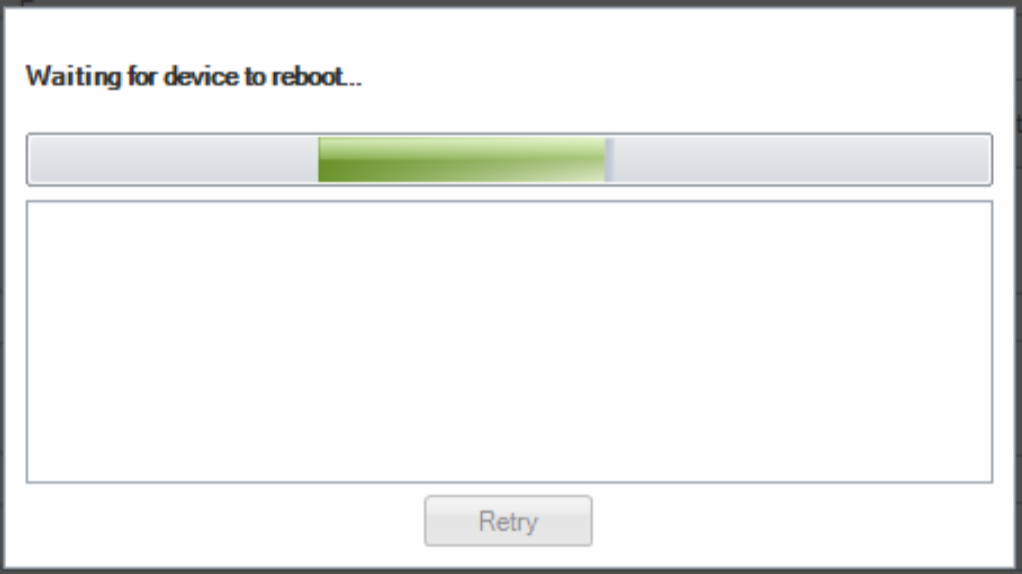
Send a manual trigger to the reader on the first DataMatrix code Sstep 1 « Hard Reset » code), then wait for the reader to reboot :
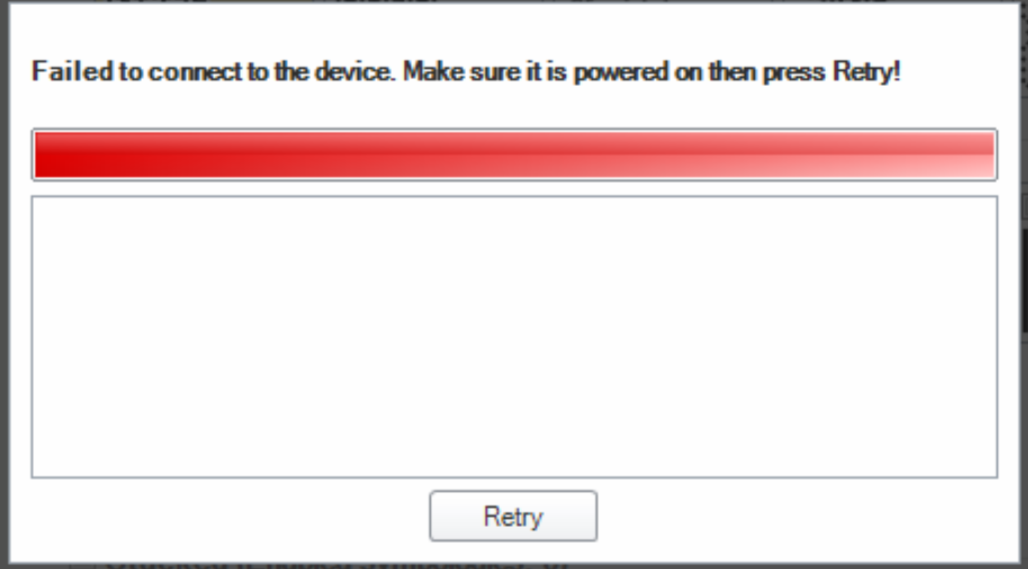
If the PC is using a static IP address, the reader cannot be found anymore :
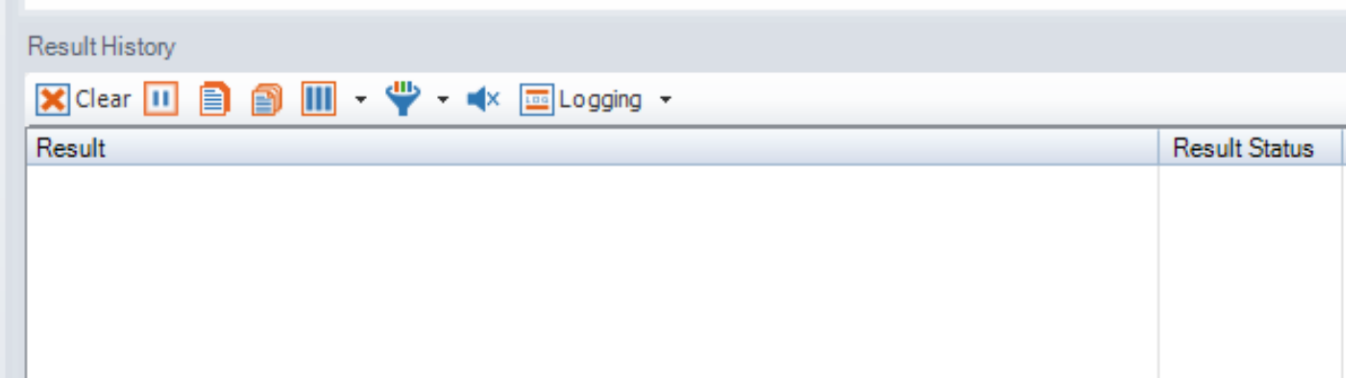
When these « Backup » codes are properly read, the reader will not generate any “Read” or “NoRead” in the « Result History » :
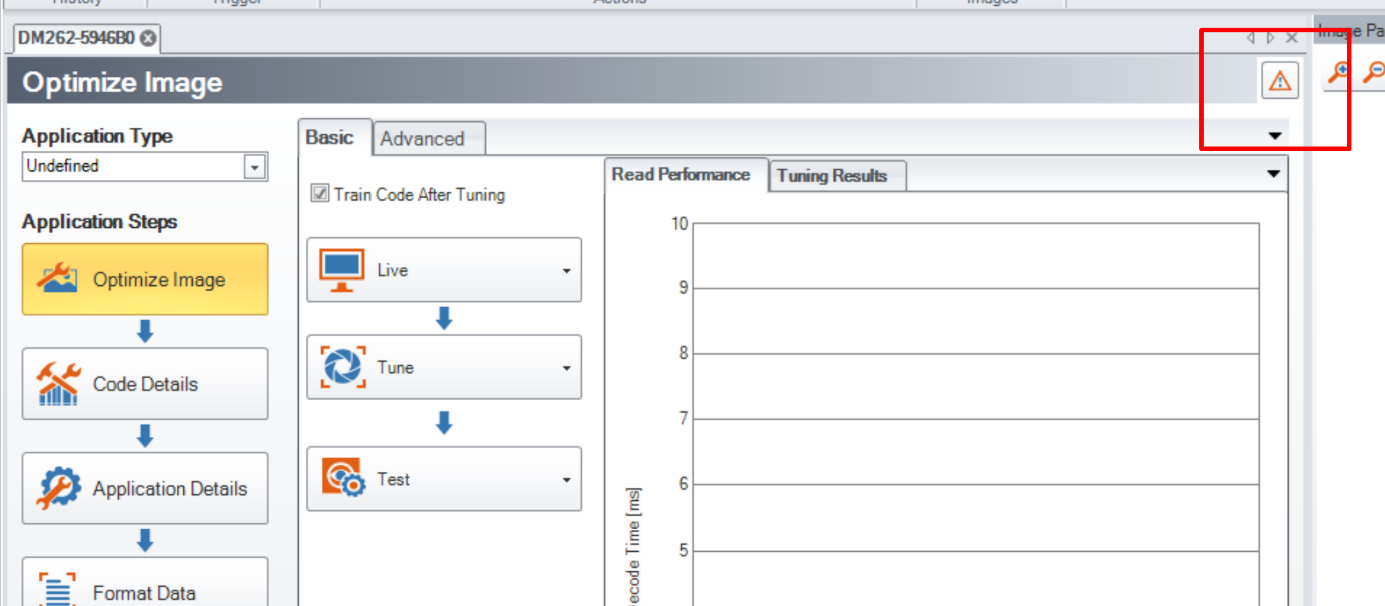
Ideally, by clicking on the read warning below :