Details
Issues:
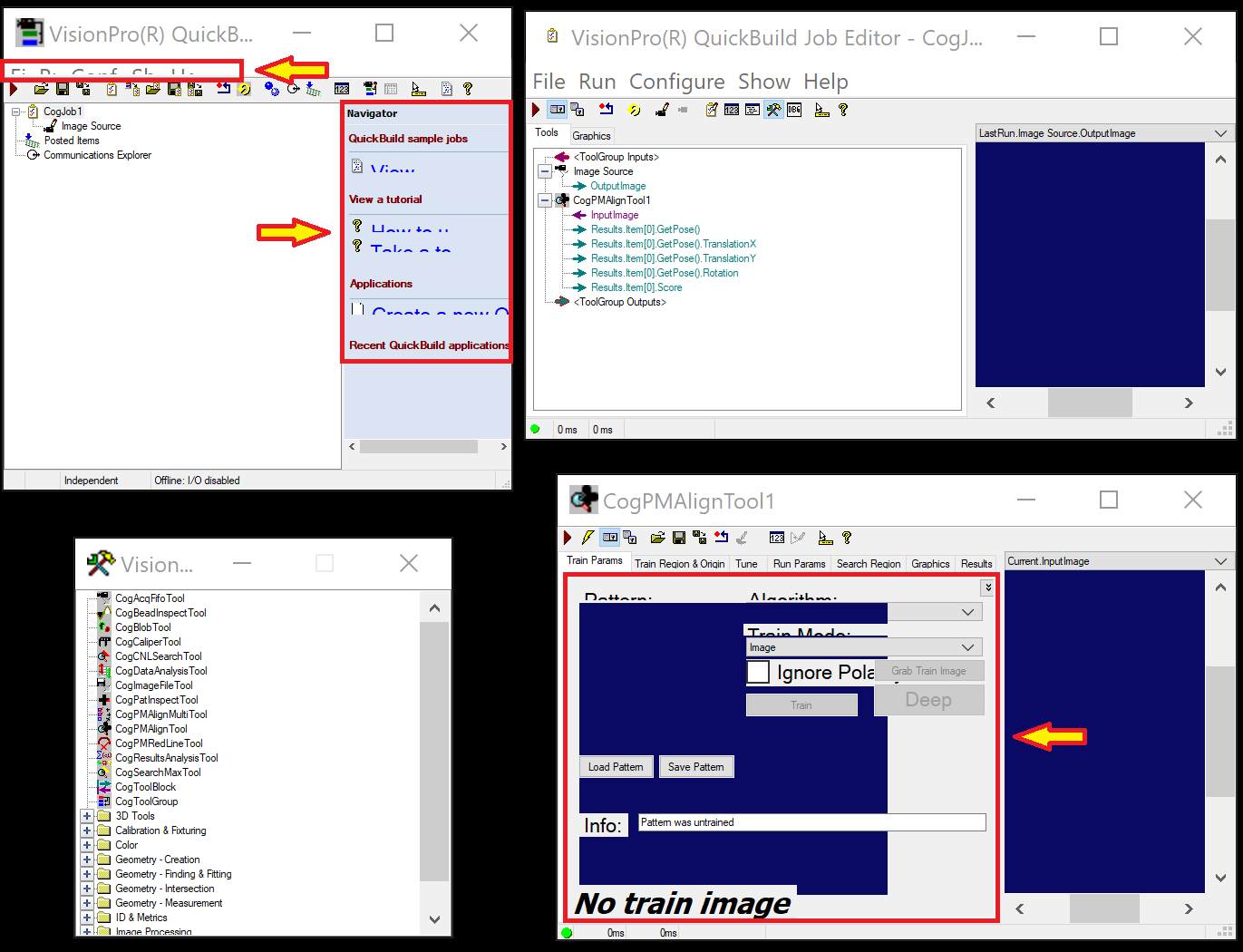
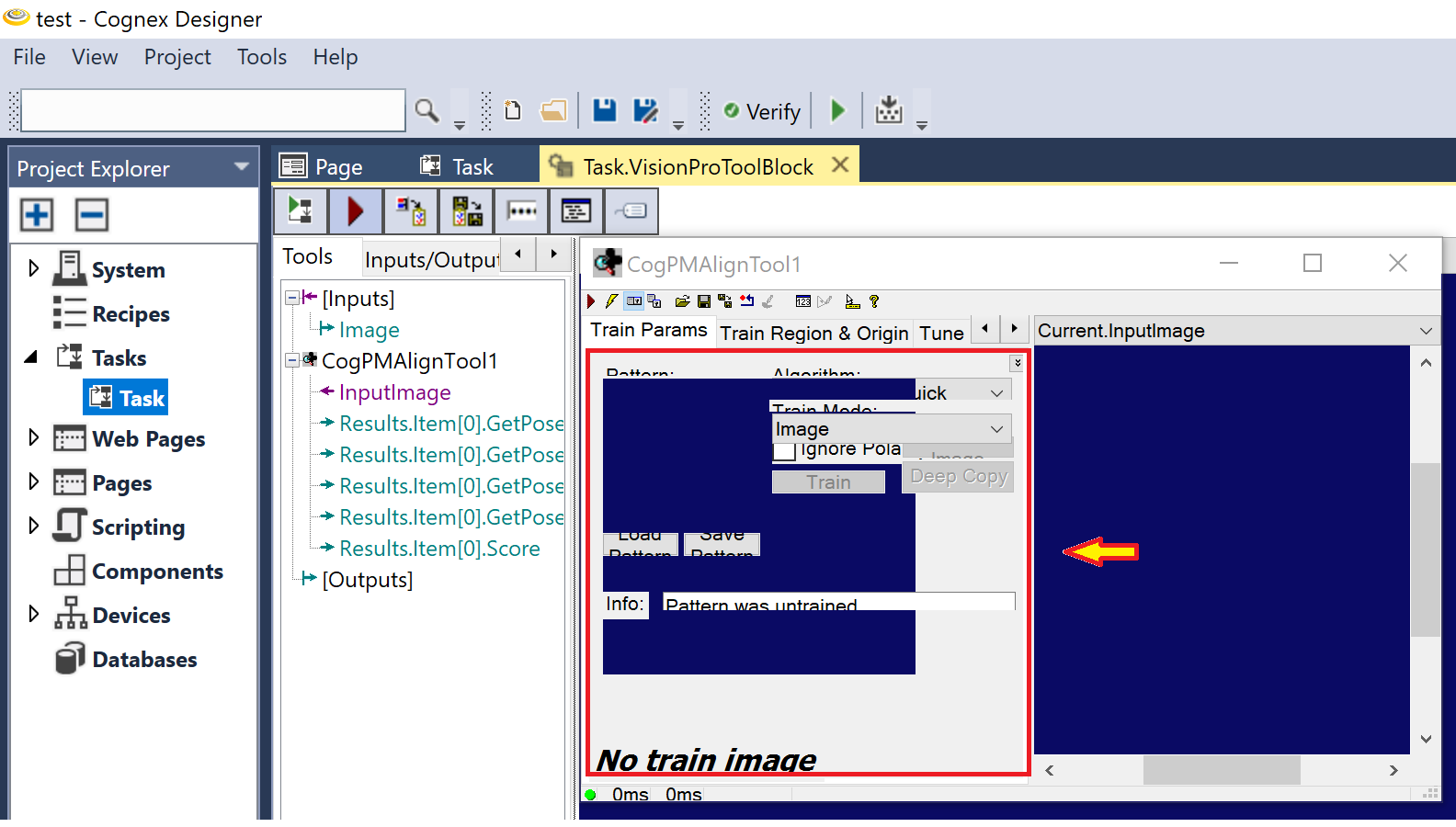
The elements on the user interface of VisionPro QuickBuild or Cognex Designer are not displayed correctly:
Causes:
The Scale parameter of the system's Display settings is set to a higher value than 100%. This typically happens on high-resolution displays.
Resolution:
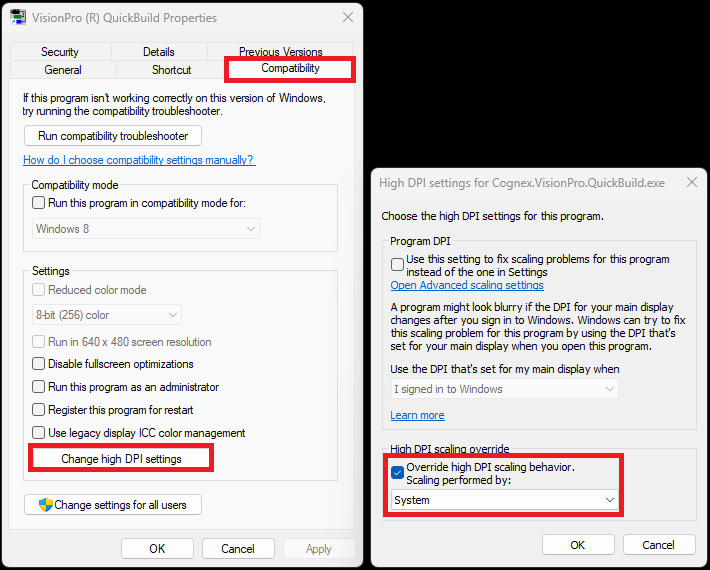
- Right-click in the launch icon of VisionPro QuickBuild or Cognex Designer
- Select Properties
- Click on the Compatibility tab
- Click on the Change high DPI settings button
- Enable Override high DPI scaling behavior option
- Select System in the Scaling performed by dropdown list