Question
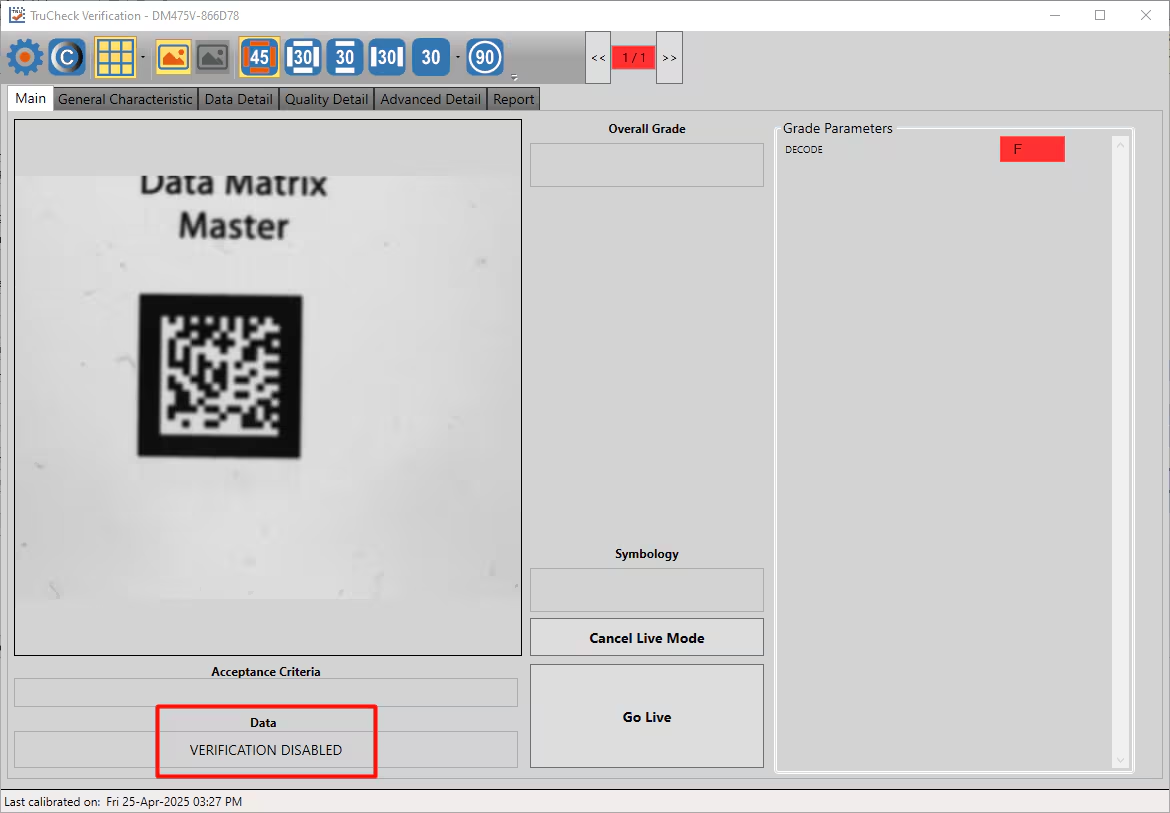
My Dataman Verifier is showing a "Verification Disabled" message when I try to verify my code. How do I make this go away?
Answer
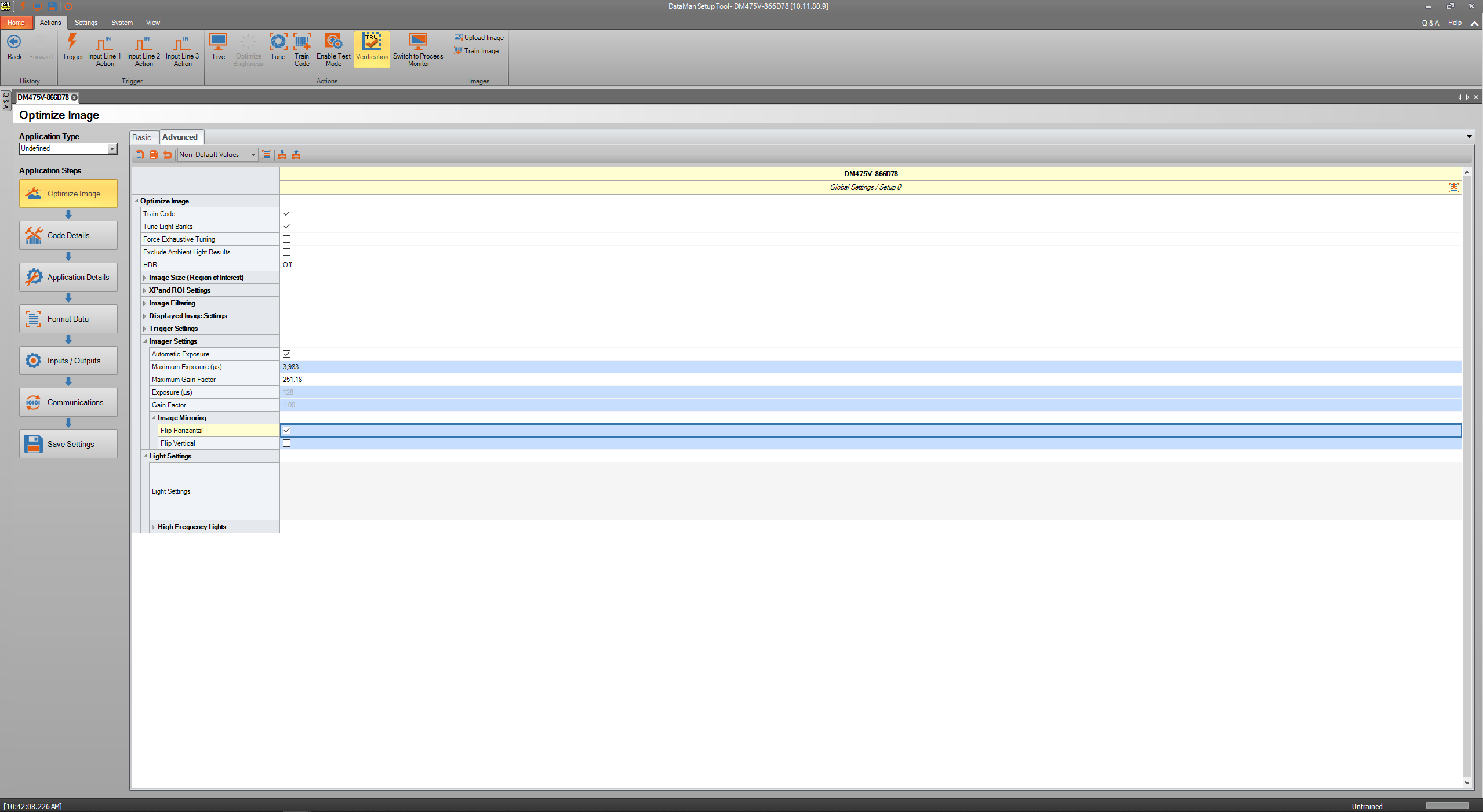
To fix this message, verification will need to be re-enabled in the Dataman Setup Tool. When a verifier is connected to, the Dataman Setup tool opens two windows- a TruCheck Verification window and a Dataman Setup Tool window.
Open the Dataman Setup Tool window and click the Actions tab at the top. Then, click the Verification button .
It should turn a glowing yellow, as shown in the image below. Then click "Save Settings". When you re-open the TruCheck Verification window and verify again, the verifier will complete the requested verification and the error message will no longer appear.