Question
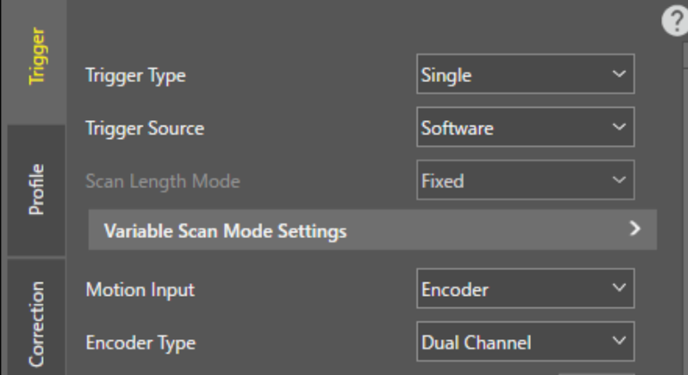
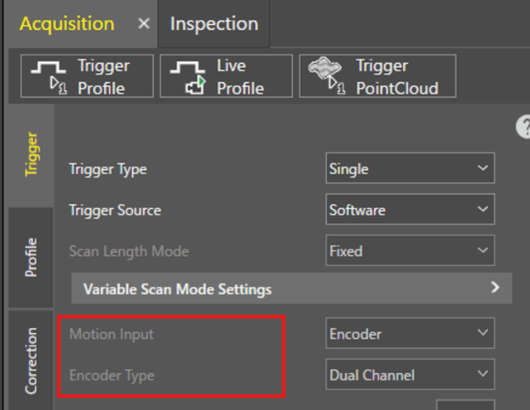
The Motion Input on the Acquisition trigger tab is grayed out and cannot be changed. How can I make it editable?
Answer
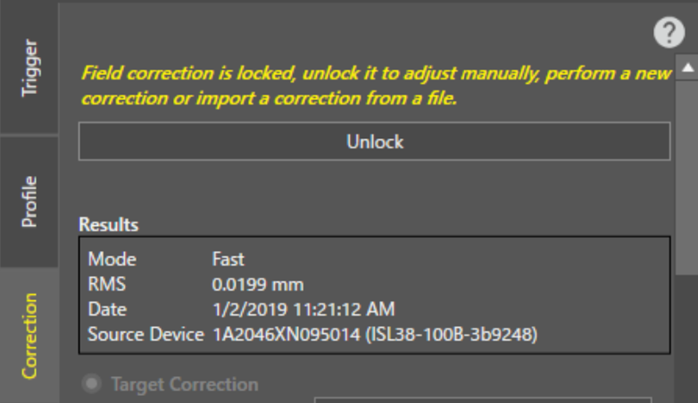
This is because the Field Correction is locked, causing the Motion Input to be grayed out. If you press the unlock button on the Correction tab, the lock will be released, and you will be able to select either encoder or time on the trigger tab.