

Details
This article will show how to create, initialize and populate an array in Cognex Designer.
At first, please note the array has to be created using dimension 1: dimension and size are different values! and you will specify the size by initializing it in a second step.
Setting the dimension greater than 1 will create a multi-dimension Structure instead.
Here how to create an array as a System tag, it is important to check the Make Array Type Checkbox and to select Dimension = 1
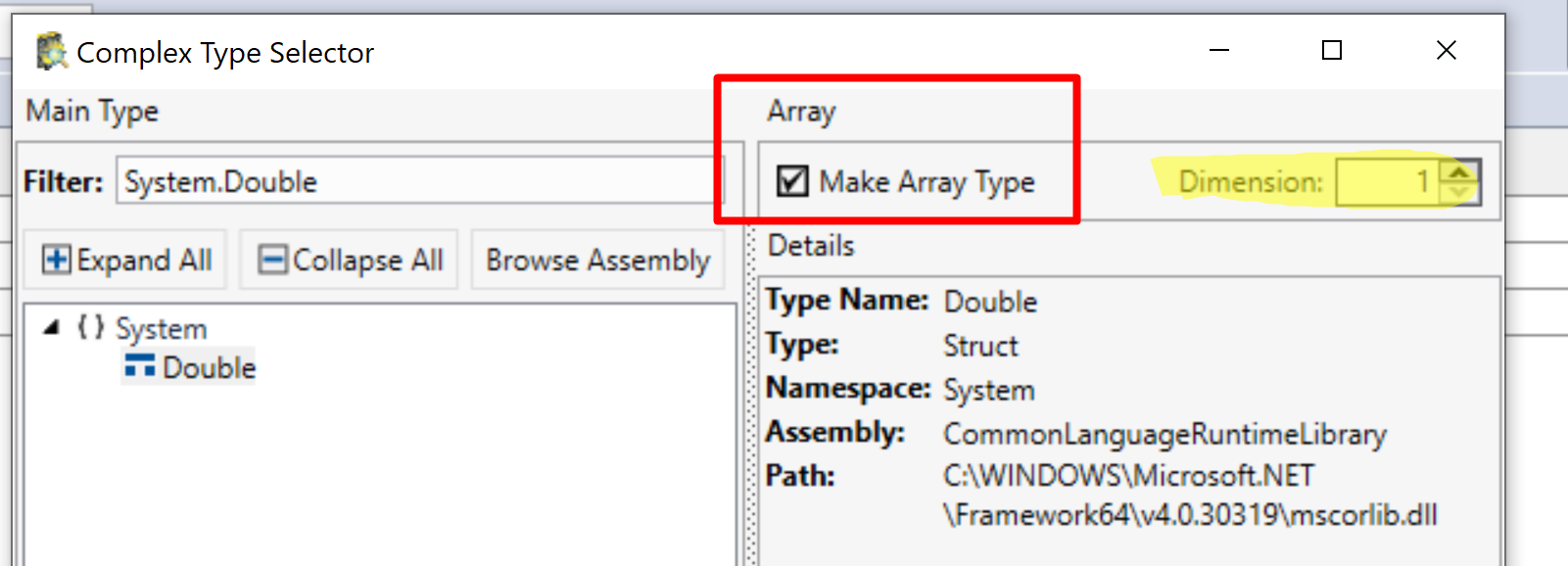
then, you can initialize your array in a scriptblock specifying the size and assigning values as:
$MyArray = new type [size]; // example: new double [32]
$MyArray.SetValue(value,index);
if you want to populate the full array you can loop on the SetValue() function.
