Question
How can I save images from a In-Sight SnAPP?
Answer
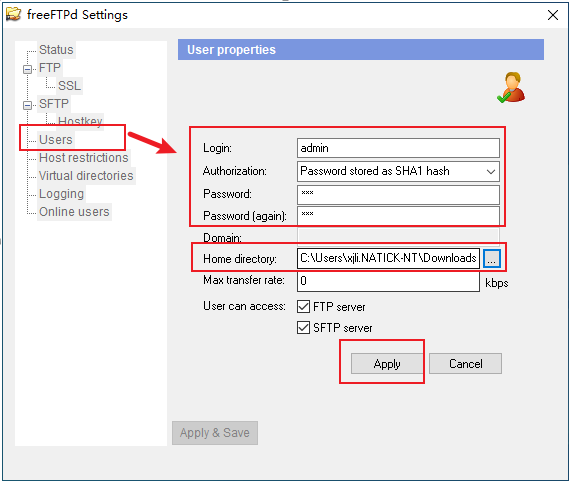
Run SFTP Server with administrative rights, set the parameters for Users as below.
Set the parameters for SFTP.
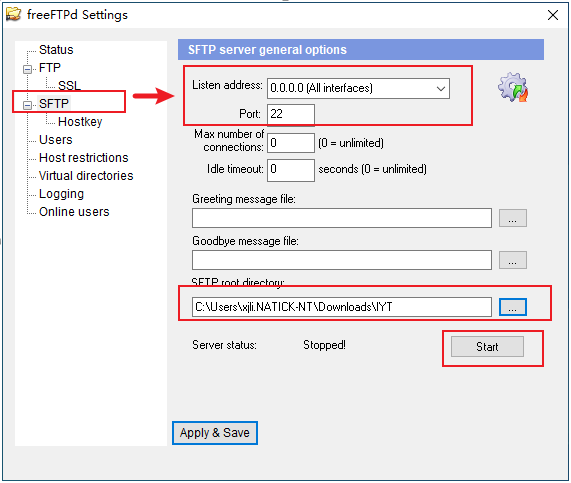
Click Apply & Save.
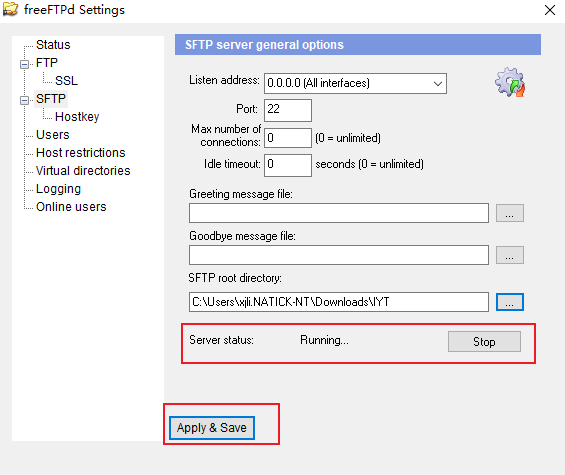
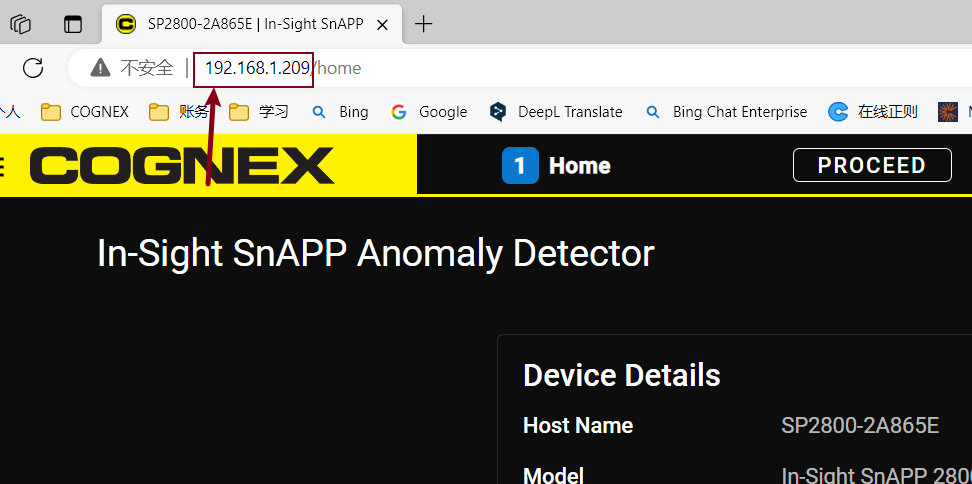
Connect to the In-Sight SnAPP camera using the IP address
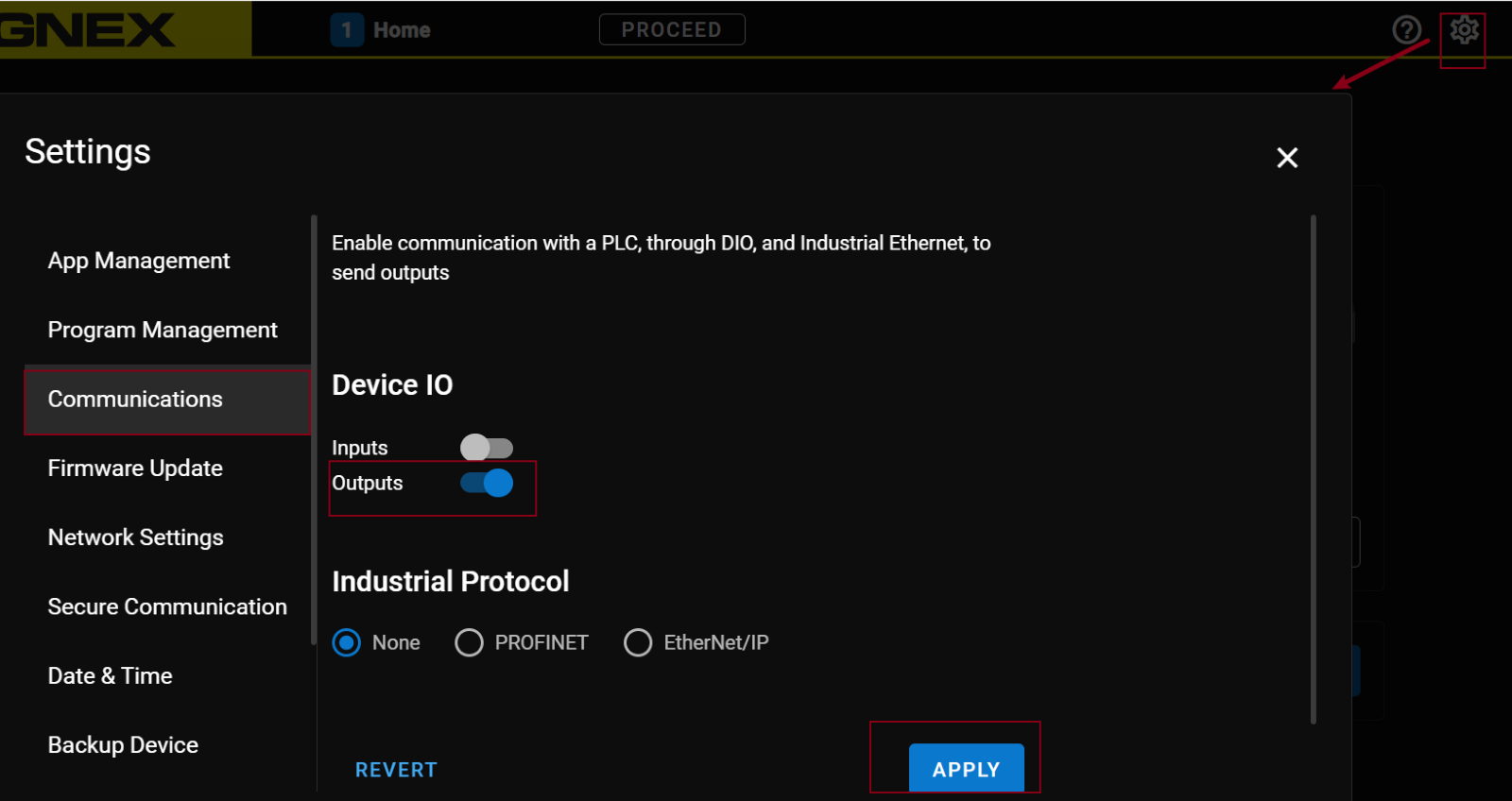
Go to Settings->Communication, enable Outputs, click on APPLY.
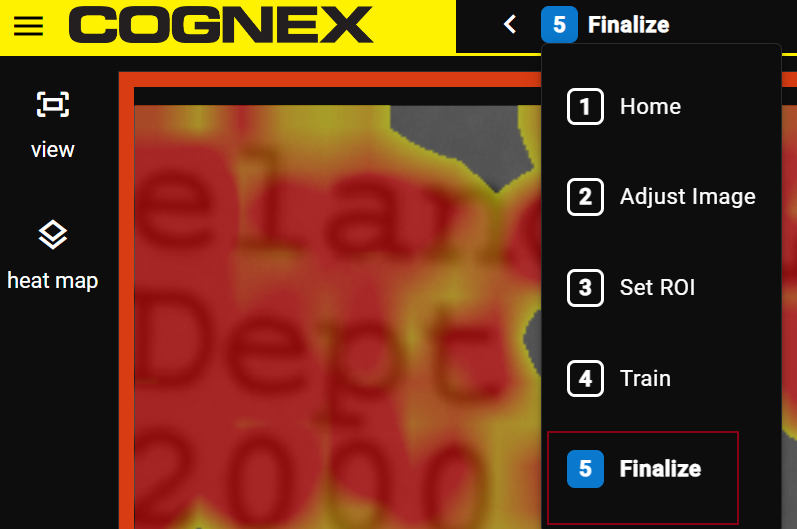
Go to the fifth step.
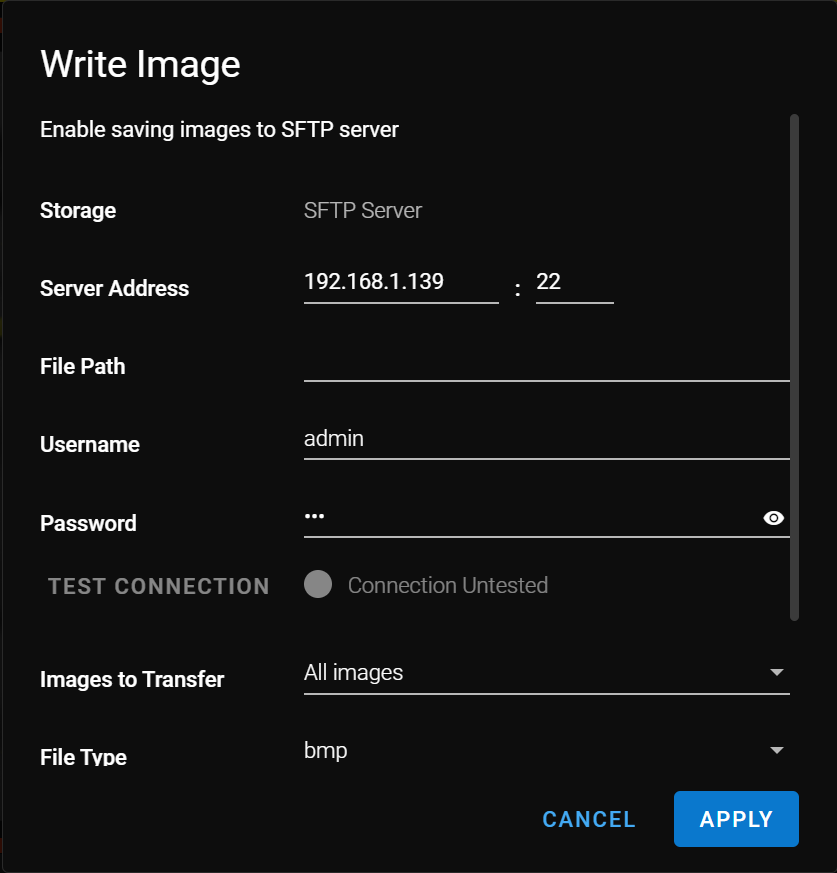
Enable Write Image, click the pen icon to set the parameters for SFTP as below.
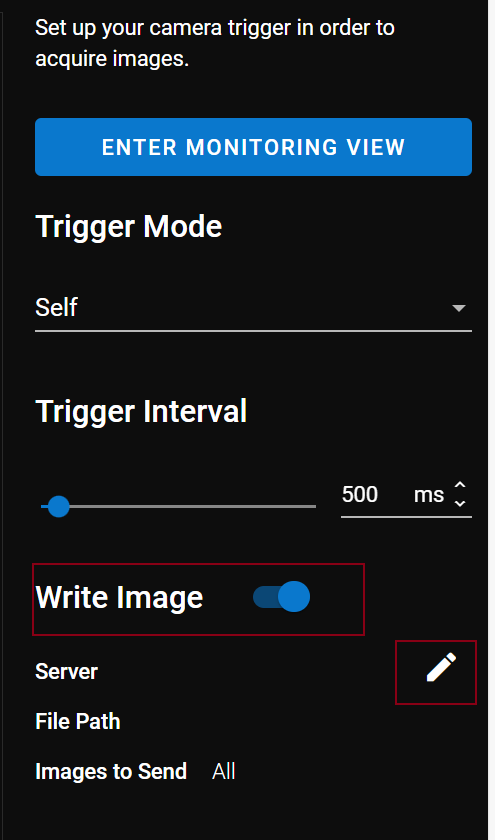
Please note that the Server Address should be the PC’s.
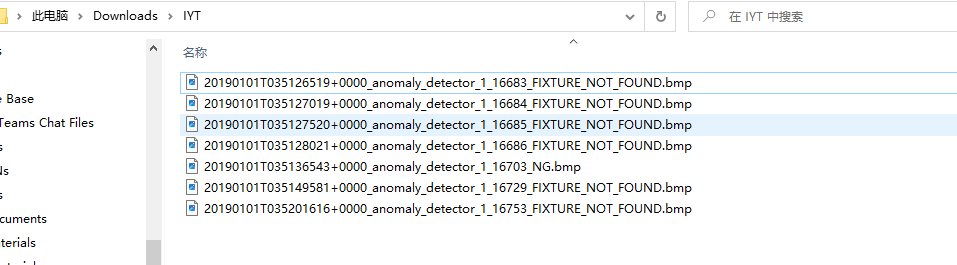
Check the images saved.