Question
How do I get In-Sight to automatically connect and and display the specified views when I start it up?
Answer
Connect In-Sight to In-Sight Explorer and arrange all Toolbars and Pans.
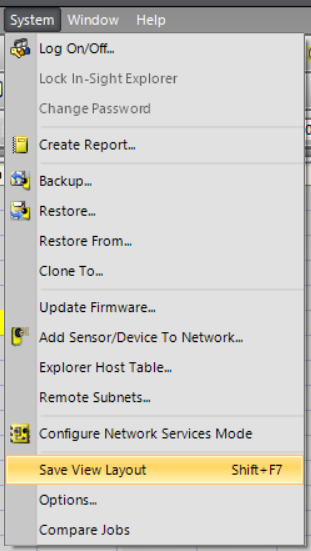
Click “Save View Layout” in “System” menu to save In-Sight connection status and current EasyBuilder\Spreadsheet views.