Details
Issue:
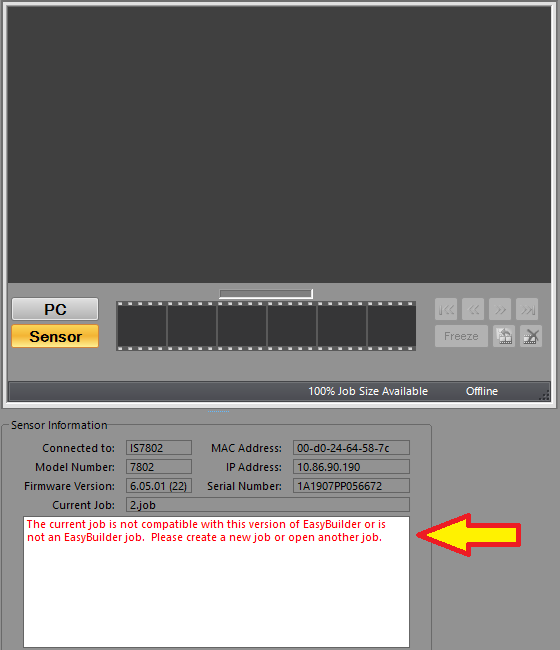
When trying to open a job in In-Sight Explorer EasyBuilder view, then the below message shows up and the job is not loaded:
Causes:
A possible reason is, that the job was created or modified in Spreadsheet view.
Resolution:
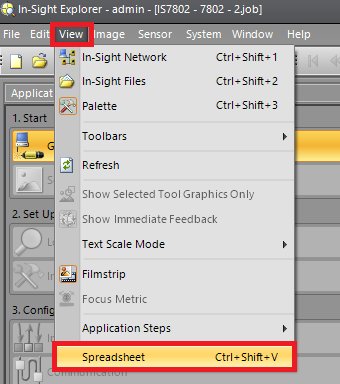
Switch to Spreadsheet view from the View menu:
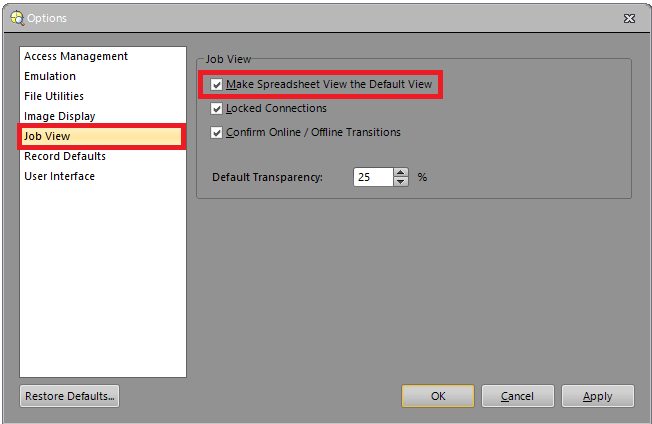
Hint: if you mostly work with Spreadsheet jobs, then you can change the default view of In-Sight Explorer. The software will connect to the camera with the default view. It can changed from the Options dialog of the System menu: