

Question
If you ever need to remove InSightEmulator Cloud License, then you might notice that the Remove button is inactive in CodeMeter Control Center:

Answer
The Remove button can be activated by following the below steps, and then the Cloud license can be removed from the computer.
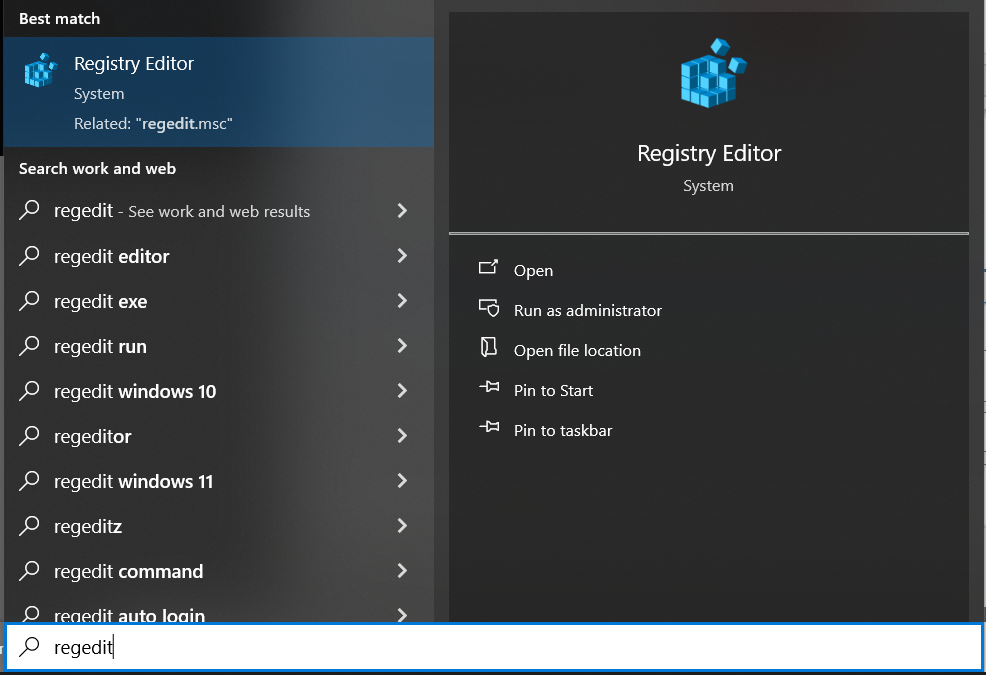
Search for regedit and run the Registry Editor:
Navigate to
Computer\HKEY_CURRENT_USER\SOFTWARE\WIBU-SYSTEMS\CodeMeterCC
and create a new String Value by right-clicking and selecting New => String Value: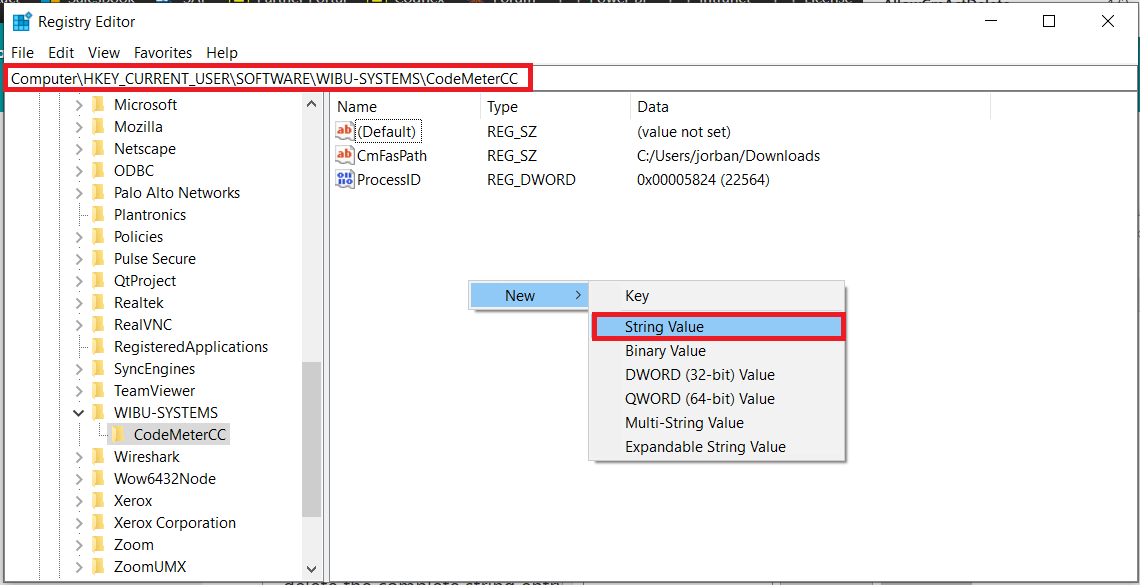
Type AllowCmActDelete for its Name, then double-click on this new entry, set its Value data to 1, and click on the OK button:
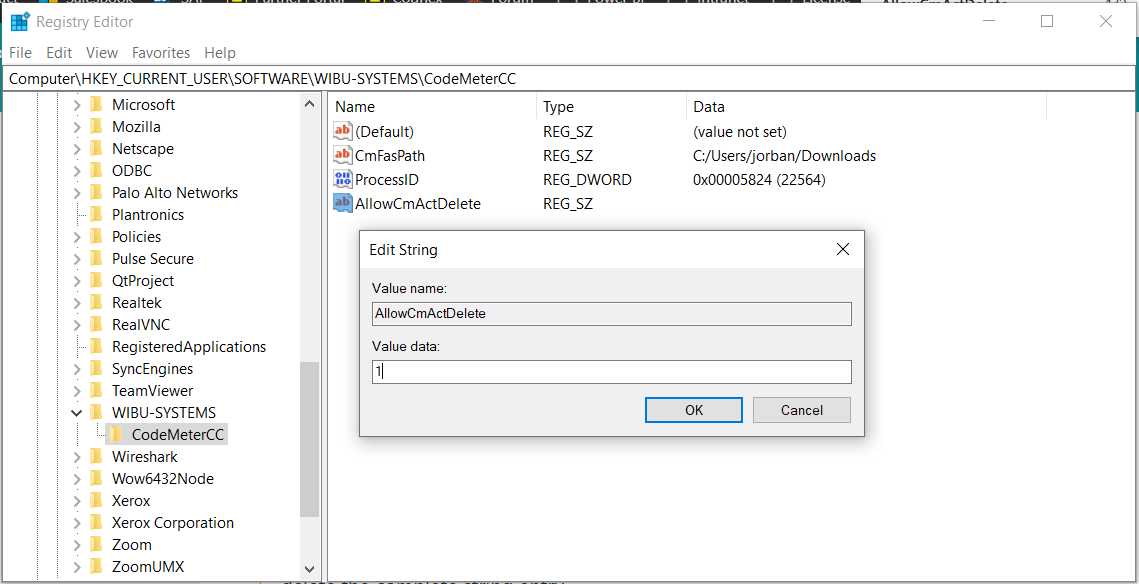
The new entry should look like this:

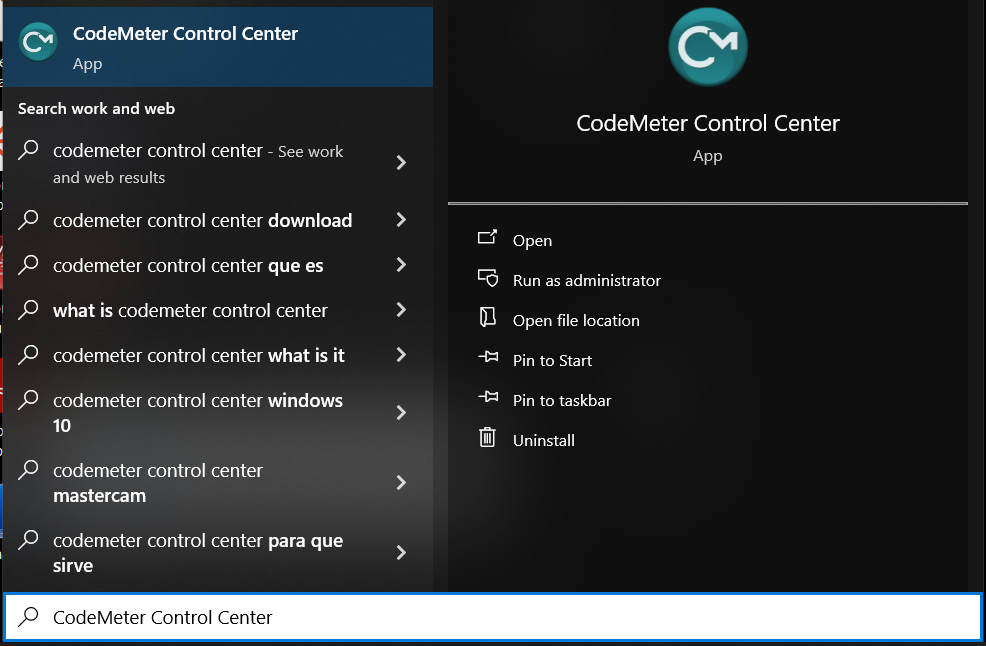
Quit from CodeMeter Control Center and restart it:

Now the Remove button for the Cloud License should be active. After clicking on the Remove button and then confirming it, the Cloud License can be removed from the computer:

