Details
- Run the In-Sight Explorer in Spreadsheet Mode
Add the ReadIDMax Function on an empty cell (for example B6) A screenshot of a computerDescription automatically generated

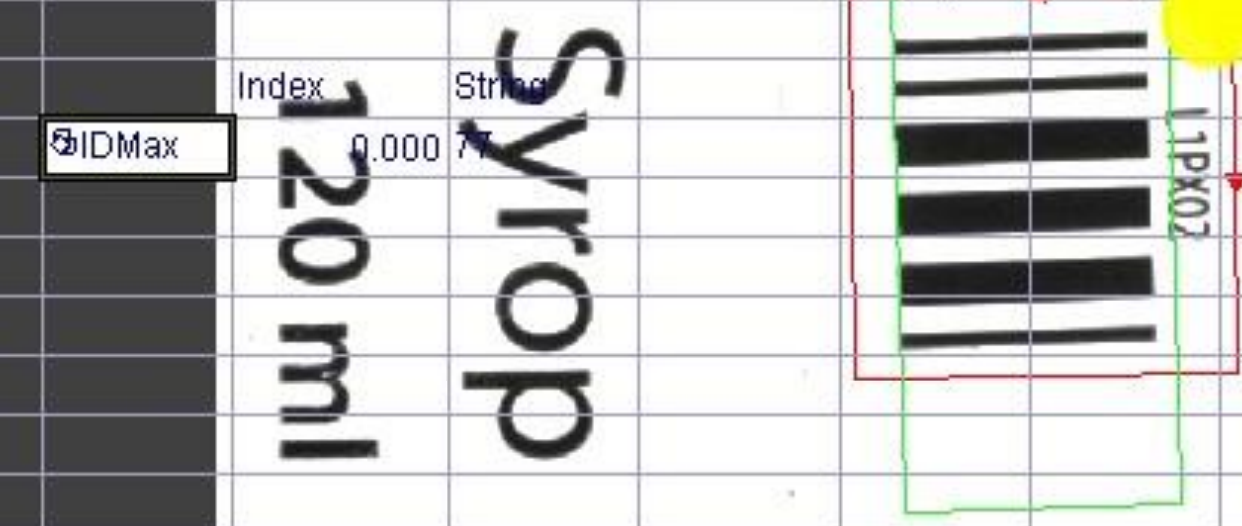
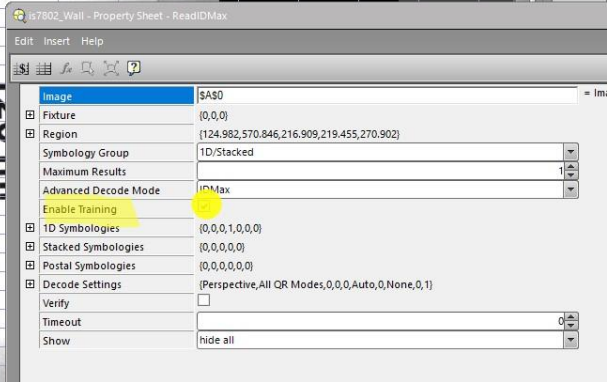
Configure it to read the Pharmacode (Symbol group> 1D/Stacked), enable the Training Checkbox and make sure to locate the region on the Pharmacode so that the origin is on the top-left corner
Add the SetSymbolMinStringLength function to another empty Spreadsheet cell, it has 3 arguments: the first is the IDMax cell reference, the number corresponding to the Pharmacode type -255-, the length – 2 in this case -
(for example B8 = SetSymbolMinStringLength(B6,255,2))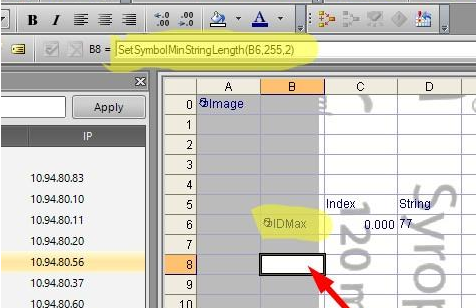
Now the Pharmacode Read String is returned to the ReadIDMax cell getter (D6 = 77)