Details
Issue:
Sometime during the lifetime of C2D2, the motherboard manufacturer changed the sound card chipset.
Cause:
If you use a hard drive from a different motherboard revision, Windows will complain about the broken sound card driver.
Resolution:
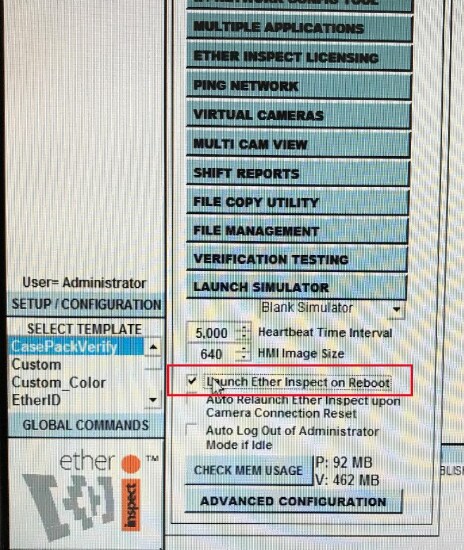
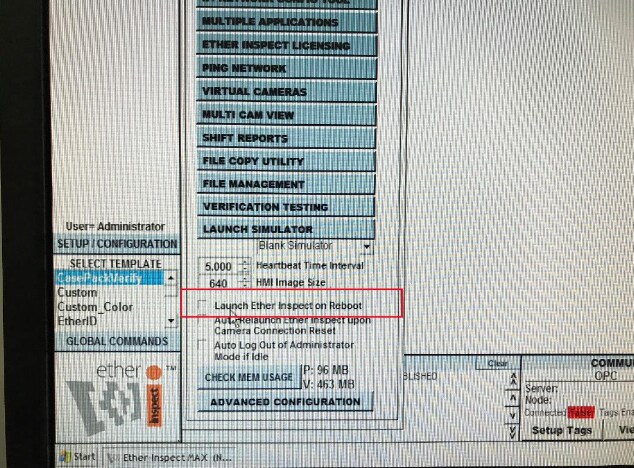
Uncheck the ‘Launch Ether Inspect on Reboot’ checkbox. Then Close the application.
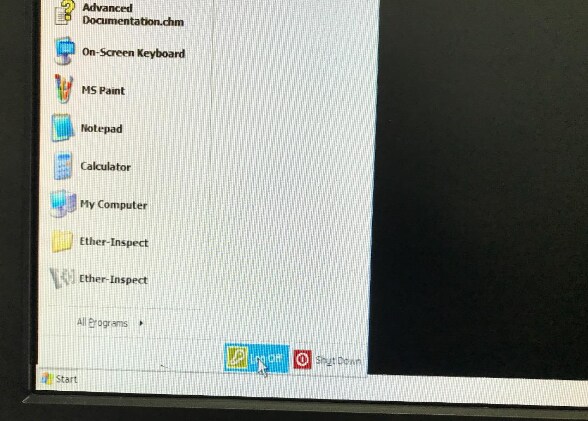
From the Windows Start Menu select ‘Log Off’.
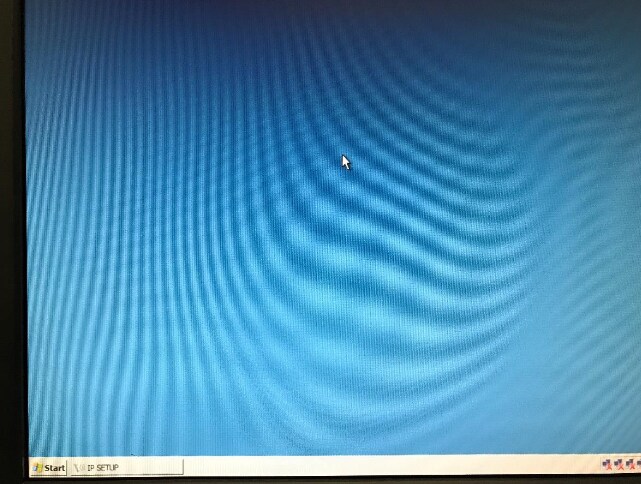
Log into the system Admin account using unique credentials by Serial Number. The desktop will be Blue when logged in as Admin (See separate instructions for getting Admin Access to C2D2).
From the Windows Start Menu select Run.
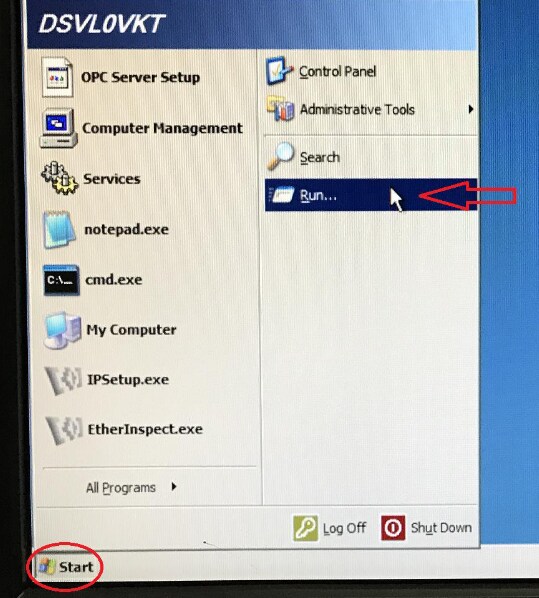
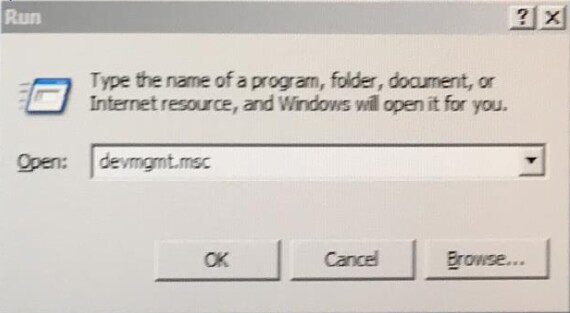
Enter ‘devmgmt.msc’ and click OK to open the Registry Editor.
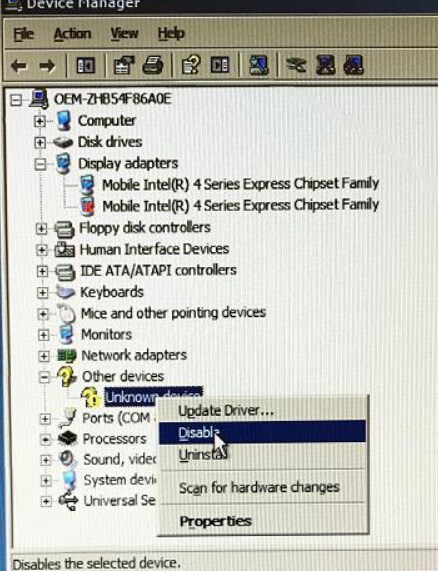
Find the Audio device here. Right click on it and Disable.
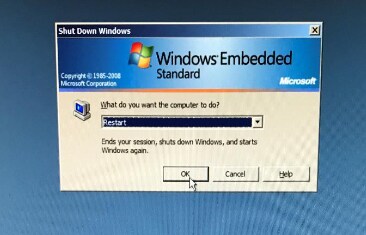
Close the Device Manager and Restart the System from the Windows Start Menu.
After the system gets to the desktop, you can restart Ether Inspect from the Windows Start menu.
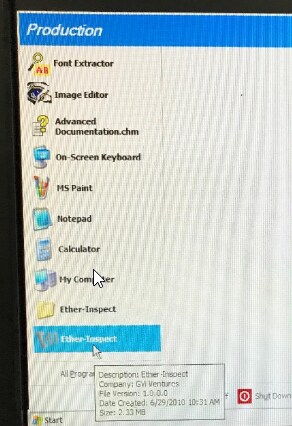
Enable the Checkbox for ‘Launch Ether Inspect on Reboot.