

Details
Issue:
When trying to connect to the In-Sight D900 camera, In-Sight Vision Suite software drops the below error message:
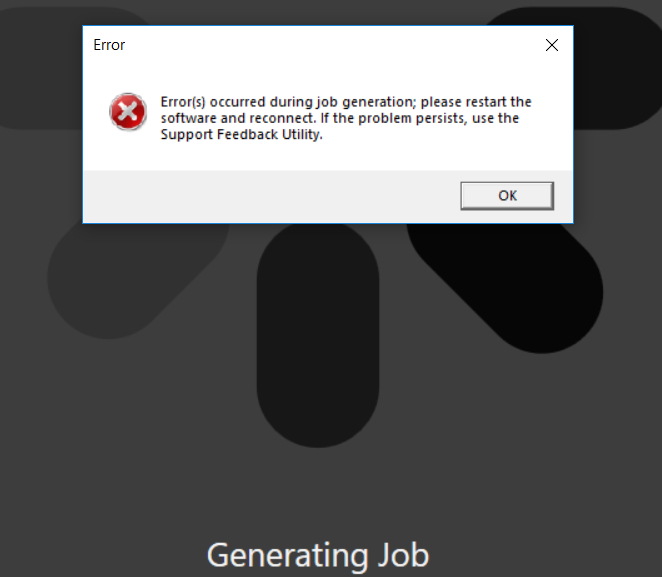
Causes:
A possible reason can be if the camera's internal flash memory became full.
If you are saving images to the camera's SD Card but the SD Card is not mounted (either because it has been removed or mounting the card failed), then the camera continues to fill up the /sdcard directory on its internal flash memory, that can eat up the available space.
If there are files in the camera's internal /sdcard directory and then an SD Card is plugged in and mounted successfully, then the files in the internal /sdcard folder will be masked and hidden, making it difficult to notice that the internal memory is full. However when trying to copy files to the camera flash using FIleZilla FTP client, then it reports "Disk full".
Resolution:
- Remove the physical SD Card from the In-Sight D900 camera.
- Use FileZilla FTP Client or the File Management Utility in In-Sight Vision Suite to delete all the files in /sdcard folder of the camera.
- Disconnect the camera power and plug the SD Card back into the In-Sight D900.
- Power on the device.
