

Details
Issue:
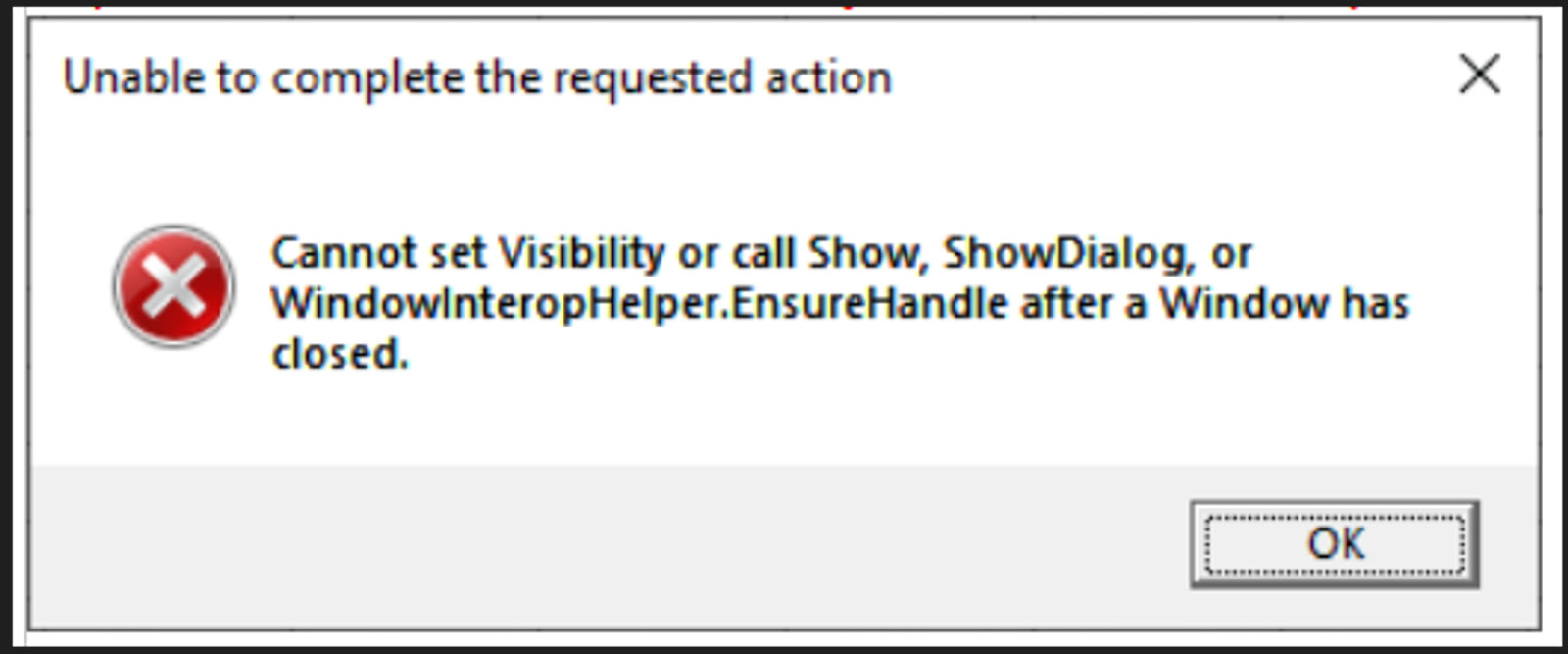
Unable to complete the requested action Error
“Cannot set Visibility or call Show, ShowDialog, or WindowInteropHelper.EnsureHandle after a Window has closed.”
Cause:
Trying to Add ViDi or ViDi App Tools to a spreadsheet cell on the Emulator or on the Camera/Trying to access the ViDi Editor on an existing job when
A valid In-Sight Vision Suite license is not plugged in or not seen
The ViDi Suite is not installed
Resolution:
Check a valid and not expired license is plugged on the PC and properly seen by CodeMeter
Check the Cognex Security service is running and – if it’s not – run it manually
Install the ViDi Suite by launching the In-Sight Vision Suite setup file if it’s not installed on the PC anymore (uninstall by mistake by other user)
See Also:
A Valid Training In-Sight Vision Suite license is needed to add ViDi Tools or to access existing ones on the camera Spreadsheet: anything related to a training ViDi Workspace will access and use the PC resources and so needs a training license plugged in; the embedded license on the camera is not enough, it’s just meant for runtime.
