

Details
Autofocus function has been added through the In-Sight Vision Suite 25.1.0 Software release. It can be useful when in the need of reprocessing an autofocus into an application.
How to use the AutoFocus function?
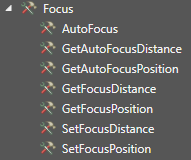
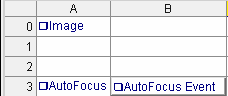
- Add AutoFocus from Focus toolbox or type AutoFocus in the spreadsheet
Property Sheet:
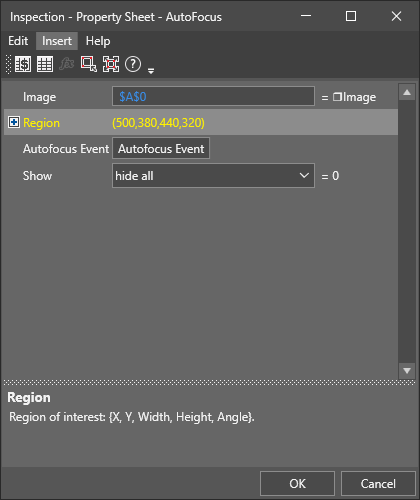
- Automatic getter is an Autofocus Event button which can be used to reprocess AutoFocus on selected image structure.
- Region can also be adjusted to select the object of autofocus
- 2 new Get functions:
- GetAutoFocusDistance(AutoFocus) - get the focus distance in millimeters
- GetAutoFocusPosition(AutoFocus) - get the focus lens position [range: 1-100]
