

Question
How can I use HyperTerminal to test the serial connection to a DataMan so that I can see what input and output it is capable of?
Answer
- Download the HyperTerminal zip file and extract the folder to your desktop. Go into the folder and run the hypertrm.exe application.
- Choose No when asked if you want to install a modem.
- Give the connection a name, such as “DM100”.
- Choose the COM port to the DataMan you wish to connect to is correct and press enter.
- Change the Bits Per Second to 115200 and Flow Control to NONE. Then OK
- Now go to File – Properties – Settings Change the function, arrow, ctrl keys act as to Windows keys
Click the ASCII Setup button and place a check box besides both Send line ends with line feeds, and Echo typed characters locally.
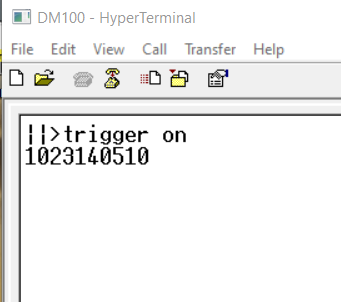
- Now you should be able to DataMan Control Command send line command to the reader.
