

Details
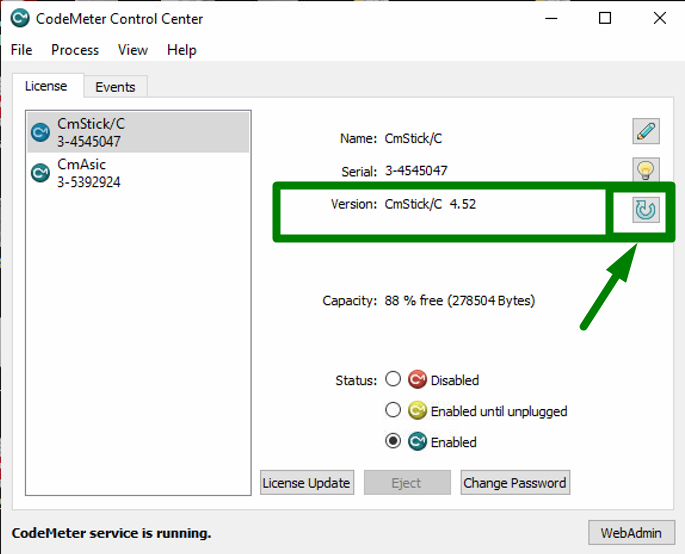
If your dongle isn't up-to-date, go to the CodeMeter Control Center Home Page, select the license to upgrade, and click Upgrade Firmware.
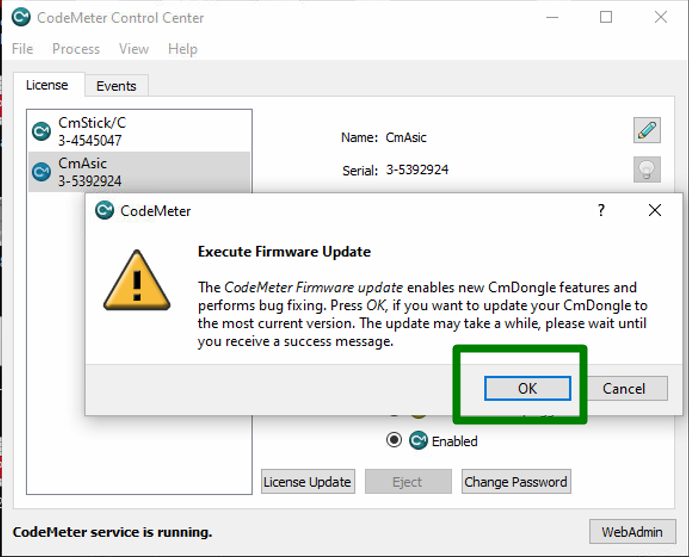
If the license needs to be upgraded, you will see a popup to upgrade. Click OK and wait for the process to complete.
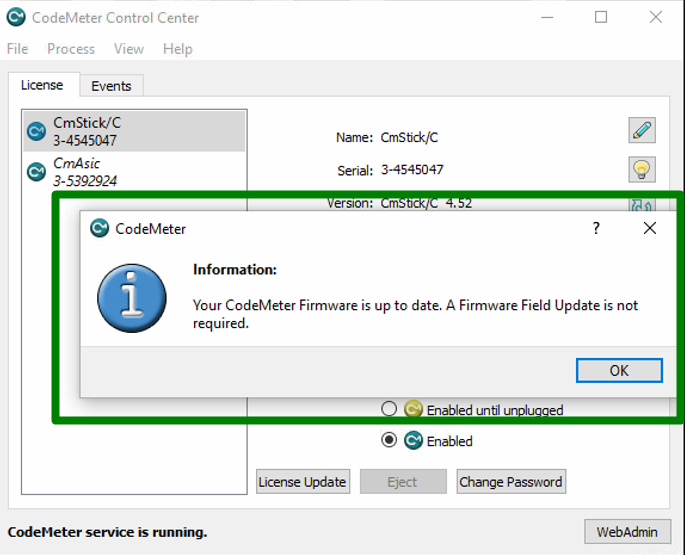
If the license is already upgraded, you will see a popup to say that you don't need to upgrade.
