Question
How do I save images with the In-Sight 2800 to different folders via FTP?
Answer
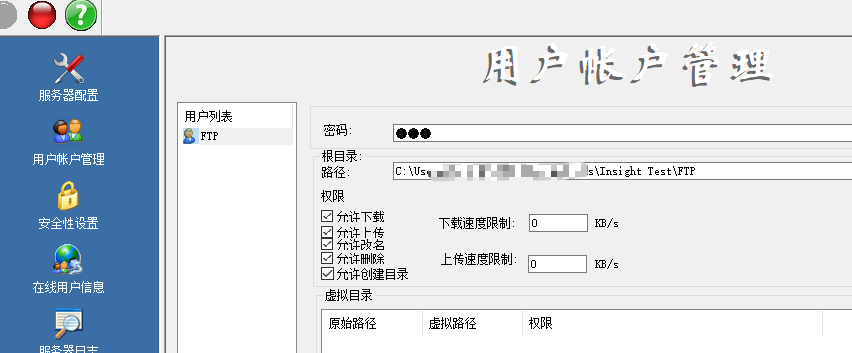
In-Sight Vision Suite 22.3.0 and above is required. Use third-party FTP software to create the FTP server, like FileZilla Server.
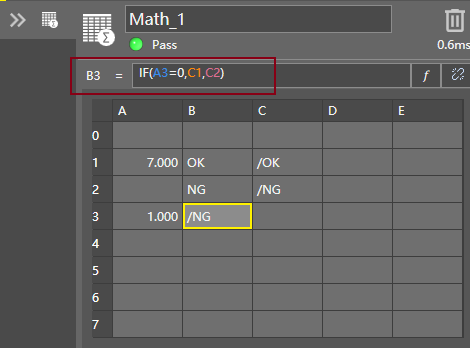
Create a Math Tool to create the path information and choose function to switch path, the example below is to build an easy logic to show ‘/OK’ or ‘/NG’ as the file path in cell B3.
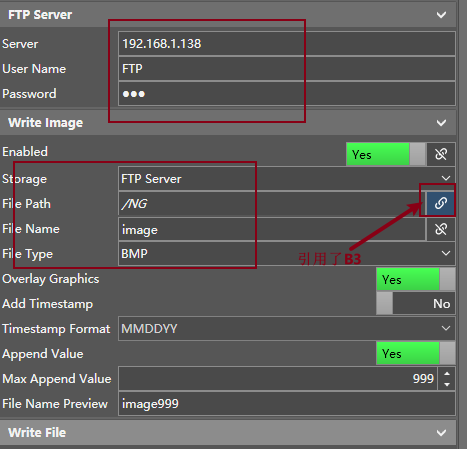
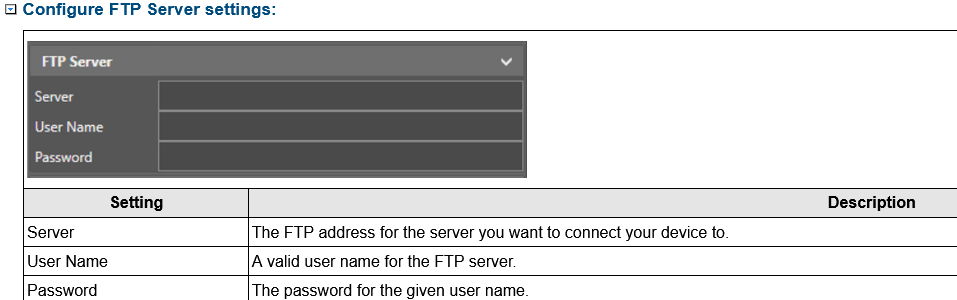
Go to “Communication” to set FTP Server setting as below, please remember to use the link icon next to the textbox in the File Path field to link the cell B3 in the Math Tool.
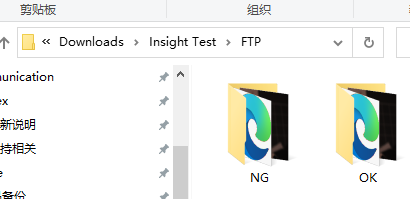
Save job, set Online and then trigger the In-Sight 2800, then the good/bad images will go into the separate folder as expected, please note creating the folders in advance is required.