

Details
This article describes the usage and settings of Delay Mode to avoid multiple reads of the same code when the reader is in Presentation mode or Self Internal mode.
- You will find the relevant settings available under the Application Details step.
- Make sure the Delay Mode is set to After Last Read. This means that when the reader has read a code once it will not register a new read if it happens before the time specified as Code Re-Read Delay. If the code remains in the Field of View of the reader, it will reset this timer every time the code is read but without registering it as a result.
As soon as the code is removed or otherwise unreadable for the specified time, then the reader will register a new result as soon as the code is presented again.
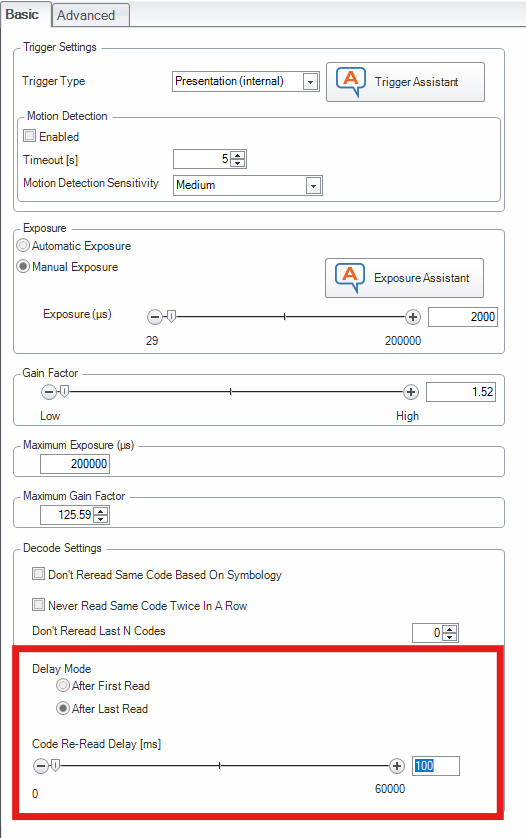
- When using Presentation mode, the internal interval between read attempts is controlled by the reader. A typical value for Re-Read Delay may be 100-500 ms but needs to be tested.
- When using Self Internal trigger mode, the Re-Read Delay must be set larger than the interval between two images.