

Details
Issue:
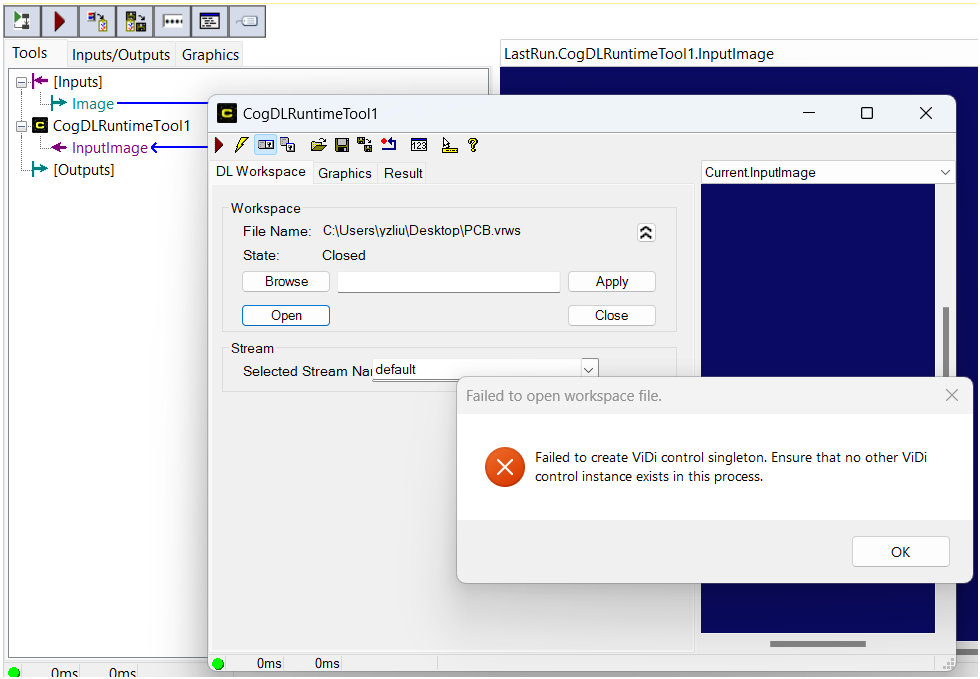
After adding CogDLRuntimeTool, the tool reports a 'Failed to create ViDi control singleton. Ensure that no other ViDi control instance exists in this process' error during opening Runtime Workspace. Error screenshot is shown below.
Resolution:
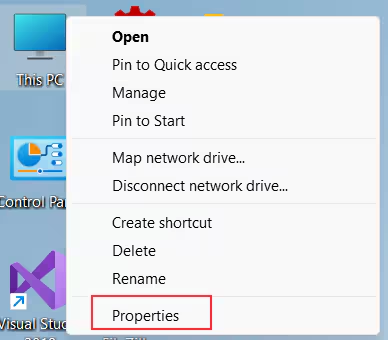
Right-click on 'This PC' and select 'Properties'.
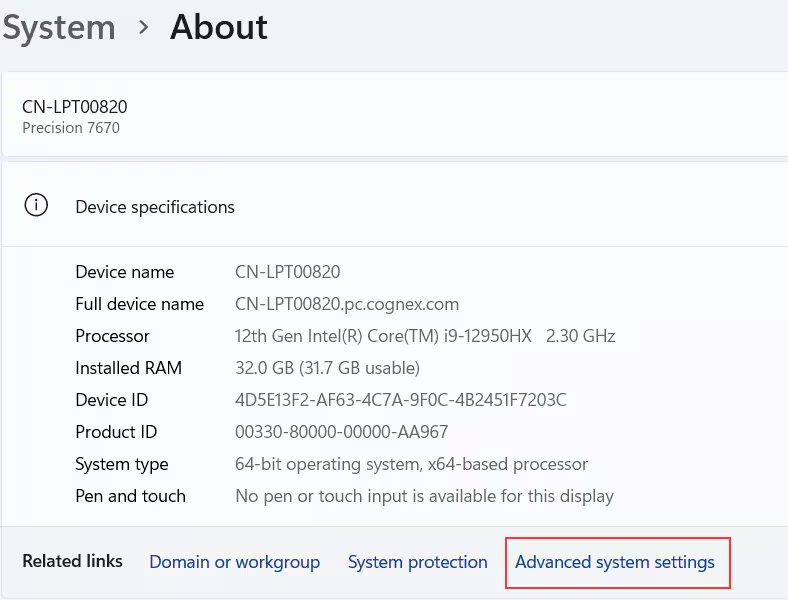
Click "Advanced system settings" on the "System>About" panel.
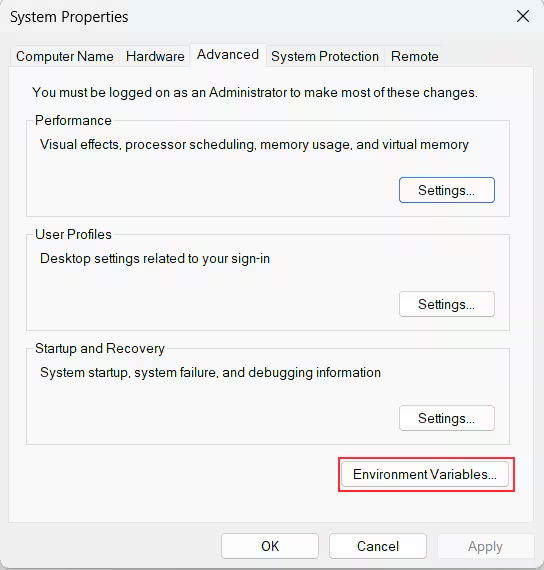
Click on "Environment Variables" button on "System Properties" Dialog.
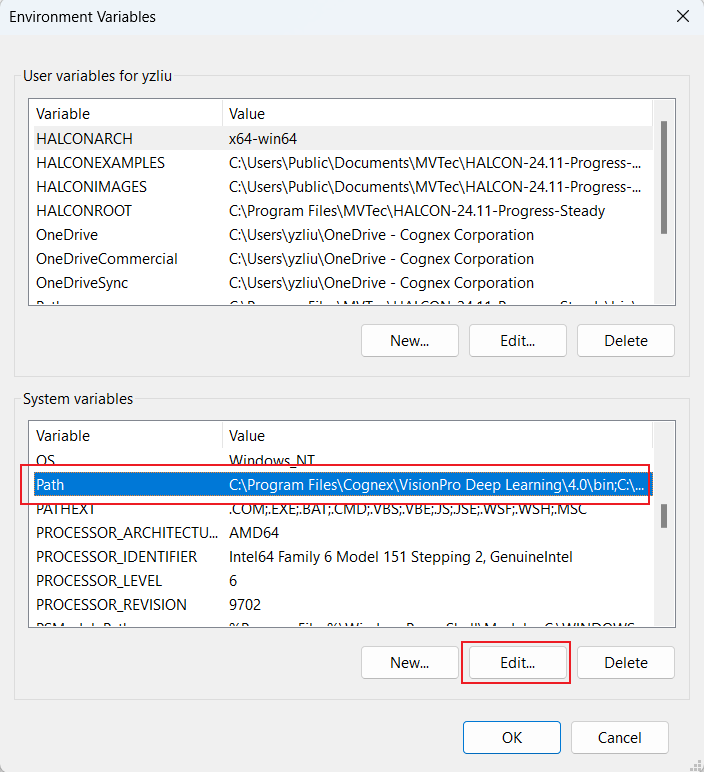
In the "Environment variables" Dialog, select "Path" under "System variables and then click on "Edit" button.
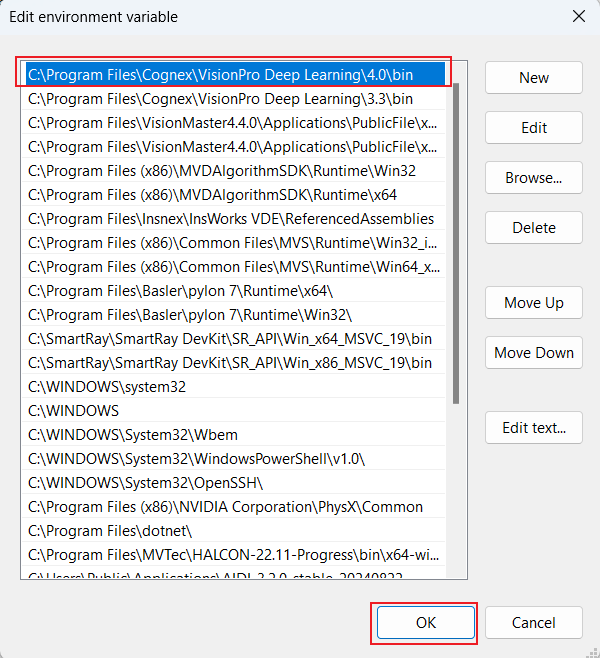
In the "Edit Environment Variables"dialog, move the path of the current used VisionPro Deep Learning Studio version to the top of the list and then click "OK" button.
- Restart VisionPro QuickBuild.
