

Question
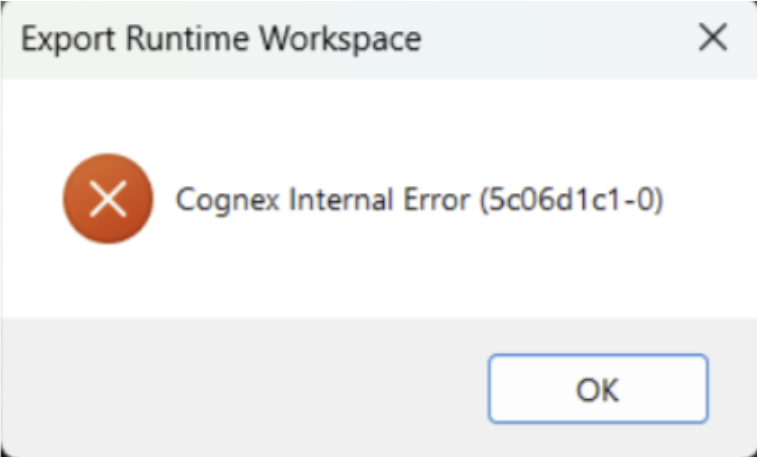
Why does the VisionPro Deep Learning report error when we export or save the workspaces on Window 11 24H2. Like below:
Answer
This error is caused by an unstable CodeMeter server. If the operating system is Windows 11 24H2, follow these steps:
- Uninstall the currently installed CodeMeter
- Download and install the CodeMeter Runtime installation package version 8.20a or above
- Restart the PC
