Question
How to modify the font, the size and the color of a plot string, when using In-Sight Vision Suite EasyBuilder?
Answer
- Open In-Sight Vision Suite,
- Select the In-Sight 2802M emulator,
- Connect to the spreadsheet,
Place a "PlotString" in cell A3 and set the parameters you need (String, Point Position, Color, Font Size, Font, Show):
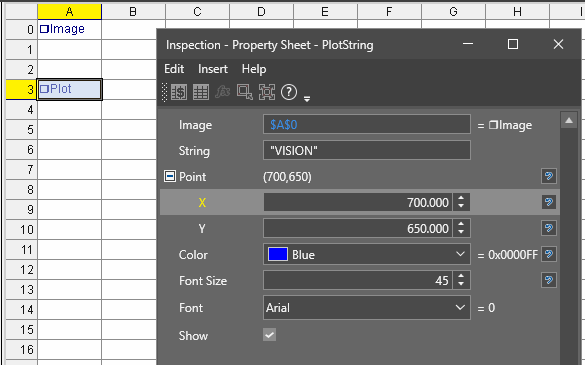
- Close the Property Sheet of the Plot String,
Copy the formula of this PlotString:
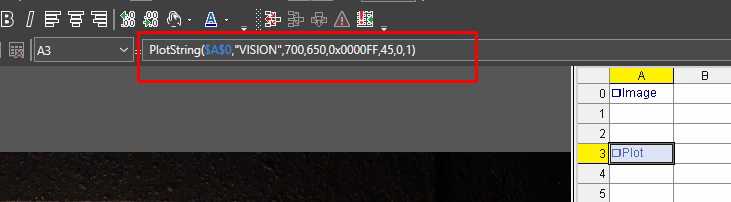
- Connect to EasyBuilder,
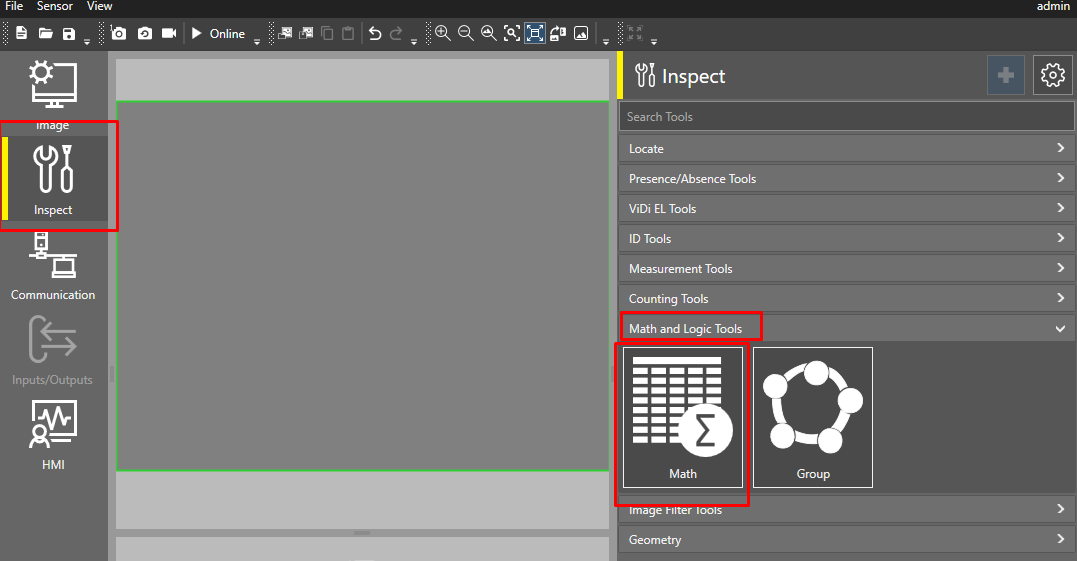
Go to "Inspect", then add a "Math" tool:
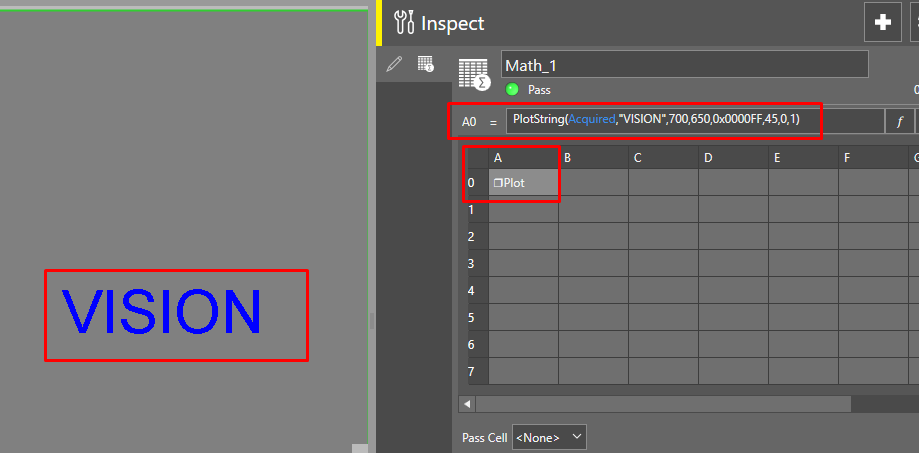
Paste the formula in cell A0, and replace "$A$0" with "Acquired" as per below :