

Details
Issue:
In-Sight Firmware version displays as 10.0.1.xx.
Causes:
This can occurs after an unexpected interruption during upgrade/downgrade FW.
Resolution:
Check to see if the following indicator lights are lit:
ENET LED is green, LED1 or LED2 is red.
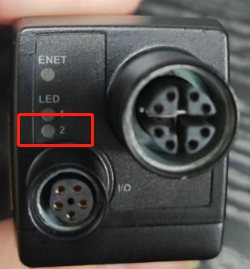
If this is the case, In-Sight Explorer can detect the system. Set a proper IP address and double click to connect. You should see a connection error in red pop up.
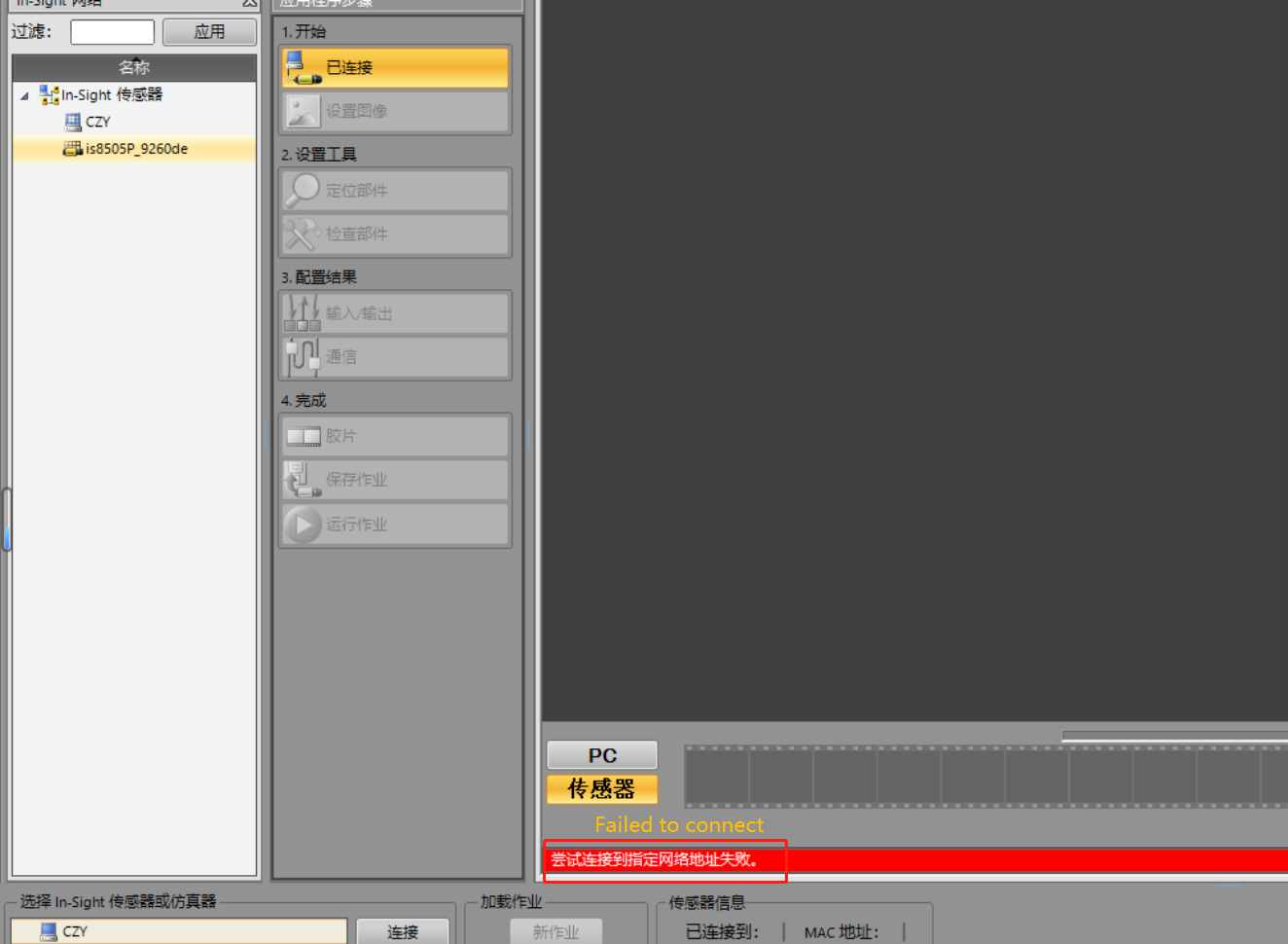
Check the Firmware version display to see if it lists 10.0.1.xx.
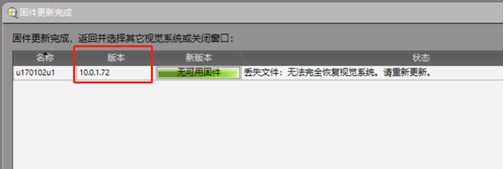
If these symptoms are found, then the system can be recovered by re-upgrading to an available Firmware version. It is possible the update may fail again, in which case please power it off and try again.
Note: In-Sight 8505 cannot be downgraded to 6.2.1 or lower.
