Details
Issue:
File Operations are not possible on In-Sight cameras.
Causes:
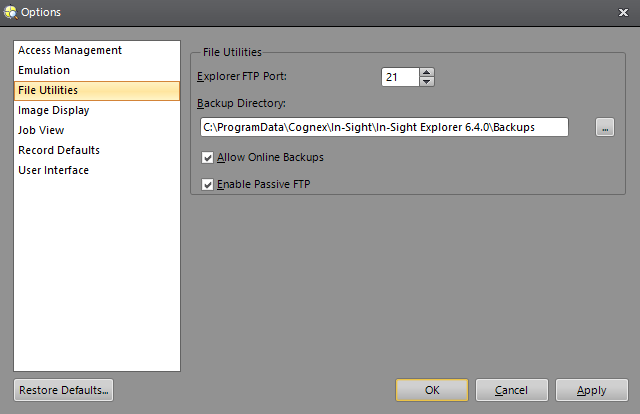
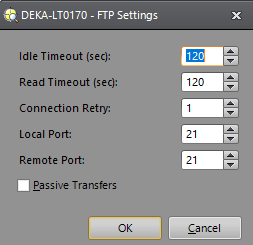
If the Local Port is not set to the same value as the Explorer FTP Port, then In-Sight Explorer may not be able to perform file operations on the In-Sight sensor such as Backup, Restore, Firmware Update, or view the files in the In-Sight Files pane.
Resolution:
Make sure the Local Port of the camera is set to the same value as the Explorer FTP Port (default FTP port 21).
Menu -- Sensor – FTP Settings
Menu -- System -- Option – File Utilities