Question
The Enabled property is not accessible as an industrial protocol input in In-Sight Vision Suite EasyBuilder jobs. How can I control this Enabled property through industrial protocols?
Answer
This can be done by linking the Enabled property through a Math tool cell, as described below.
Add a Math tool to the job and put one of the below functions into a cell:
- Editint(0,1)
- CheckBox("")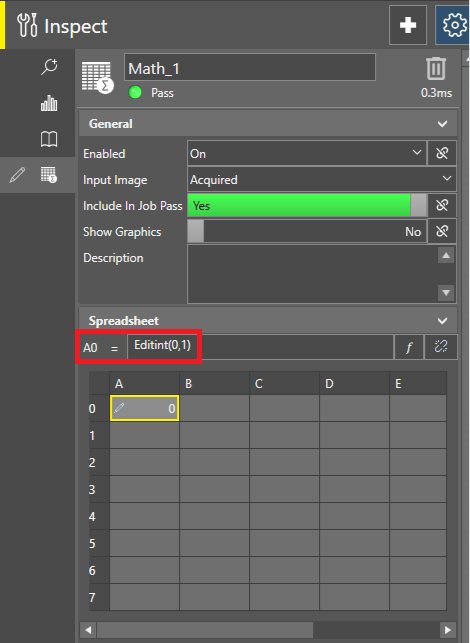
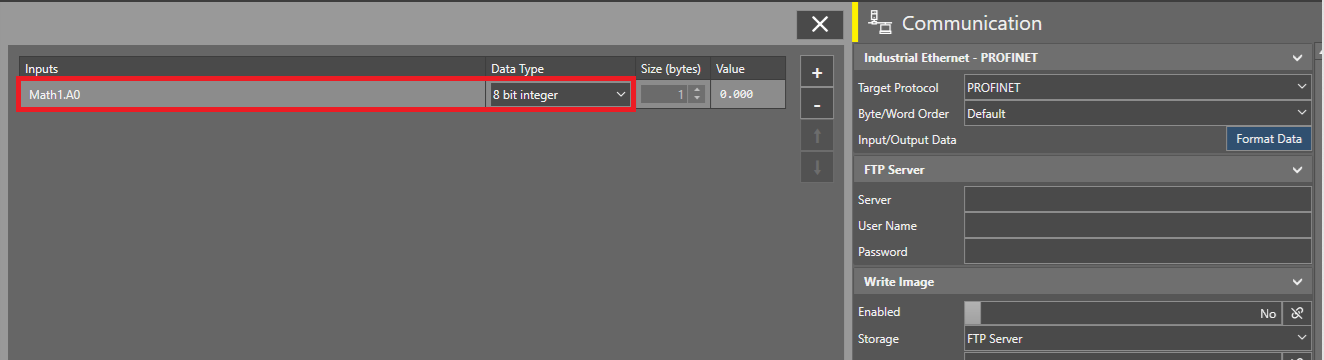
Add that cell reference in the Input buffer of the selected communication protocol, and set its Data Type to Bit or an Integer, whatever is preferred:
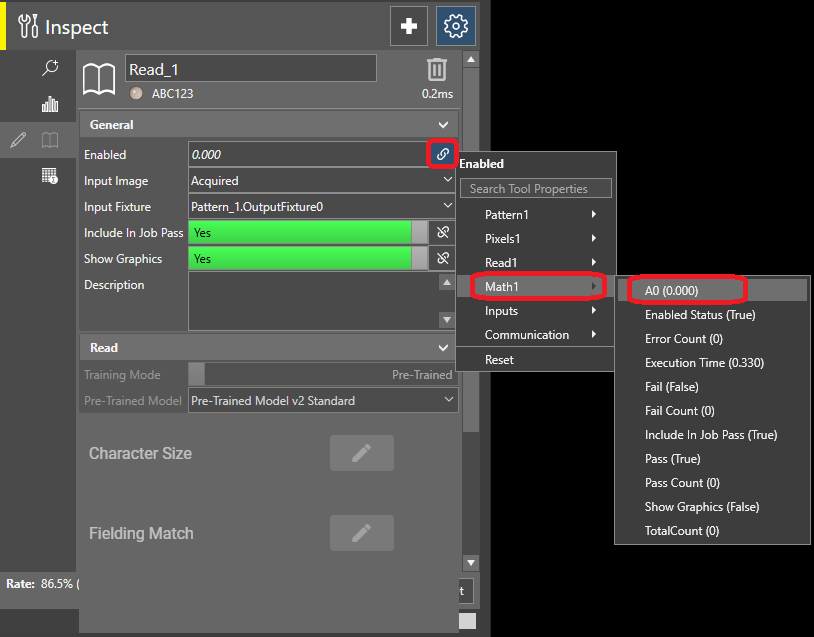
Click on the link icon next to the Enabled property of the tool that you would like to control, and select the same cell reference: