

Details
Generating CodeMeter Logs
Generating CodeMeter logs can be useful when investigating issues that may be impacted by security (e.g slow start up times, security violation issues, ...)
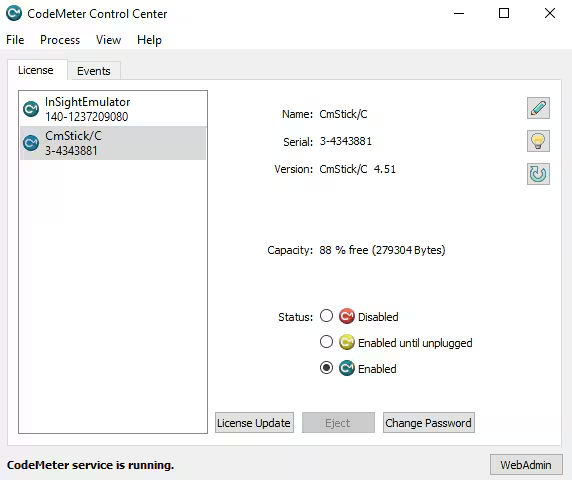
Open CodeMeter Control Center
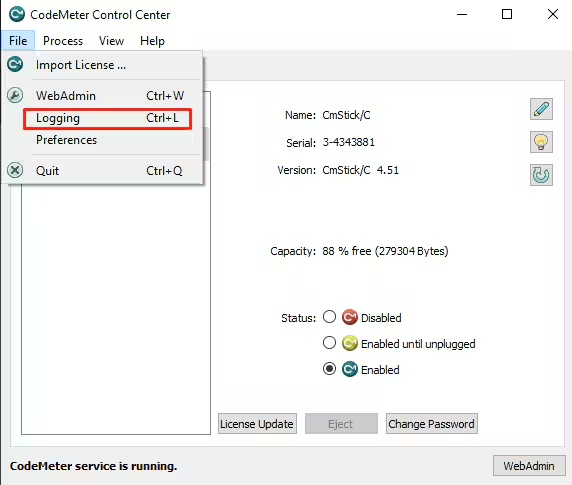
Enable Logging (File → Logging)
- Open your Cognex software and replicate the issue you are having
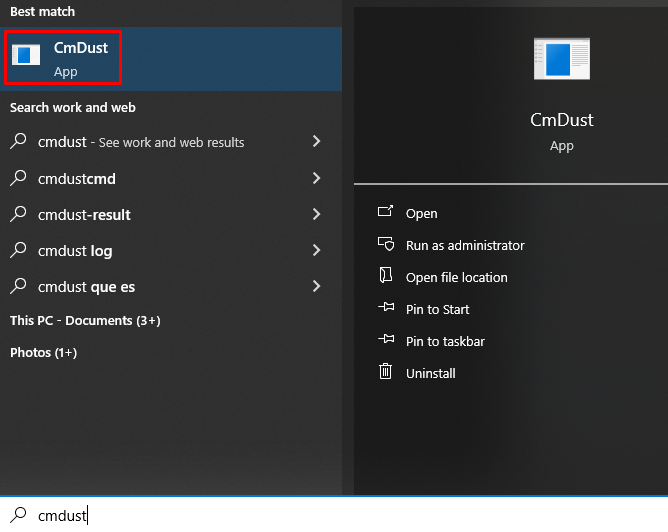
Run CmDust.exe
Wait for CmDust to close
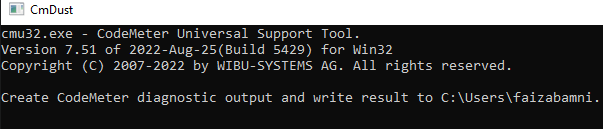
- Send the log file generated in %ProgramData%\CodeMeter\Logs to technical support
