

Details
This article describes how to Fixture Images processed by the VisionPro Deep Learning Studio Runtime Block using transformation coming from VisionPro Tools like PatMax.
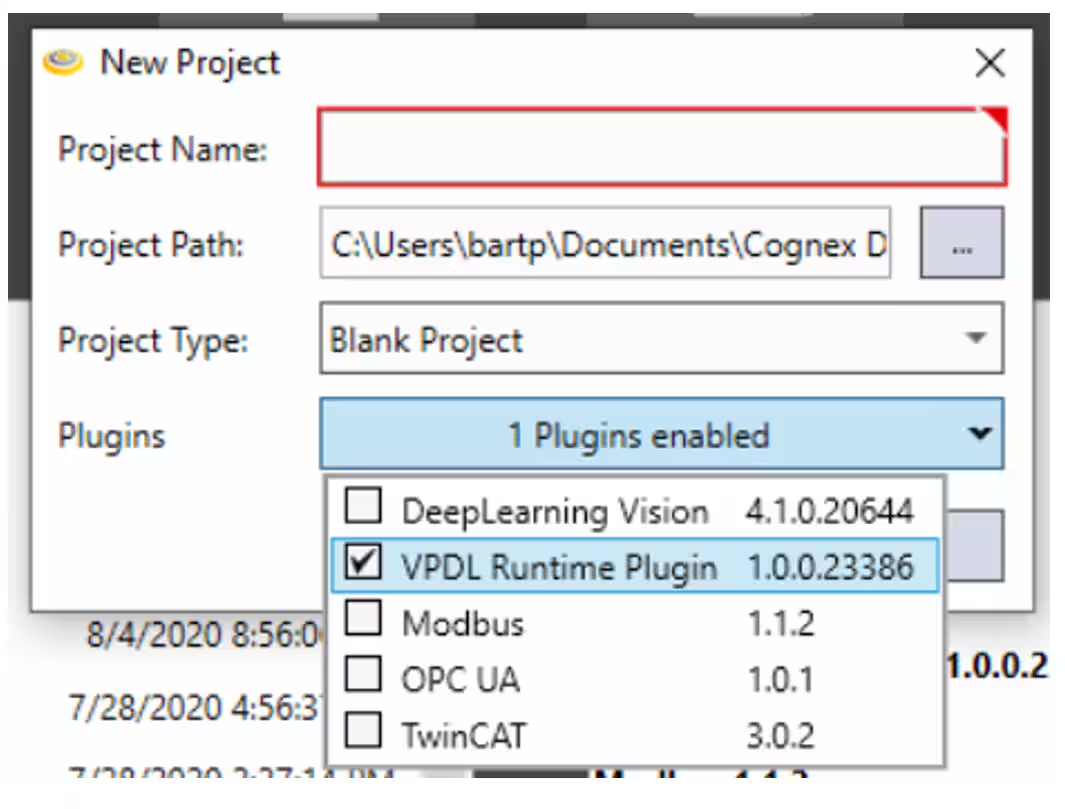
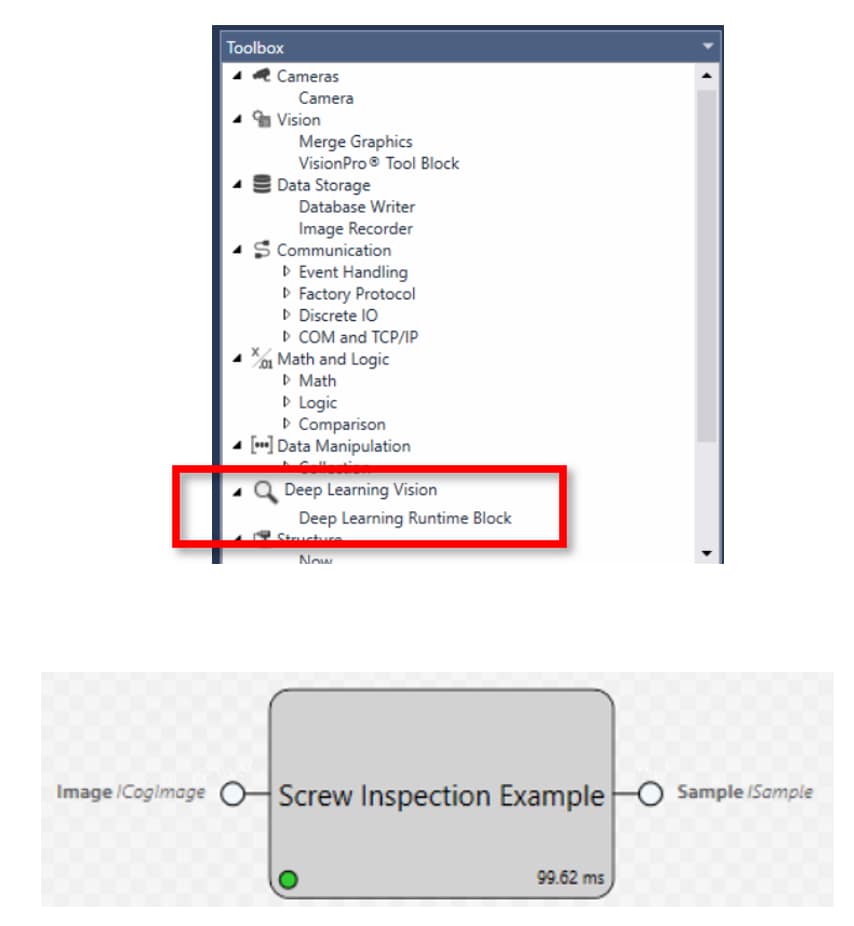
Please Note!!! The Runtime Plugin has to be enabled in the Designer Project to access the DL runtime block.
Designer Task Blocks Scheme of the complete Application
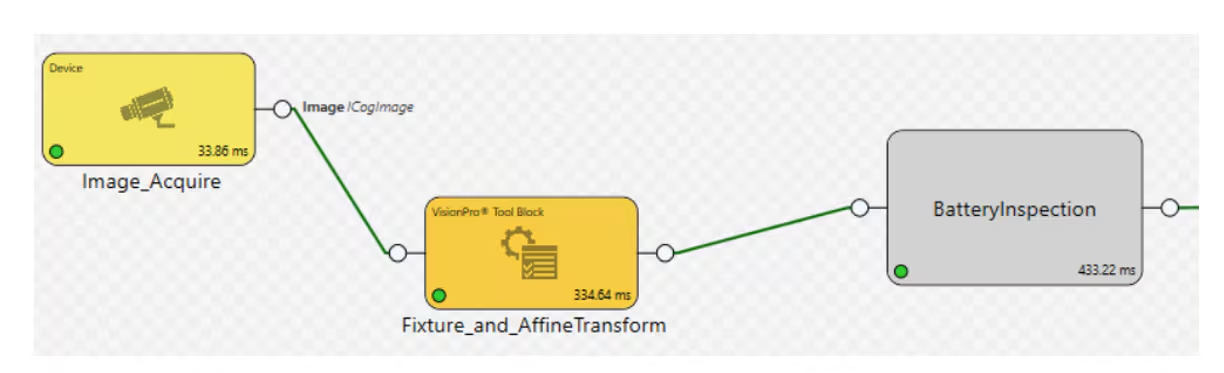
The 3 Blocks we need are:
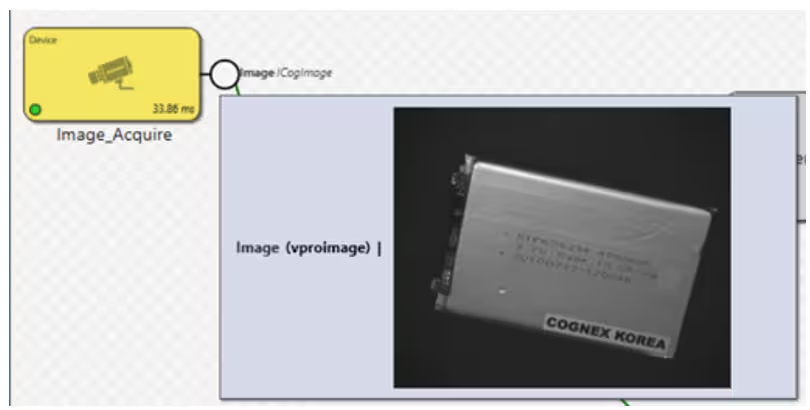
The Acquisition Block
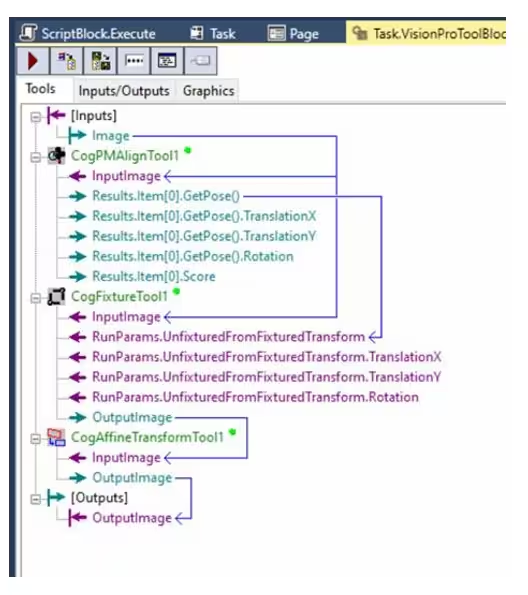
A VisionPro ToolBlock containing the PatMax Tool, Fixture Tool and the cogAffineTransform Tool
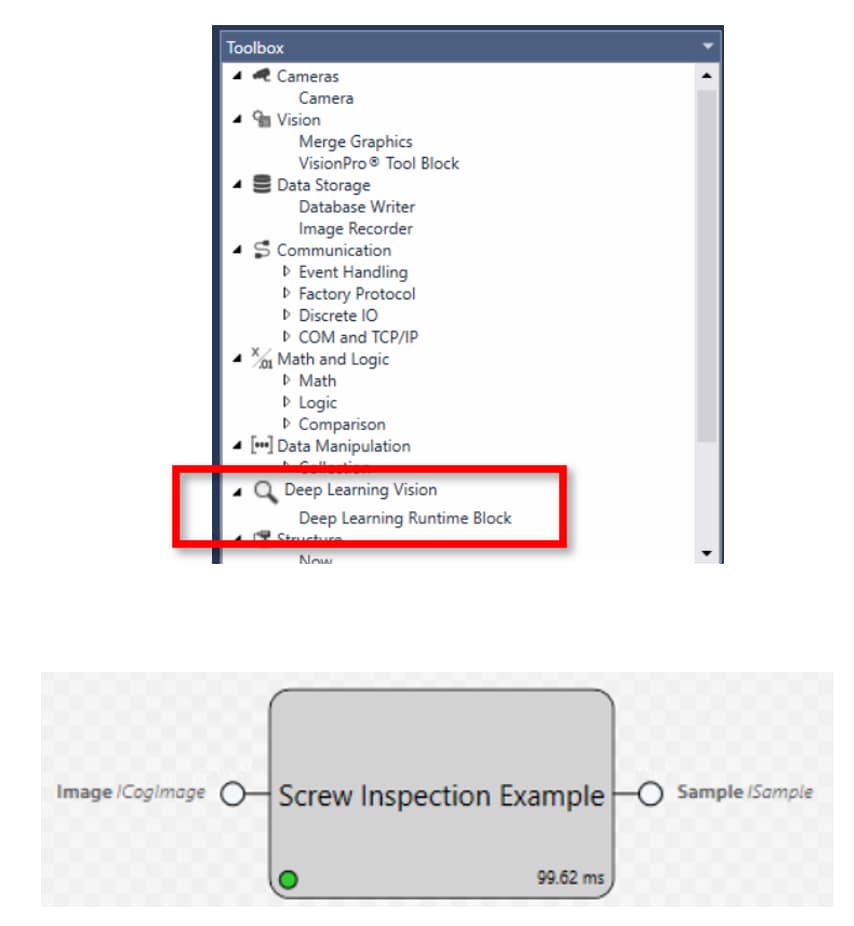
The DL Runtime Block Tool
Please Note!!! If the fixture is modified, the following steps will need to be repeated !!!
As in previous versions of software, there is a risk of losing labels if the fixture changes significantly.
- The first step is to acquire the raw images
- Then the PatMax Tool has to be properly Trained and set up to recognize the Pattern so we can use its coordinates to fixture the new image
- At this point the GetPose Terminal of the CogPMAlignTool can be linked to the input Tranform terminal of the Fixture Tool
- The OutputImage of the CogFixtureToolis then sent to the CogAffineTransformTool
The fixtured Image has to be now saved, for example using the Image Recorder Block
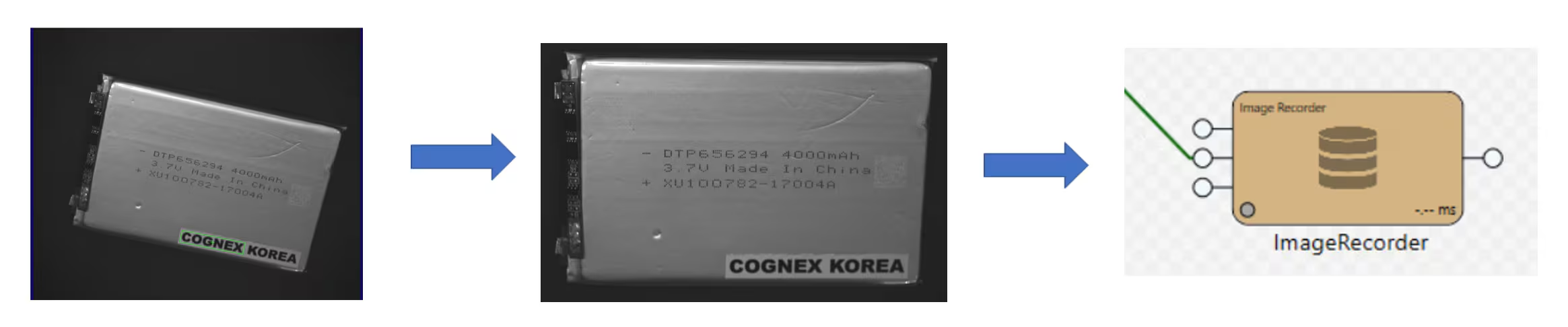
This process has to be repeated for all the images.
Once the images are saved, the Database of the VisionPro Deep Learning studio can be populated.
The workspace has to be fully developed in this software and a runtime version of it has to be exported as .vrws file
Now the images will be processed by the runtime block of Designer properly taking into account the fixture information as it was trained using significative and representative samples.
