Question
How do I register the edge learning feature keys for In-Sight Vision Suite?
Answer
- Go to the Cognex website
Register an account to log in. If you already have an account, log in directly.
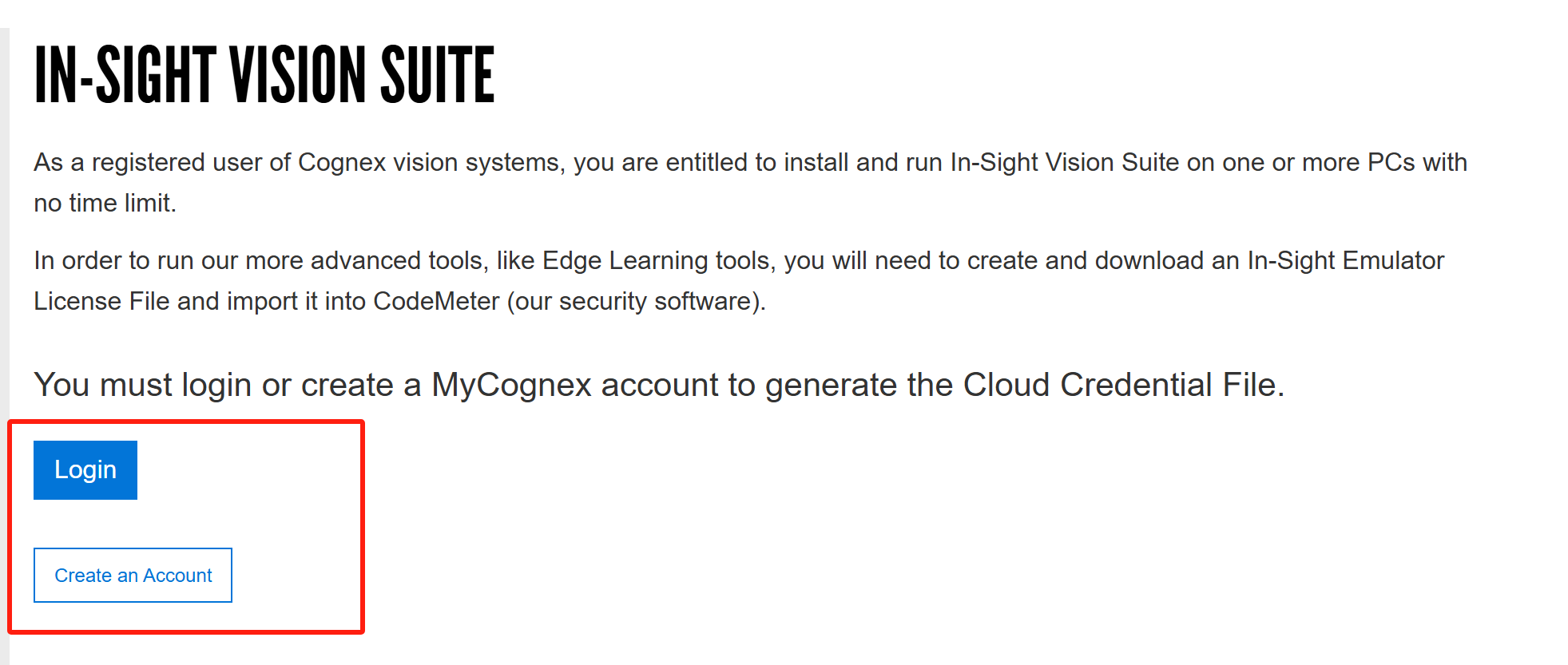
Follow these steps:
- Install In-Sight Vision Suite on your PC.
- Download the Credential File.
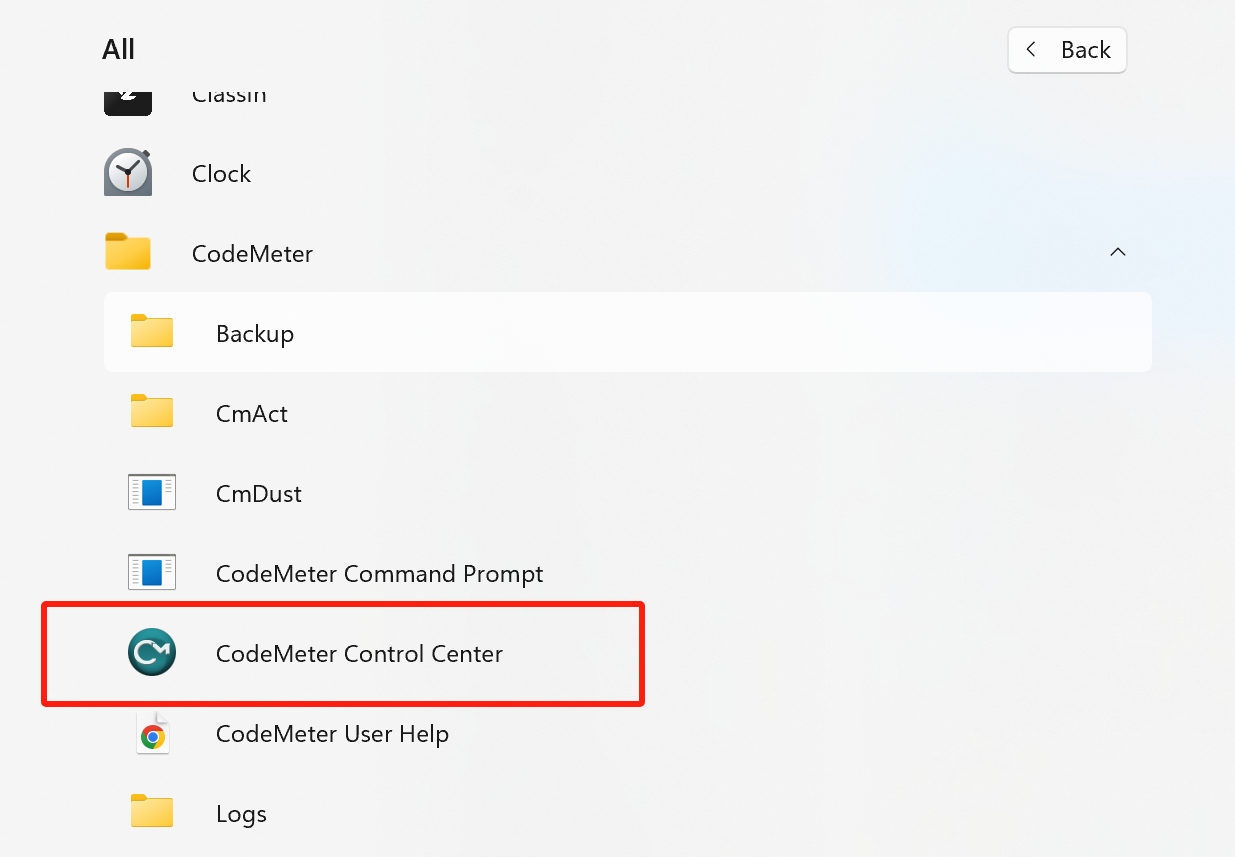
Open CodeMeter Control Center (this SW was installed with the In-Sight Vision Suite installation package).
- Import License into CodeMeter Control Center:
- Click File > Import License
- Select the downloaded credential file
- Click Import
After importing, you can find the InSightEmulator license in your CodeMeter Control Center.
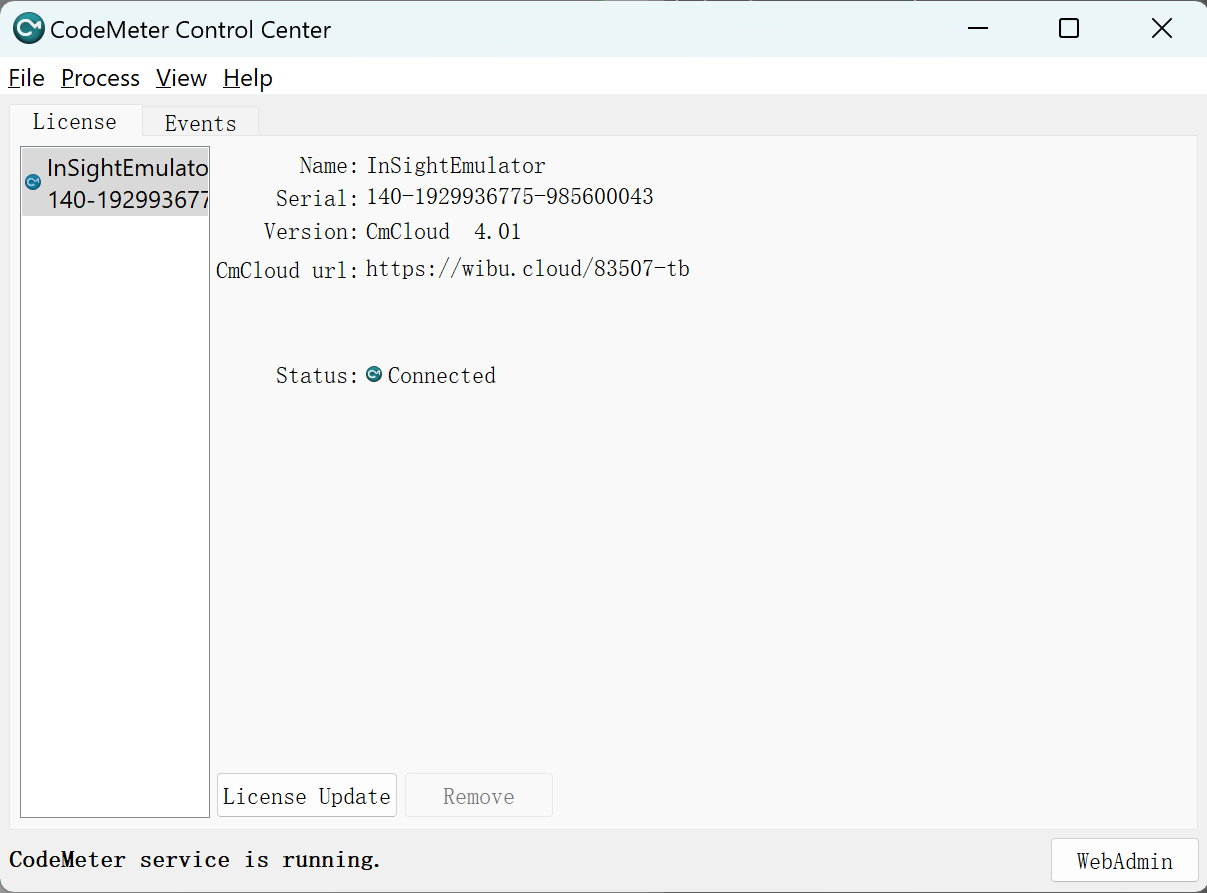
Troubleshooting for CodeMeter Disconnected
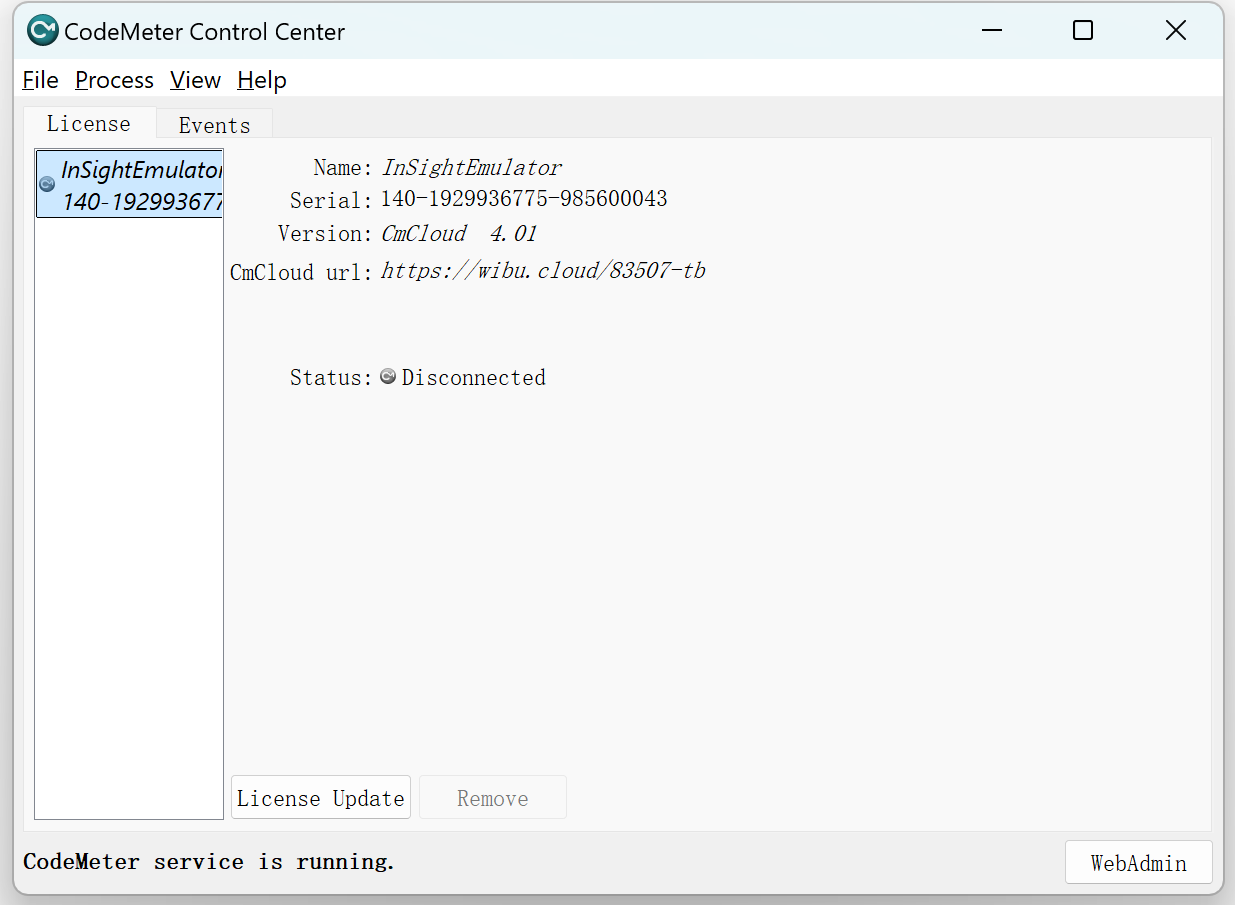
Disable your VPN, which can block CodeMeter's internet connection

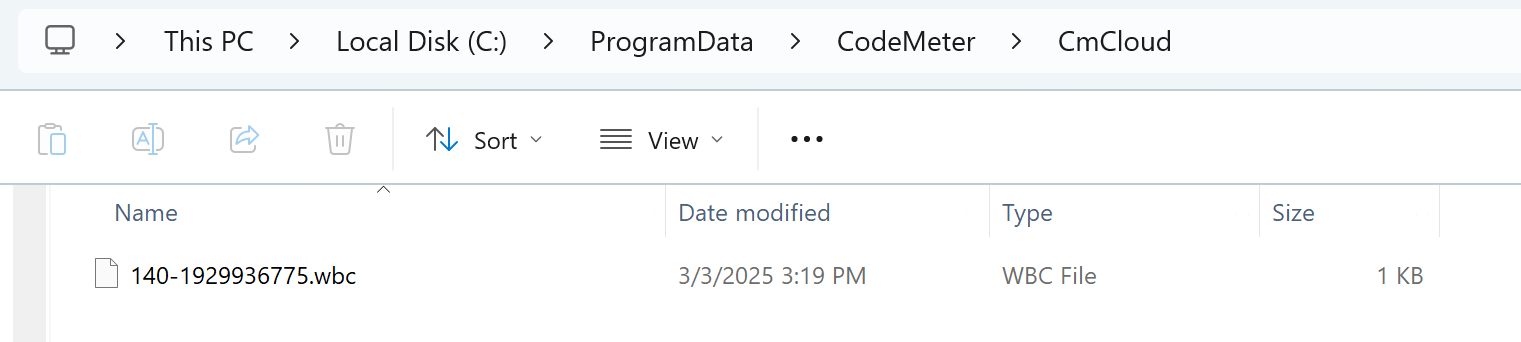
- If that doesn't work, delete In-Sight emulator after deleting the wbc file on the "C:\ProgramData\CodeMeter\CmCloud" folder and rebooting the CodeMeter service (open hidden items in Windows).
Retry Step 3 above.