

Details
Tool Charts have been added through the In-Sight Vision Suite 25.1.0 SW release.
They are useful to provide user visual tool results feedback for setup and analysis.
How do I access Tool Charts?
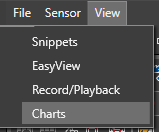
- Click View in the top left
Select Charts
Pop-up at the bottom (where you can also find the Record/Playback view
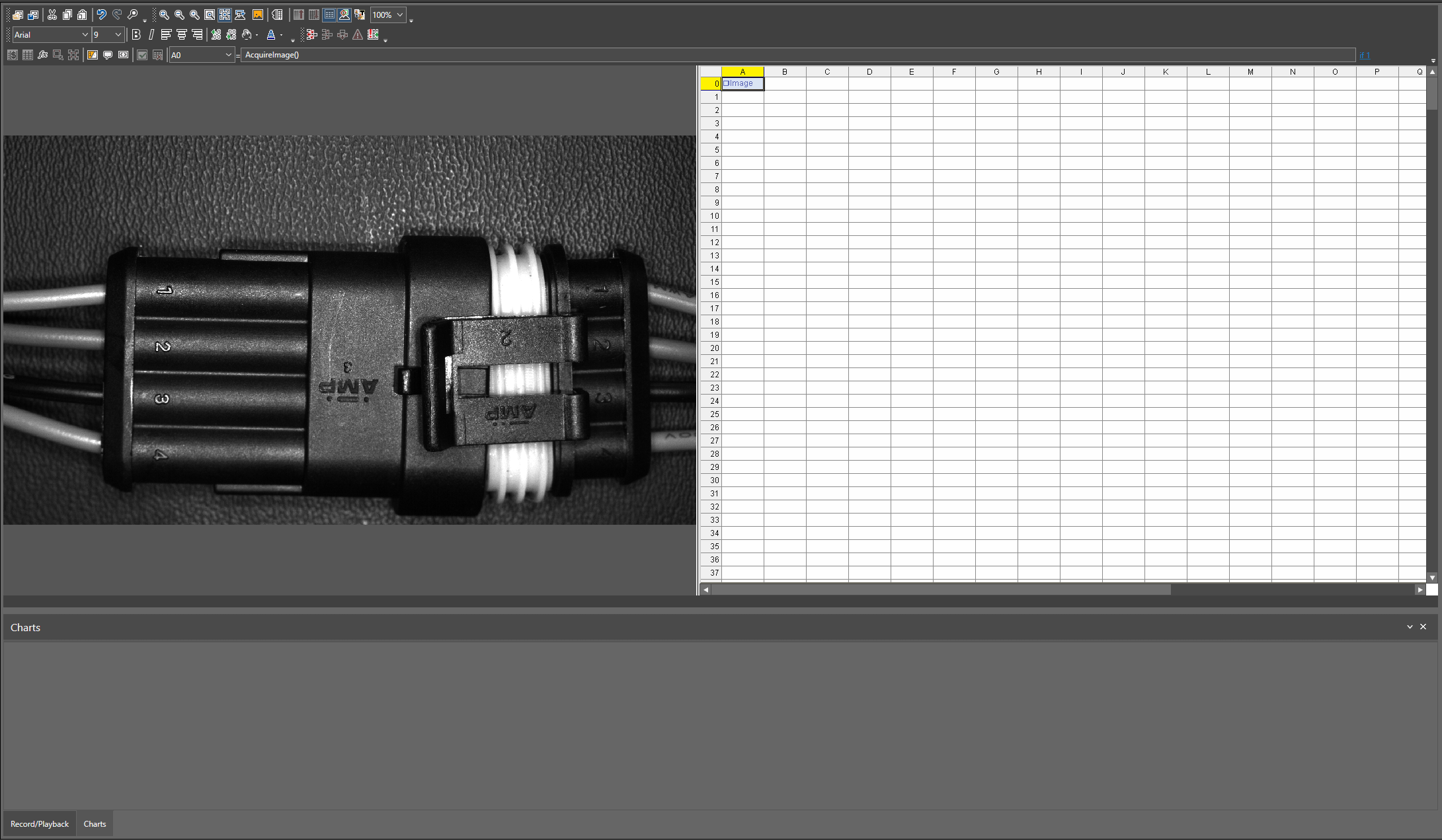
- Add a tool supporting Tool Charts (listed at the bottom of the article)
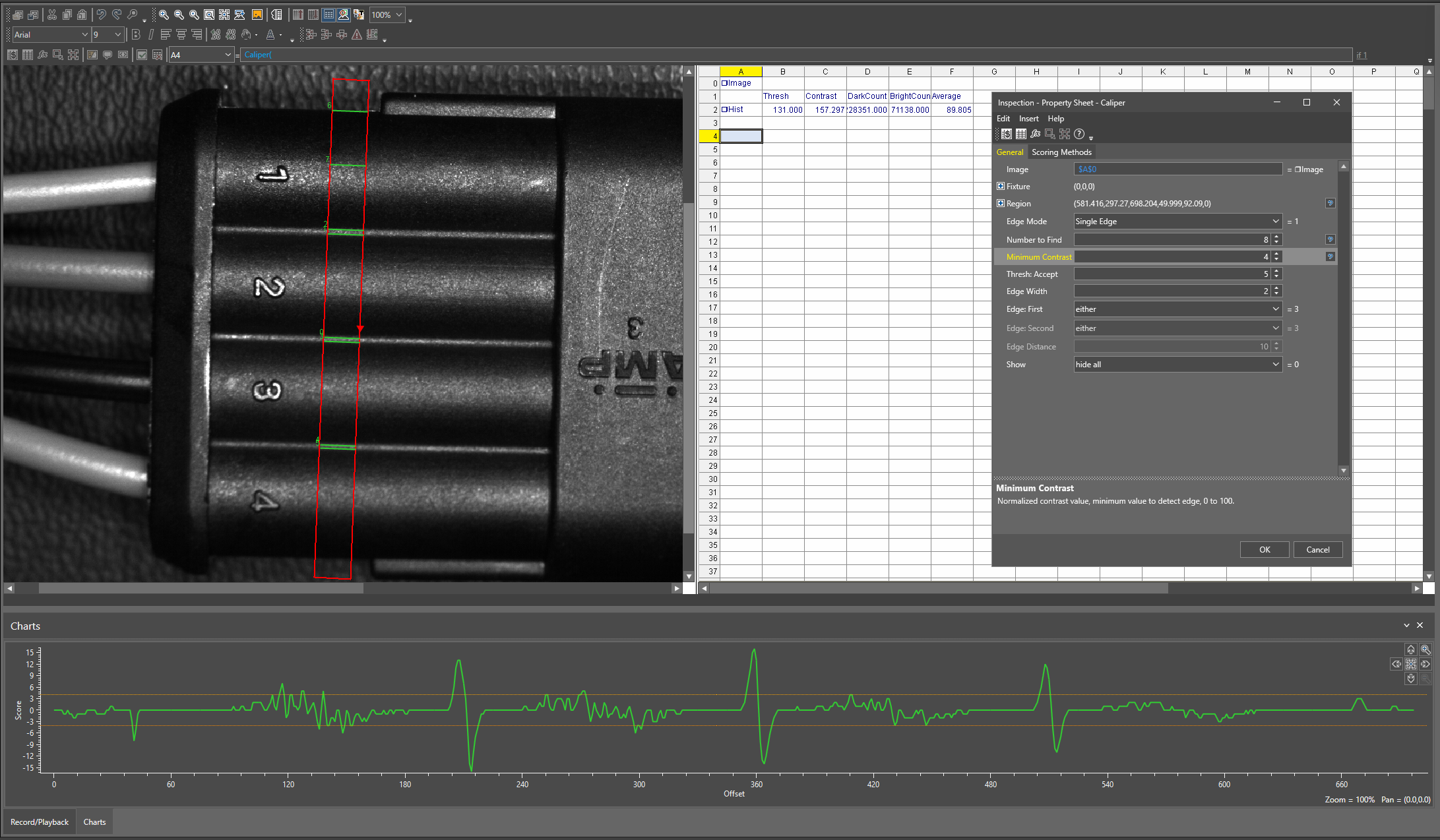
- Charts will only display when the tool Property Sheet is open
Example: Using Charts to setup a Caliper tool
List of tools supporting Tool Charts:
Edge tools: Caliper, FindCicle, FindLine, FindMultiLine, FindSegment
Histogram tools: ExtractHistogram, ExtractColorHistogram, ExtractDistanceHistogram3D (shows an SVG chart)
InspectEdge tools: InspectEdge, InspectEdgeTrainBeadPath
Useful Information:
- Does not display on WebHMI
- Zoom and Movement capable
- Can only be accessed through Spreadsheet
