Question
How do I use FTP Commands to save my In-Sight job to my PC?
Answer
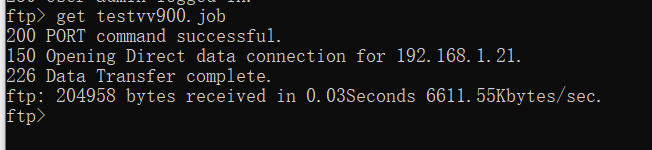
In-Sight Vision System supports standard FTP Commands. “get” and “mget” command can save job to PC.
“get” command.
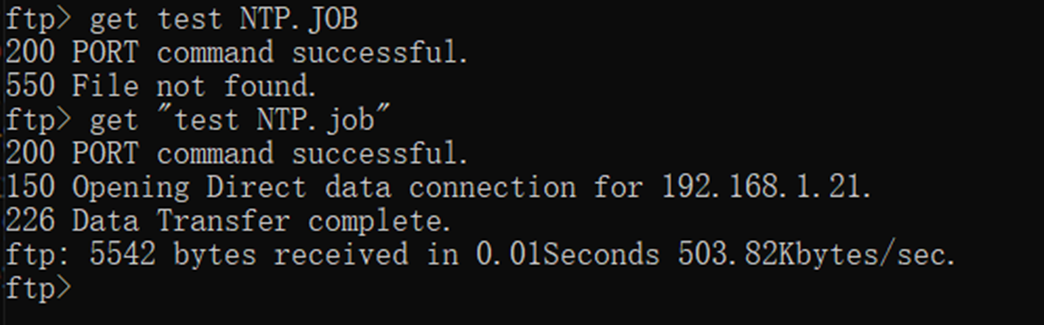
get [File Name]: Downloads a file from an In-Sight system and saves it to the default directory of the FTP client on the remote host.
In-Sight Vision System supports standard FTP Commands. “get” and “mget” command can save job to PC.
“get” command.
get [File Name]: Downloads a file from an In-Sight system and saves it to the default directory of the FTP client on the remote host.
“mget” command.
mget [File Names]: Downloads multiple files from an In-Sight system and saves them to the default directory of the FTP client on the remote host.
Each job needs to be confirmed before saving. Enter “y”, the job will be saved; Enter “n”, the job won’t be saved.
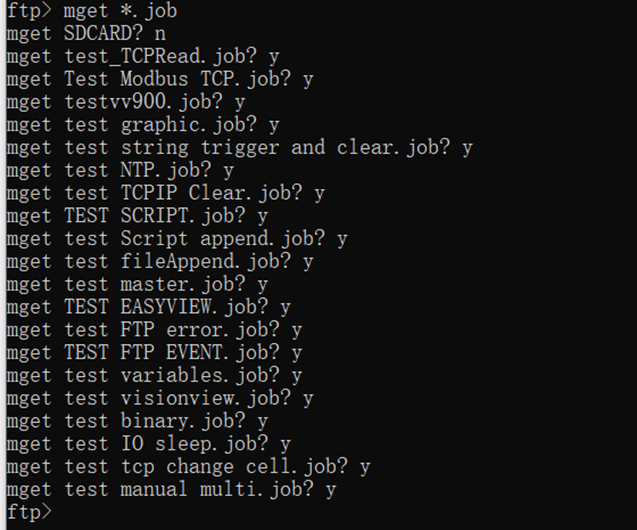
Note: “mget” command will replace an existing copy of the file being transferred without any prompting or warning. “mget” command can’t save files stored in SD card to PC.
See Also:
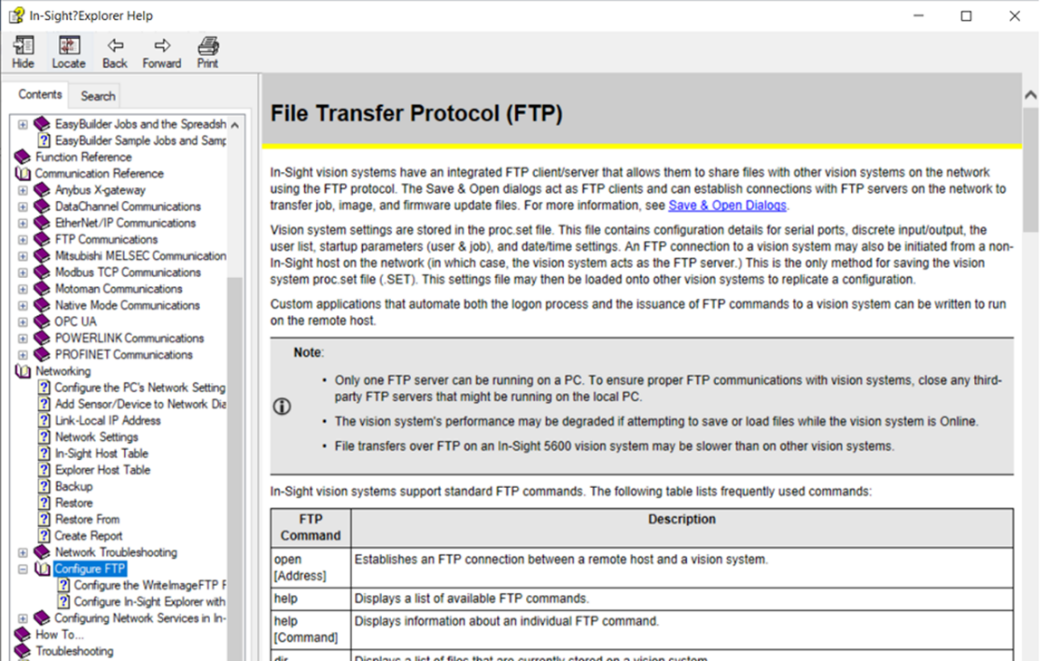
Find more about FTP Commands in In-Sight Explorer Help.