

Question
How do I save the PointCloud from an In-Sight 3D-L4000 as a different format from the default (.dat/raw)?
Answer
- Open the In-Sight Vision Suite and connect to the device
- Type in an empty Spreadsheet Cell the hidden function SavePointCloud(
The function dialog box will popup:
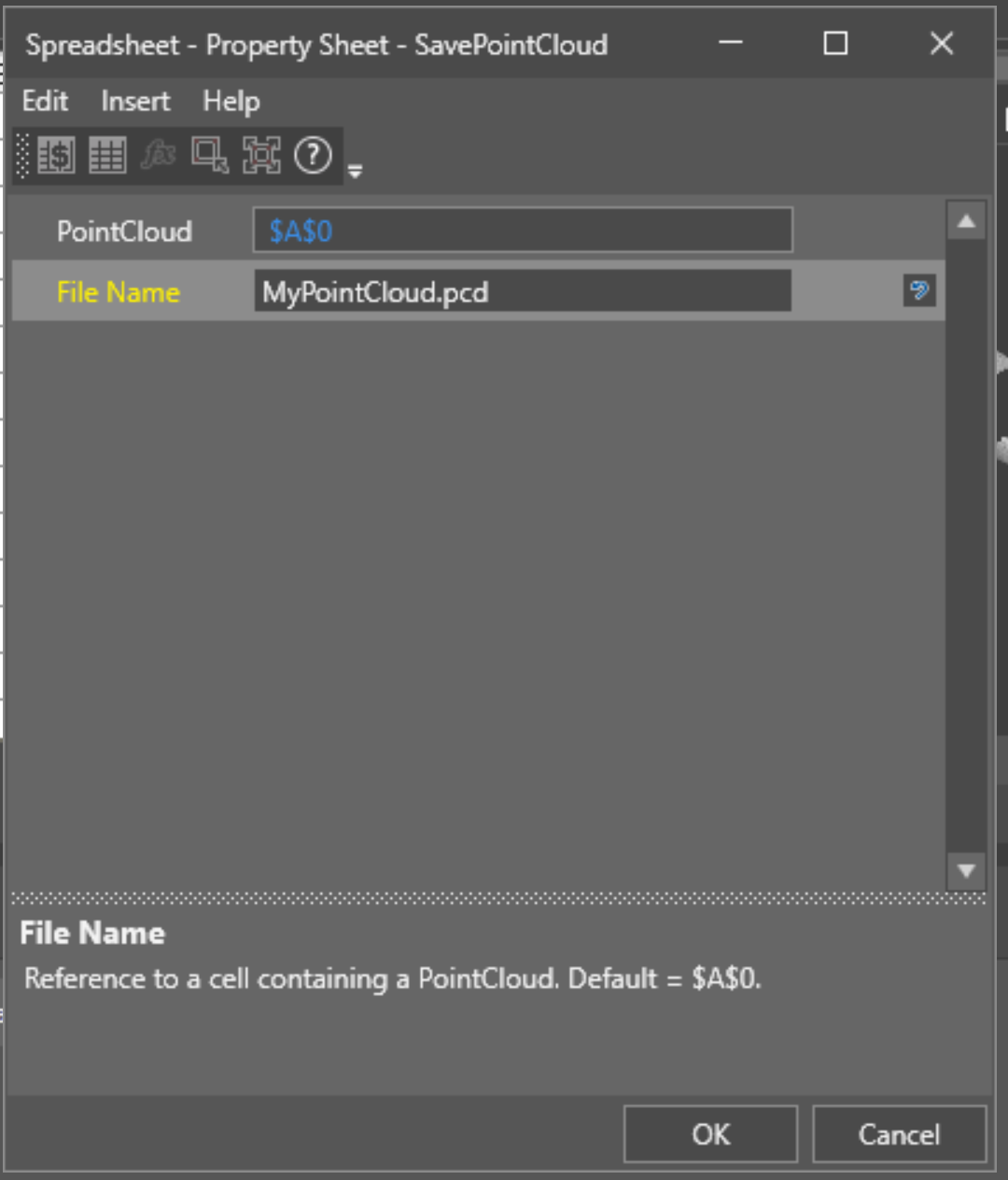
In the PointCloud field the PointCloud structure to be saved has to be linked – if the acquired one $A$0
In the FileName field the file name followed by the extension has to be added – for example MyPointCloud.pcd
confirm and the spreadsheet cell should turn into a string containing the location: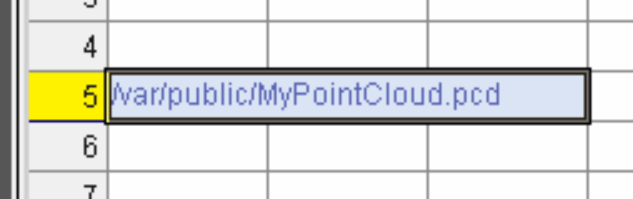
- Go Online and send a trigger: the file will be saved locally on the device (only supported option)
