Question
How to get the latest image via WebSocket (CogSocket) with In-Sight IS2800/IS3800 Vision Suite Cameras?
Answer
To get the latest image acquired by IS2800/IS3800 camera, we have to send a POST request.
- After establishing a connection to the device, we have to send the following JSON command:
{ "$type": "post", "id": 1, "path": "cam0/img/listIds","body": true }
In reply, we will get with HTTP status 200 OK and an array with image number(s). It can vary depending on which tools are used in your job. The first number from the array is the raw acquired image. The next numbers from the array are related to tools.
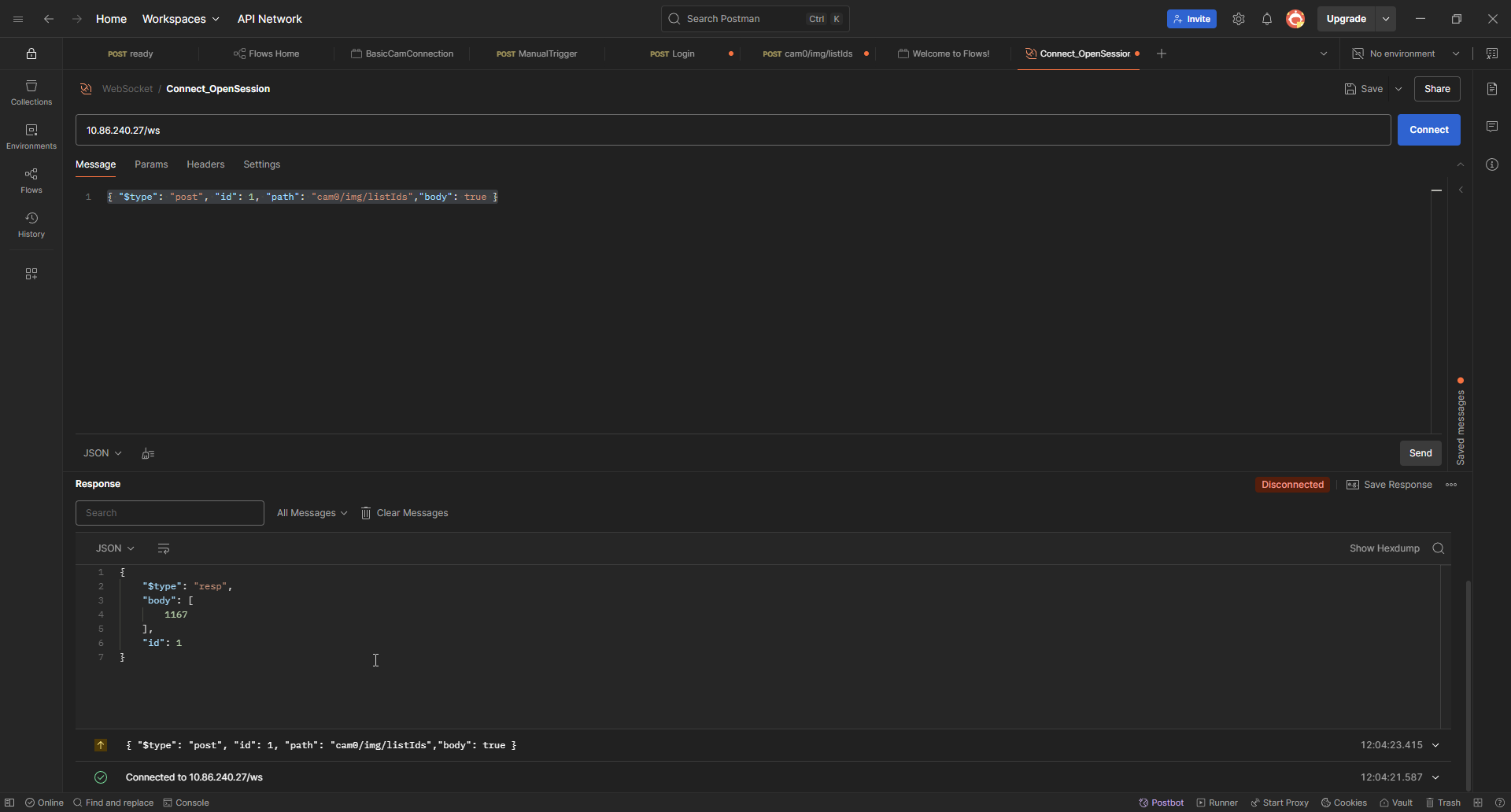
For example, we have 1167.
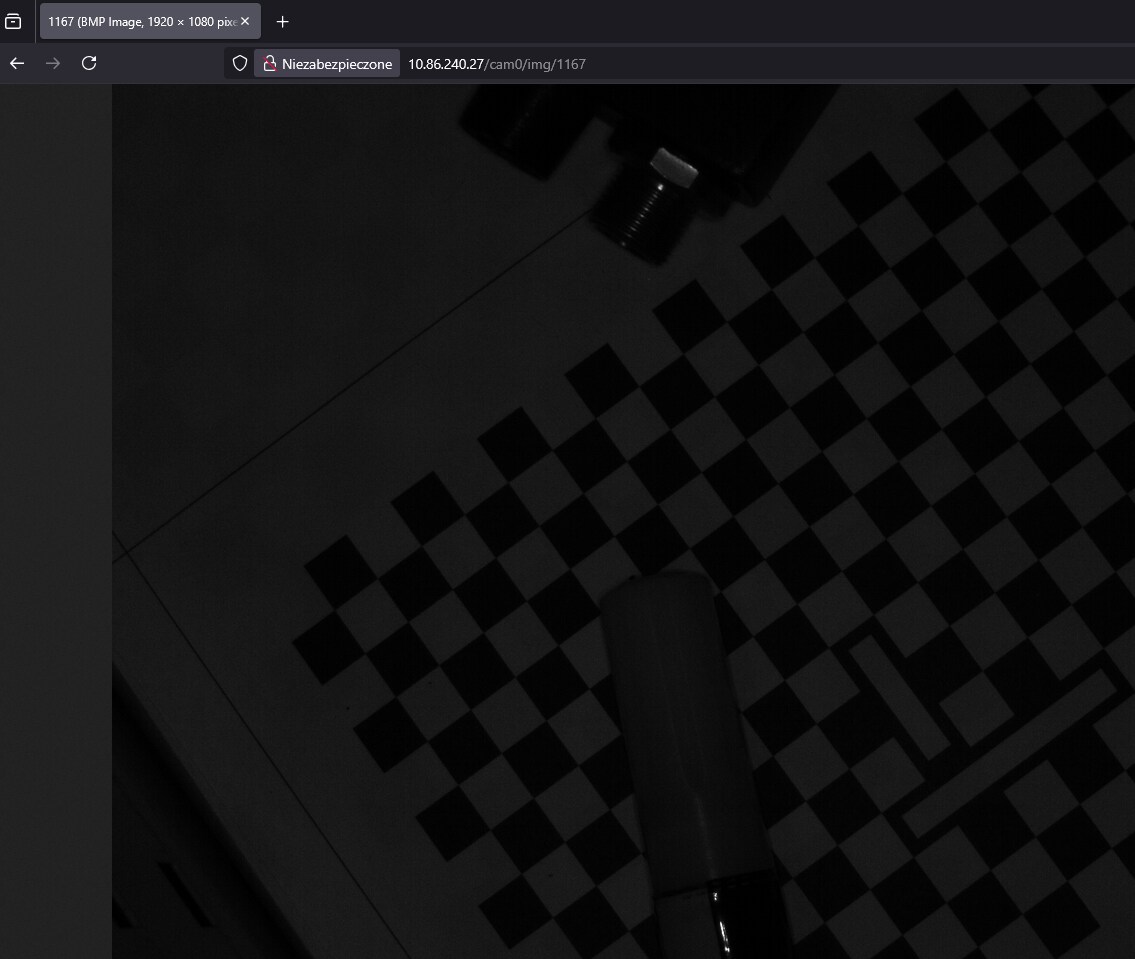
Then open a web browser and type:
<cameraIP>/cam0/img/<imgnumber>