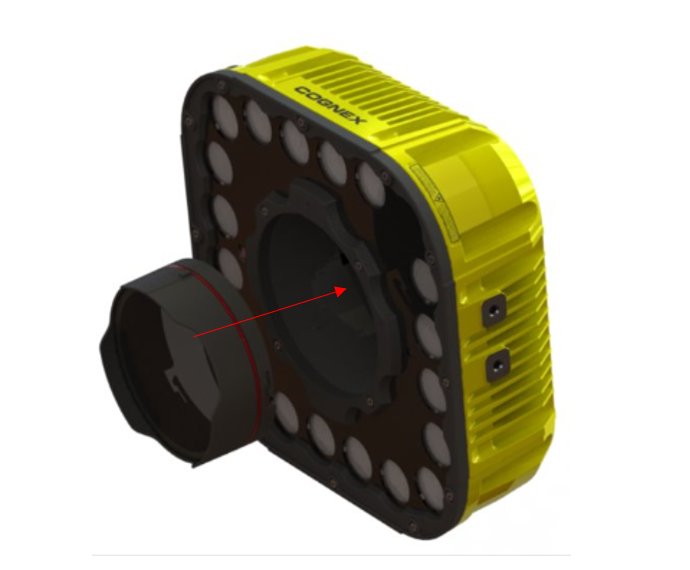
Details
The part numbers 380-TORCH-RED-HR and 380-TORCH-WHITE-HR are standalone illumination kits designed for the 8MP, 12MP and 16MP In-Sight 3800 and compatible with 1.6MP to 16MP camera systems.
The kits include a diffused cover, illumination flex cable to connect the illumination to the device and a 2mm hex tool to be used for tightening the screws.
Attach the illumination flex cable to the body of your In-Sight 3800.

Step 2: Attach the lens to the In-Sight 3800.
Note that a lens can be installed after the Torch-HR assembly without the need to remove the light.
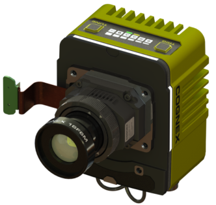
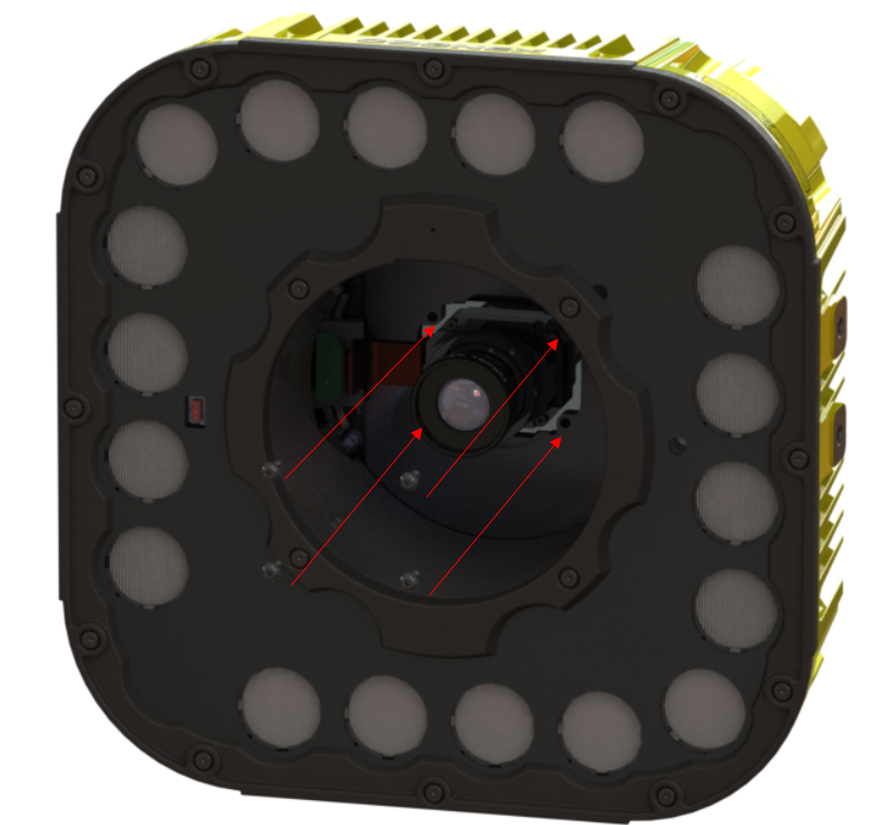
Step 3: Guide the 3800 to the mounting holes in the rear of the Torch-HR, then place the 4x screws in the holes.
Note: The In-Sight 3800 camera body is attached to Torch-HR from the back, but screws from the front.
Note: Make sure to feed the illumination cable through the rear opening of the Torch-HR so it can be connected to the port on the interior of the light.
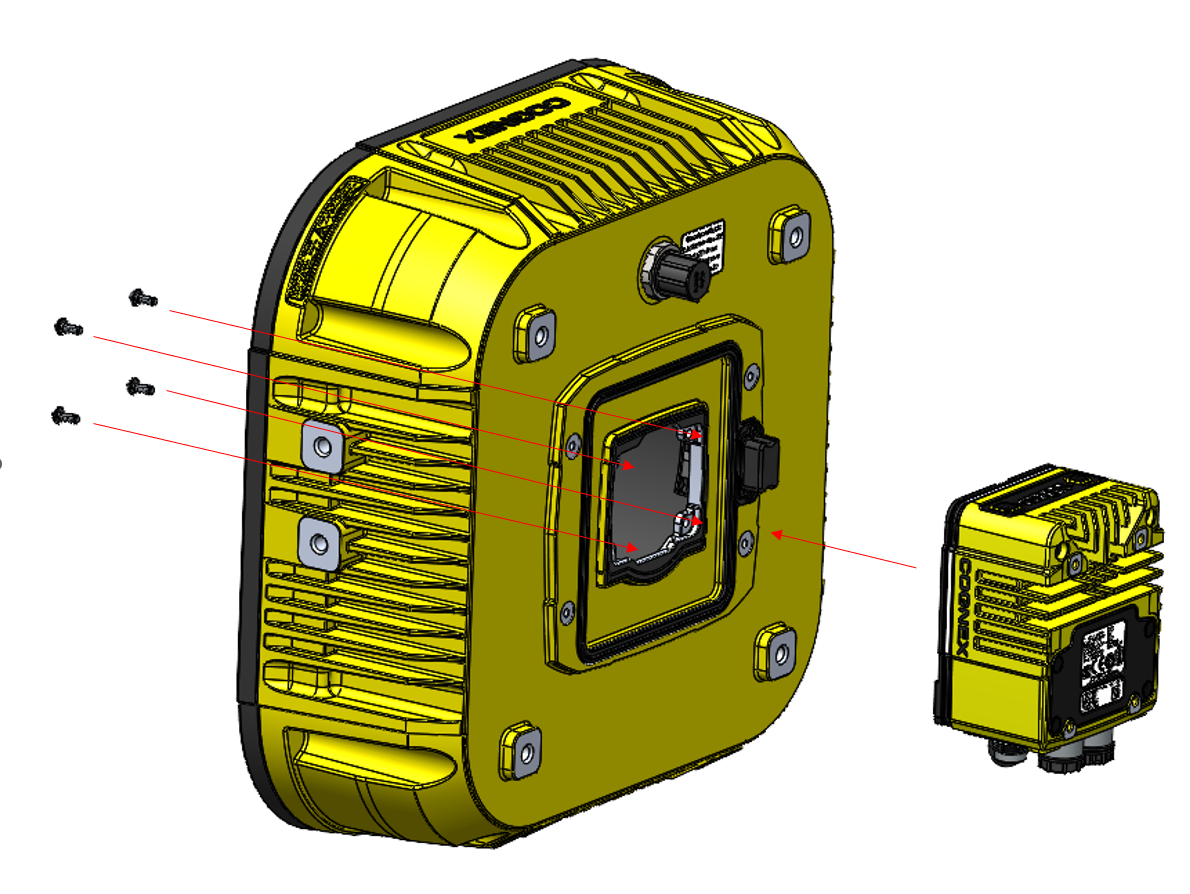
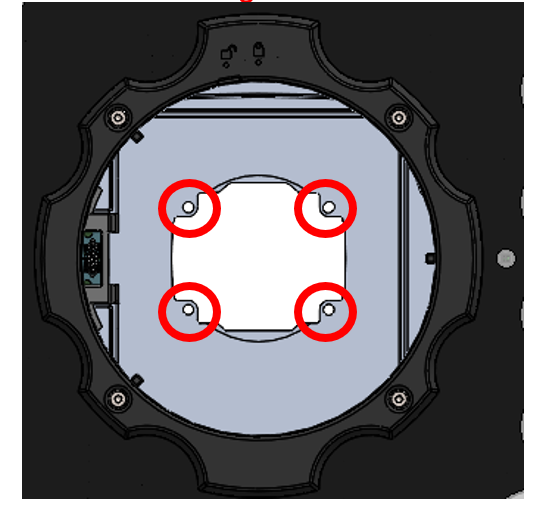
Step 4: Attach the cable to the port circled in red, then use the 4 screws to fix Torch-HR and to the In-Sight 3800. Tighten each screw to 0.75 Nm

Step 5: Attach the lens cover to the Torch-HR using the keying on the cover. Rotate clockwise to lock the lens cover in place (indicated by the “lock” graphics on the front of the Torch-HR)
Note: The lens cover can be removed at any time by rotating counter-clockwise and pulling away from the Torch-HR.
With the lens cover removed, the In-Sight 3800 front plate can be accessed to add or remove a lens, in addition to adjusting the focus of a manual focus lens.