Question
I would like to change the name of my DataMan reader.
How can I rename my device?
Answer
NOTE
The reader used in this example is the USB-Corded DataMan 8700DQ reader.
However, these steps apply to both fixed-mount and handheld DataMan readers of the following families:
DMAE50, DM050, DM060, DM070, DM150, DM260, DM300, DM360, DM370, DM470, DM503, DM8050, DM8070, DM8600, DM8700, MX-1000, MX-1500, DM9500, DM8700 Base, DM8000 Base
HOW TO RENAME DATAMAN READER IN SETUP TOOL
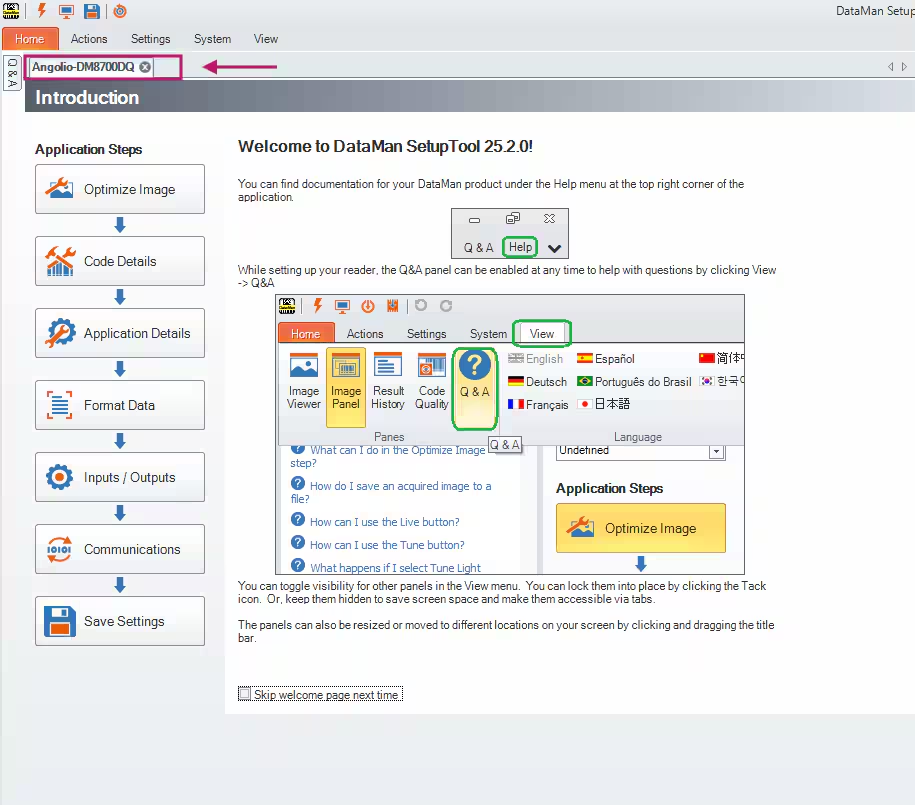
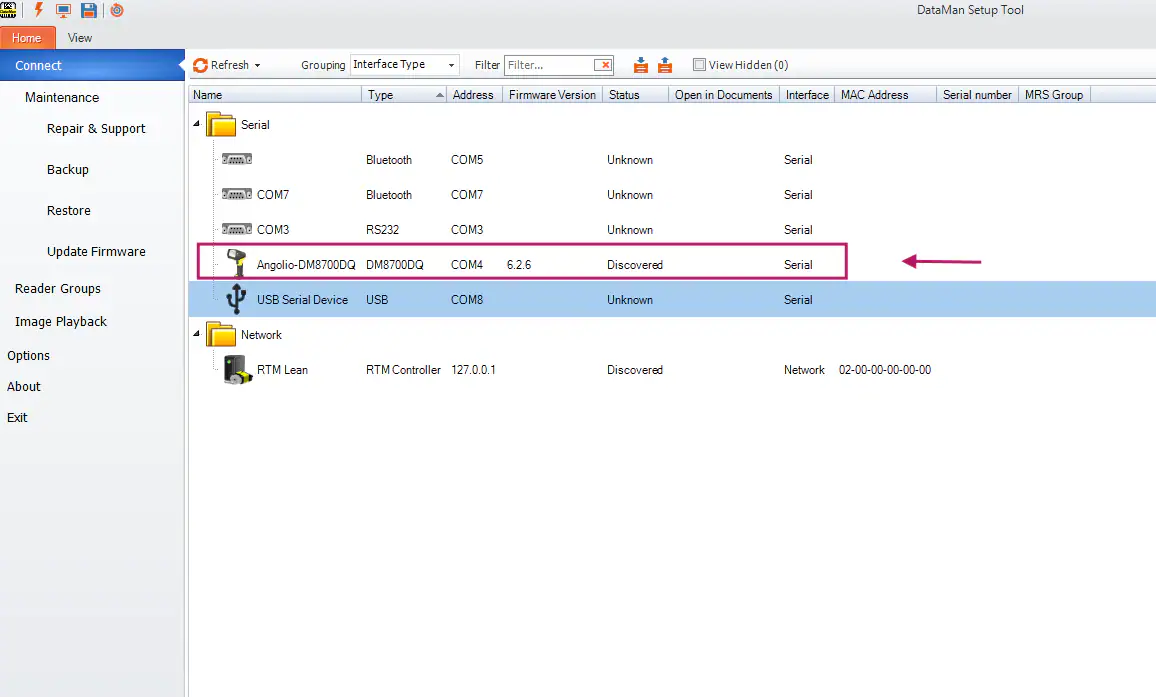
Connect to your DataMan reader in Setup Tool.
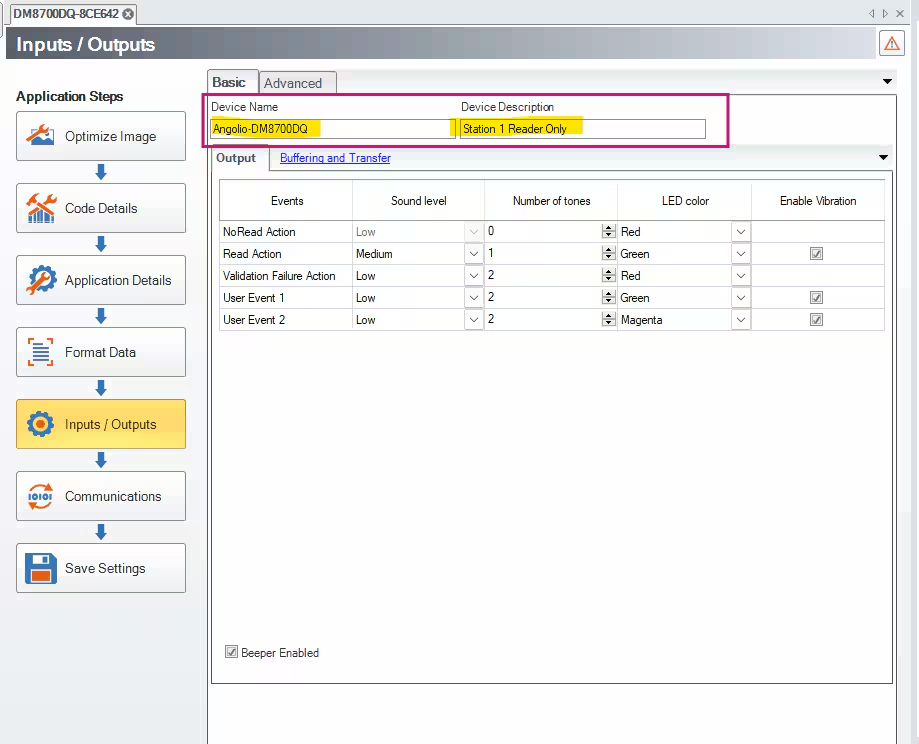
Under Applications Steps on the left-hand side, navigate to Inputs/Outputs.
In the Basic tab, you will see "Device Name" and "Device Description".This is where you can change the name of your device as needed and include a description (notes or important additional information) as well.
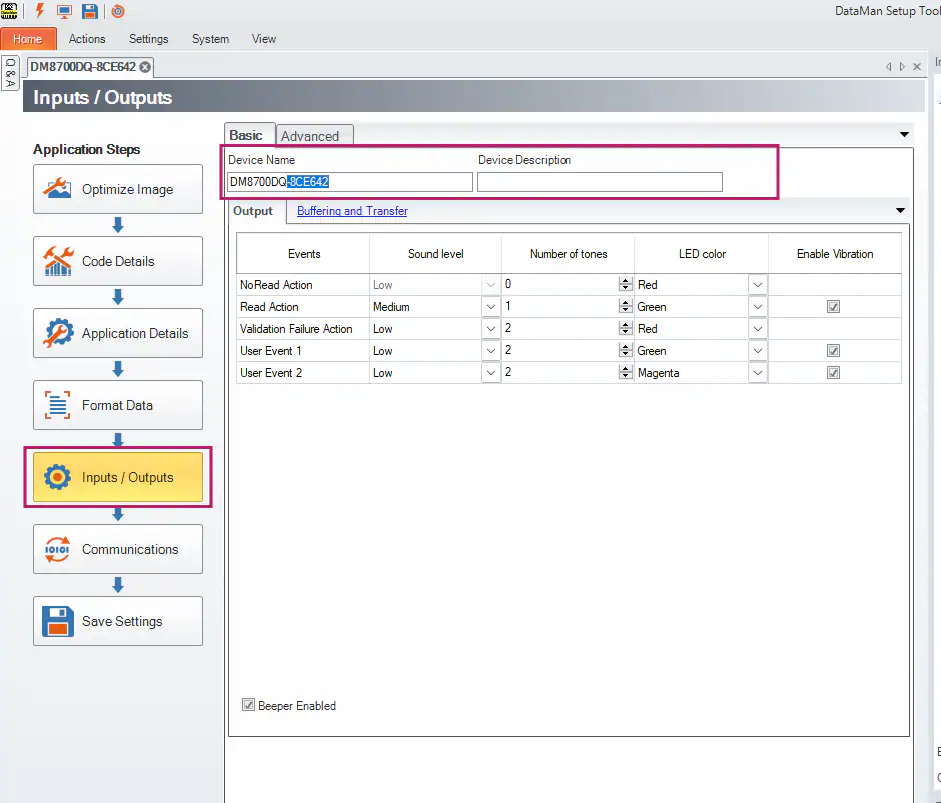
Rename your device (and input a description if needed).
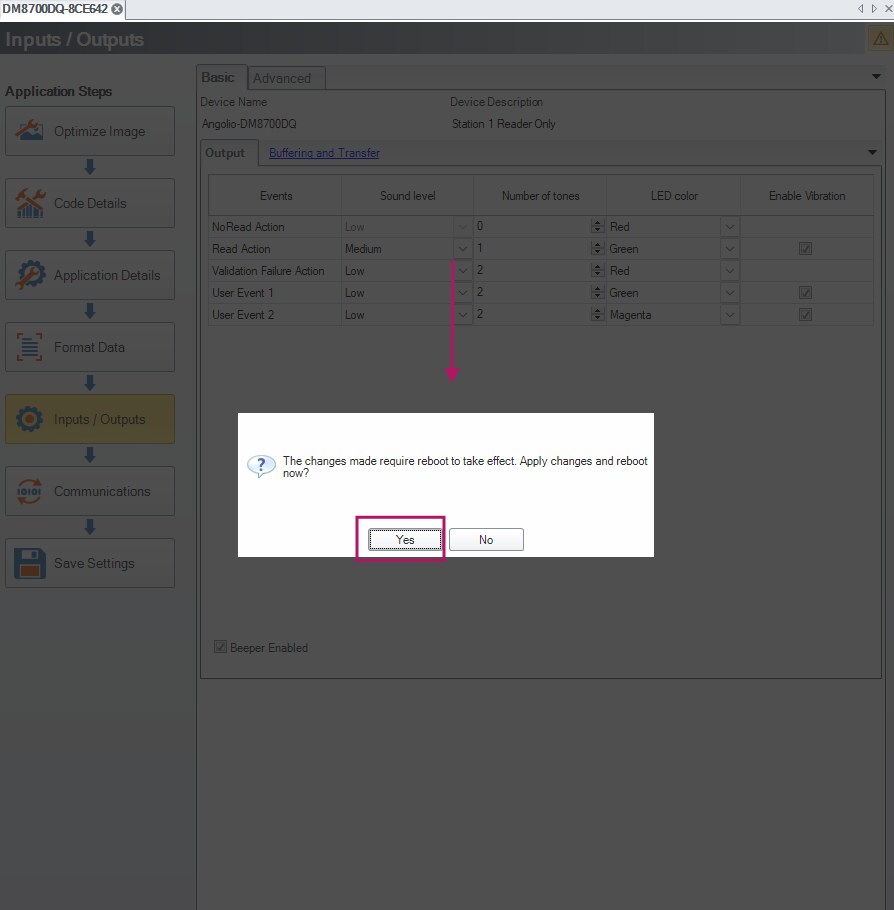
You may have received a pop-up warning with the question "The changes made require reboot to take effect. Apply changes and reboot now?"
If you are satisfied with your changes, click Yes.
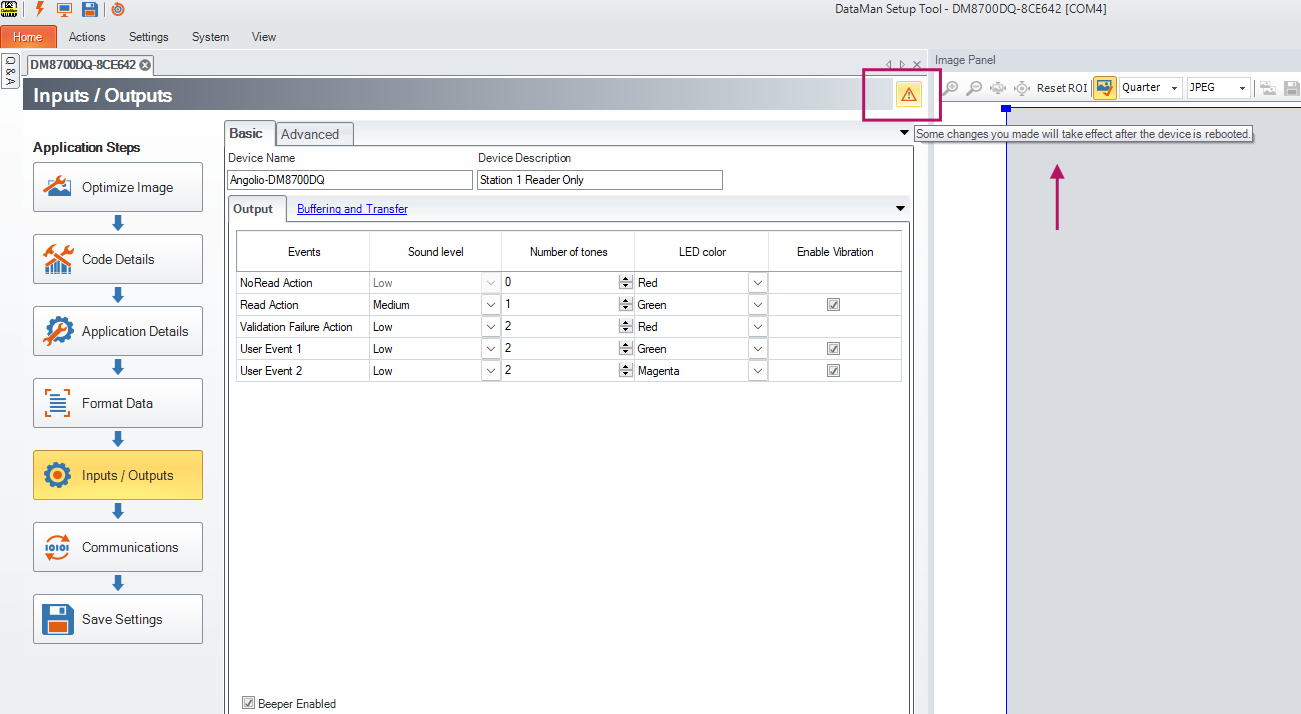
This warning/flag will remain at the top-right side of the screen.
If, for any reason, you said No to the question, you can always click on the flag shown above and the question will pop up again
Alternatively, you can still apply the changes. Choose System->Save Settings and then reboot your device.
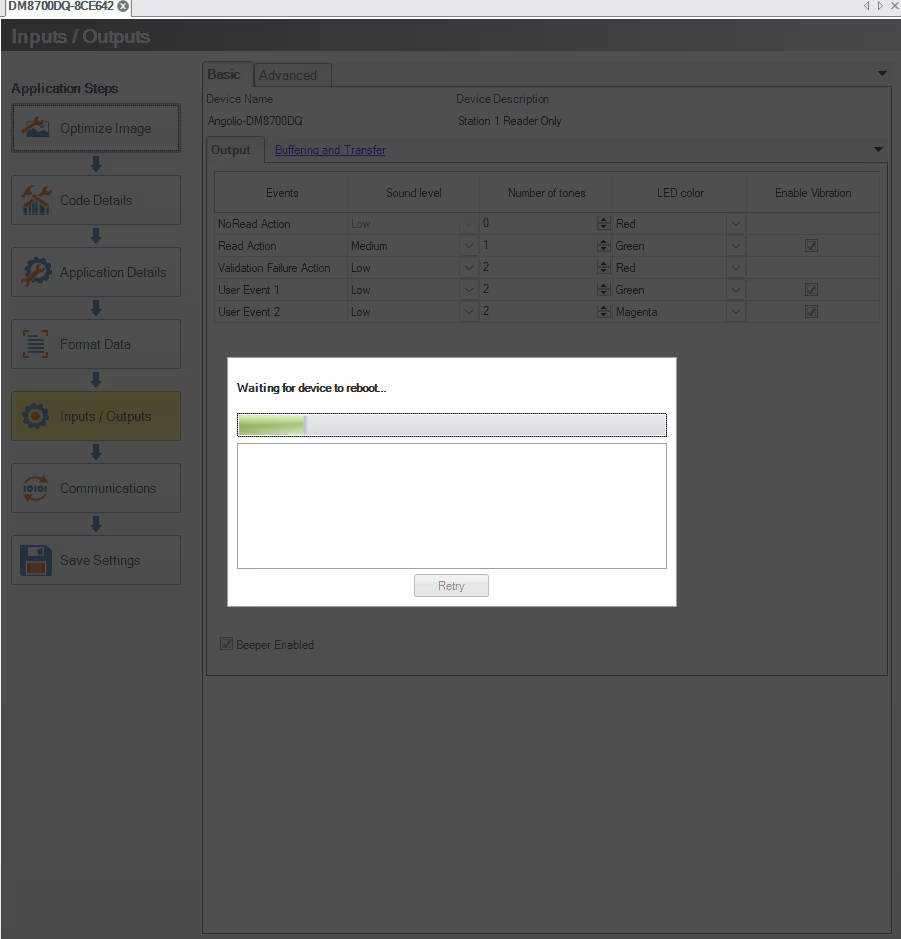
The device will reboot when you click Yes.
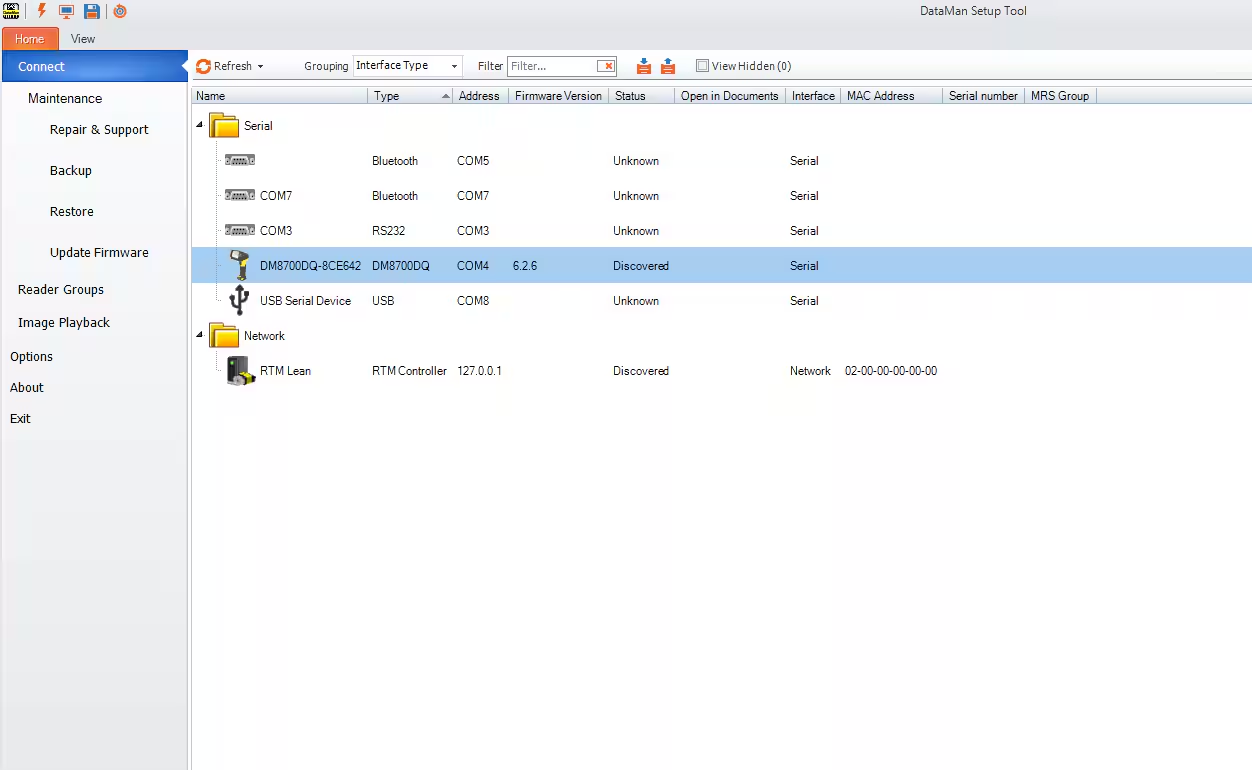
The next time you start the Setup Tool or click Refresh in the Home screen; you will see the new device name.