Question
How do I open a session using WebSDK and Websocket?
Answer
To edit values and make other changes via WebSDK (API) using Websocket (Cogsocket), we need to:
- Open a session for a new user (sessionID)
- Log in as a privileged user setup via Insight Vision Suite
To create a new sessionID, we have to connect to the camera via WebSocket using additional software. For testing purposes, Postman can be used.
- Establish connection with camera: <cameraIP>/WS
- Send JSON command:
{"$type":"post","id":7,"path":"/cam0/hmi/openSession"}
In reply, we will get:
{
"$type": "resp",
"body": "cam0/hmi/hs/~6130cbbe",
"id": 7
}
where "body" is the SessionID. It will be different every time we send an openSession command.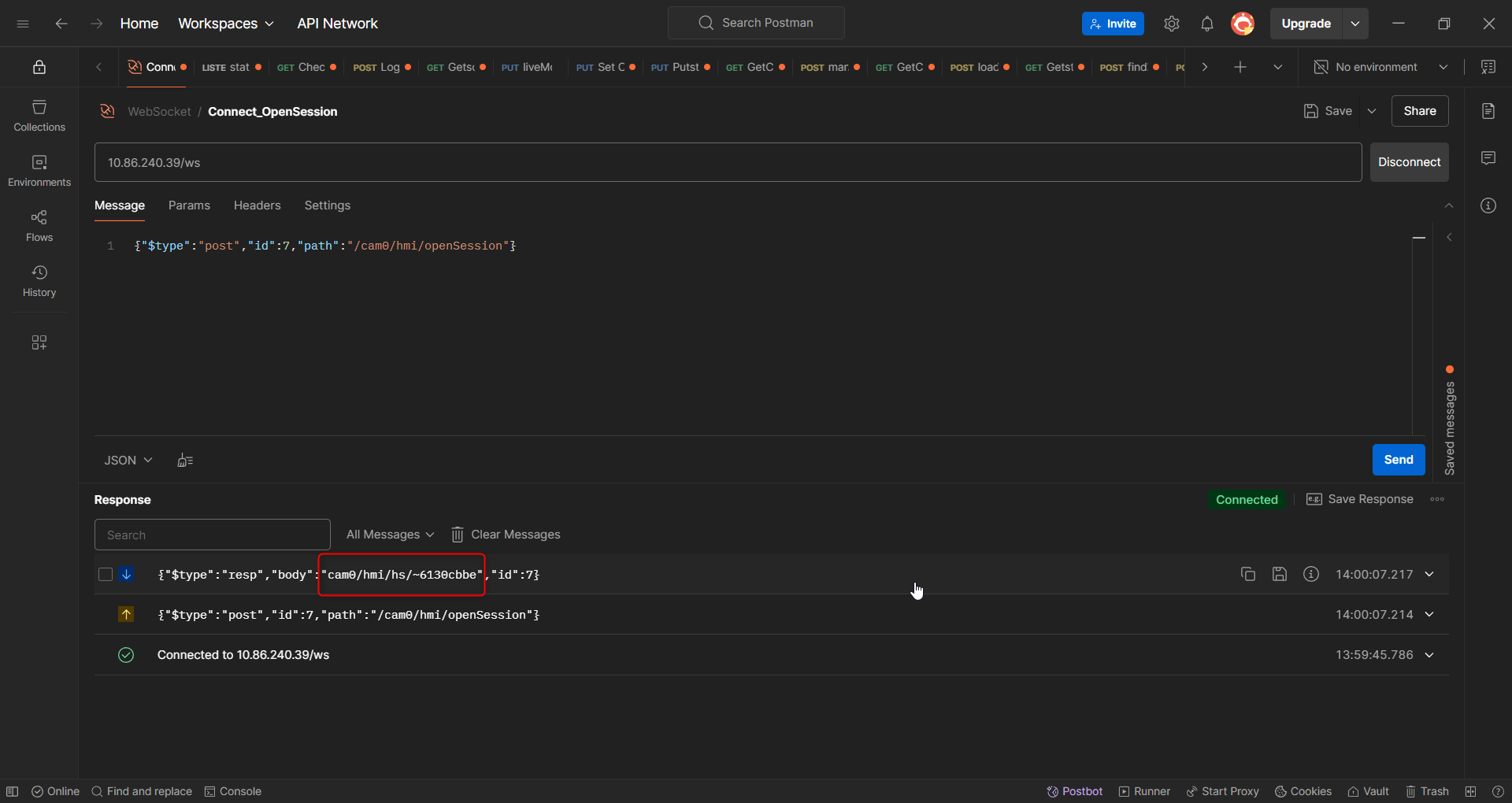
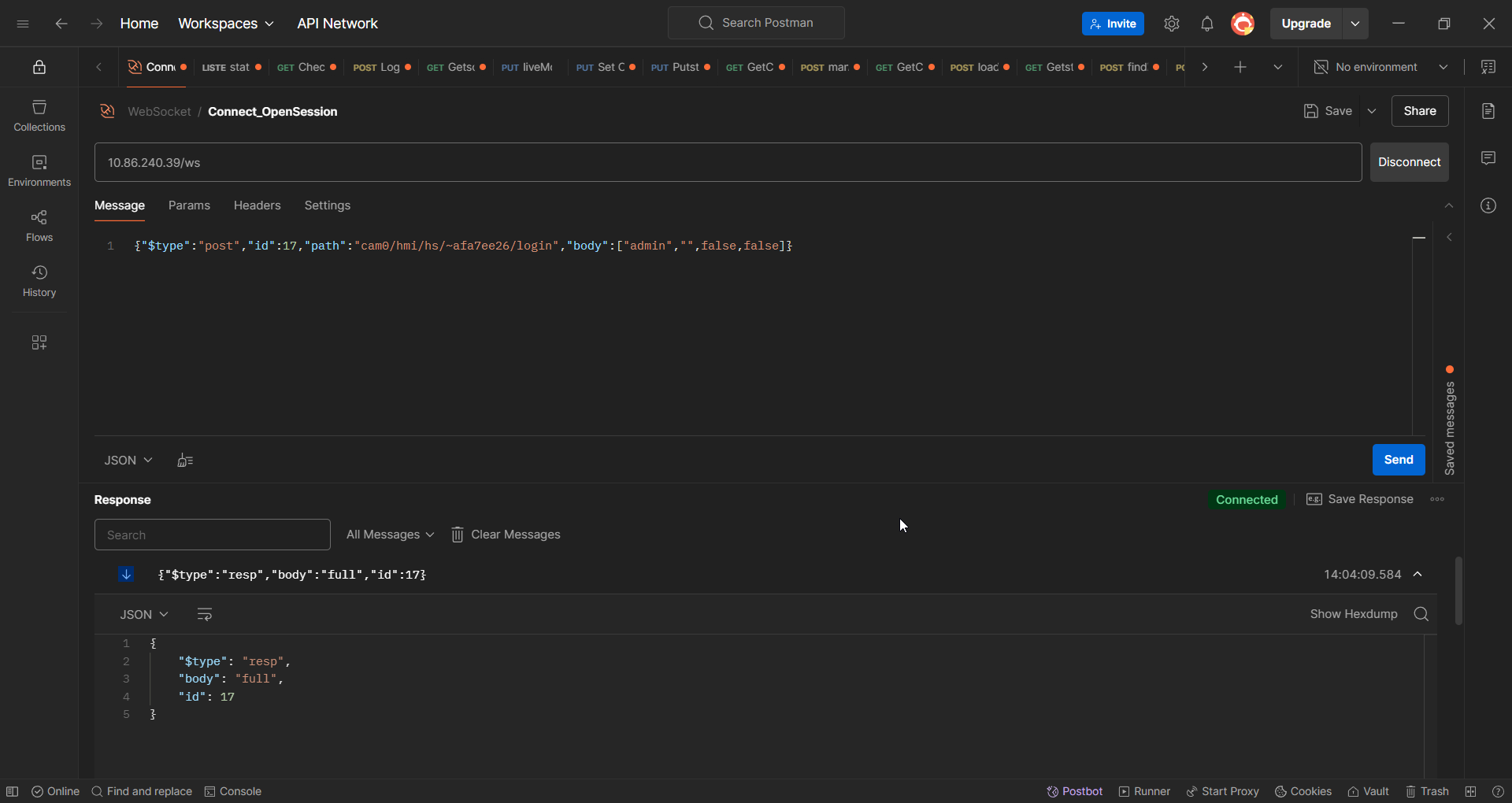
- To log in as an admin, send the command:
{"$type":"post","id":17,"path":"cam0/hmi/hs/~6130cbbe/login","body":["admin","",false,false]}
In reply, we will get: