Question
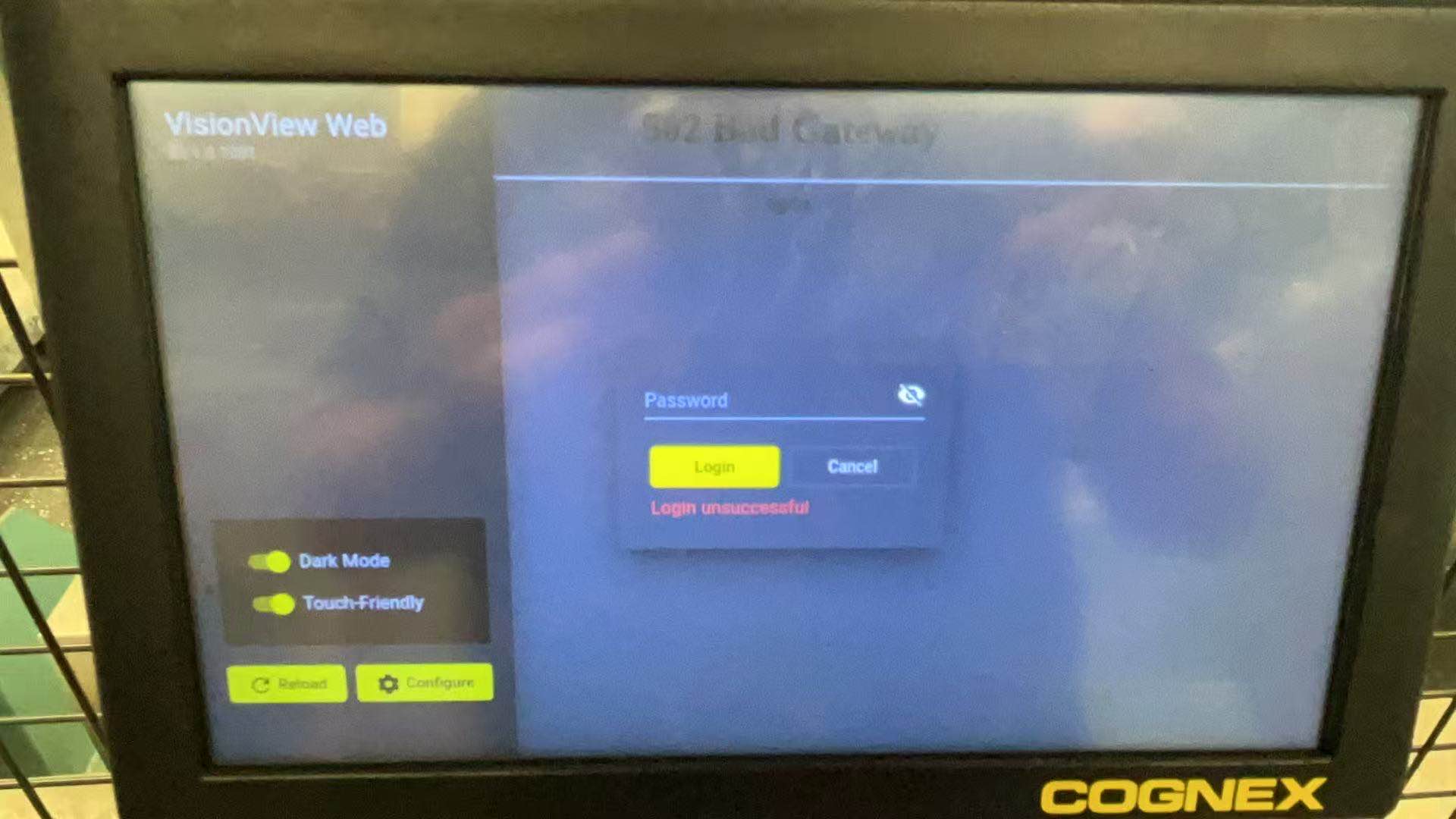
How to reset the password on the VisionViewWeb?
Answer
First, make sure you have installed the VisionViewWeb adapter in In-Sight Vision Suite - Support - VisionView | Cognex
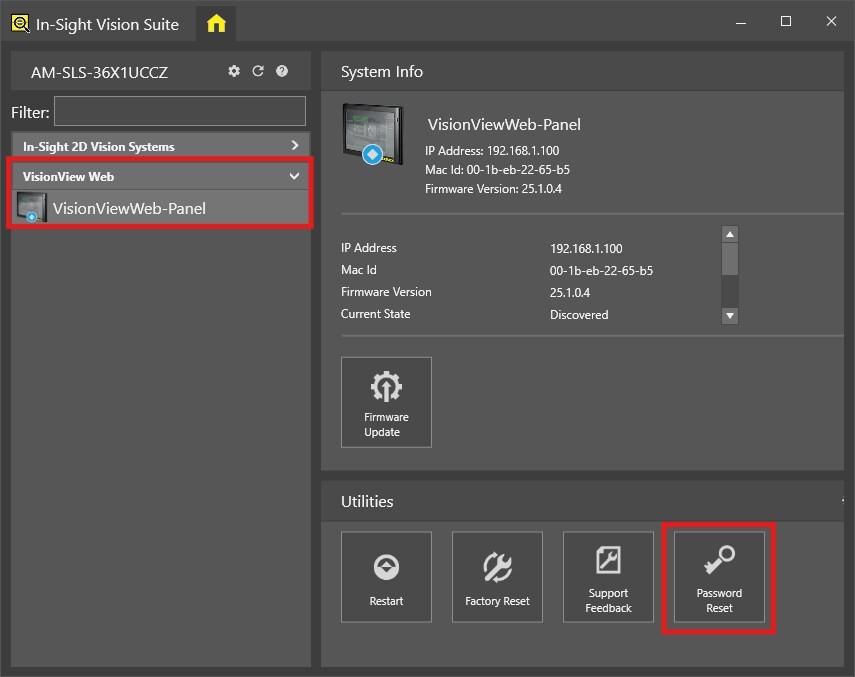
Open In-Sight Vision Suite and confirm that you can see your VisionViewWeb.
Then, use the In-Sight Vision Suite "Password Reset" utility to reset your password on your VisionViewWeb device.