

Details
Problem:
If you face the Parameter Search Error
Required License not available. CodeMeterAct 6000417:7500 Cannot Access CodeMeter Api (WibuCmNET.dll)
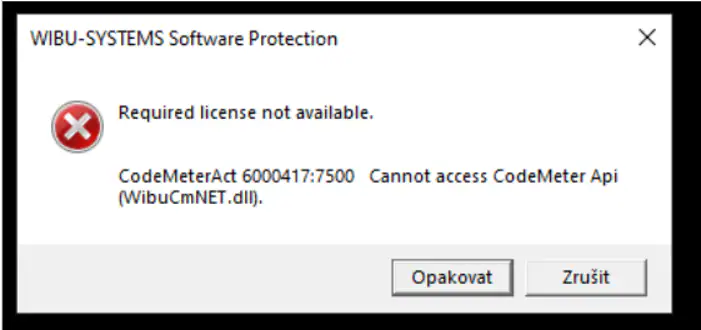
it means there is a CodeMeter version installed not matching the one required by the installed version of the VisionPro Deep Learning Studio.
Solution:
Uninstall CodeMeter (Control Panel > Uninstall a Program) and Execute the Setup file of the installed ViDi Suite/VPDL Studio;
As the software is already installed, it will only trigger the installation of the matching CodeMeter version.
