

Details
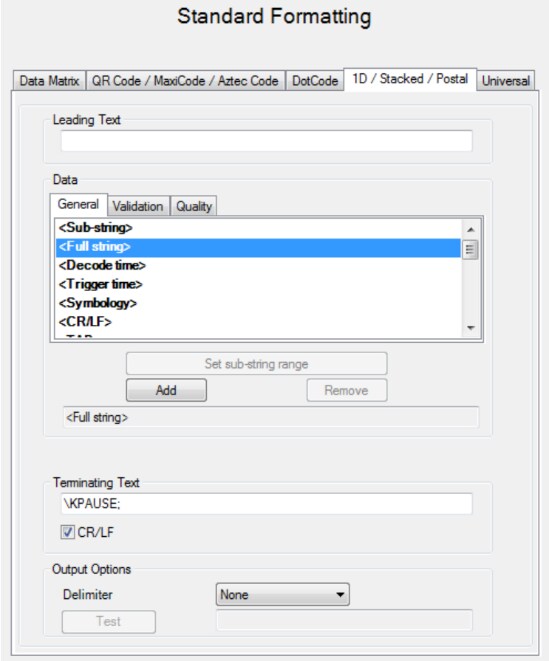
The DataMan 5.4.0 CR3 release adds the capability to insert a pause delay with output data on the DataMan 8050, DataMan 8600 series readers, iBase, and iBase+: Pause is interpreted when in USB Keyboard mode when the sequence \KPAUSE; is inserted in the Leading Text or Terminating Text of the Standard Formatting. For example,
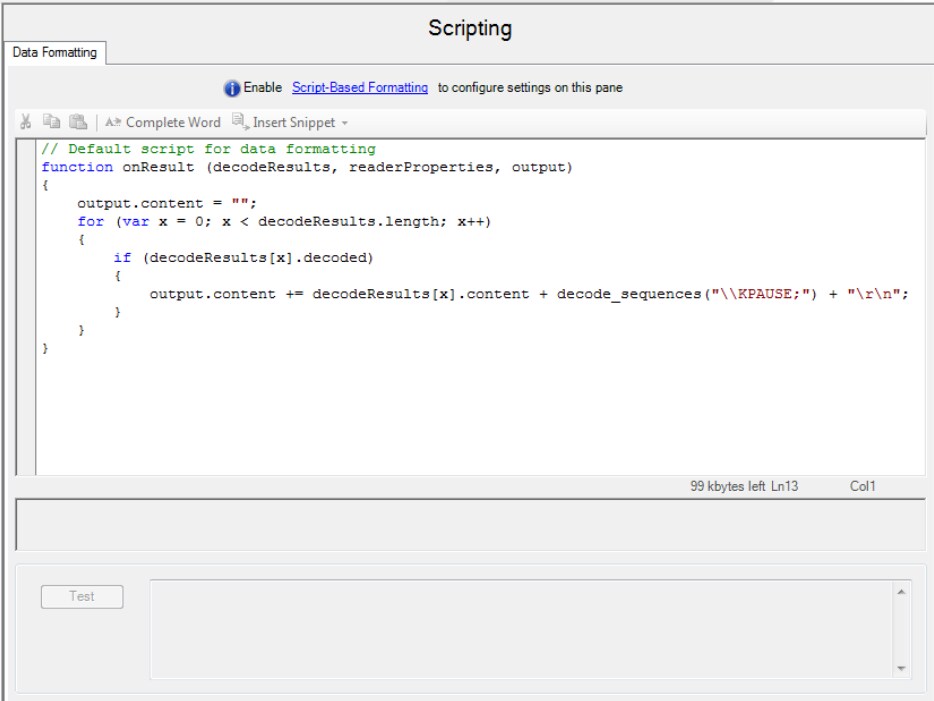
Pause is interpreted when in USB Keyboard mode when the sequence decode_sequences(“\\KPAUSE;”) is used in scripting. For example:
By default the pause time is 0, but it can be set using DataMan Control Command or the following Scan Codes.

