

Question
Is possible to modify an image to be used by DataMan readers?
Answer
It's possible to manipulate an image to be used by DataMan Setup Tool using a free tool, Paint.NET
NOTE: this procedure is valid only for fixed readers, not for handheld.
- First, you need to download and installPaint.NET from here, https://www.getpaint.net/download.html
- Once installed, you can open an image where a code is present, I generated one with our BarCode Generator, at this link:
https://www.cognex.com/resources/interactive-tools/free-barcode-generator In Paint.NET, it appears like this:
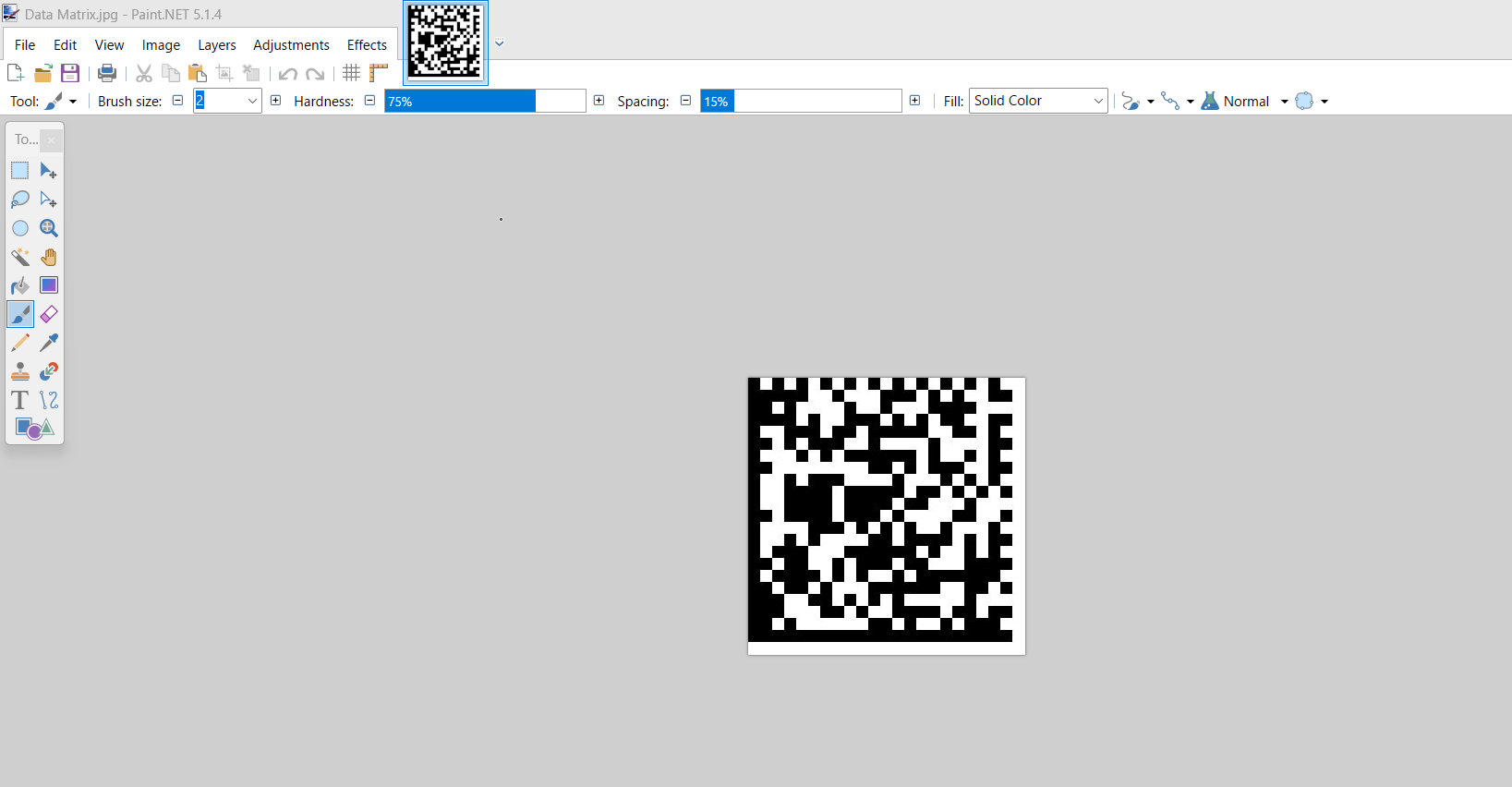
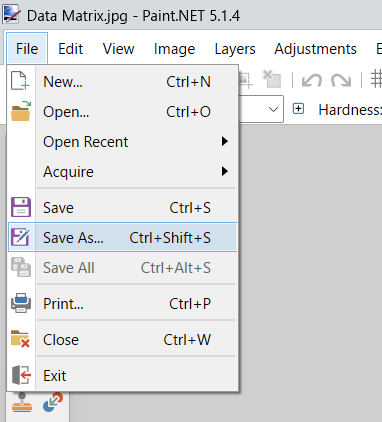
Then, open File > Save As...
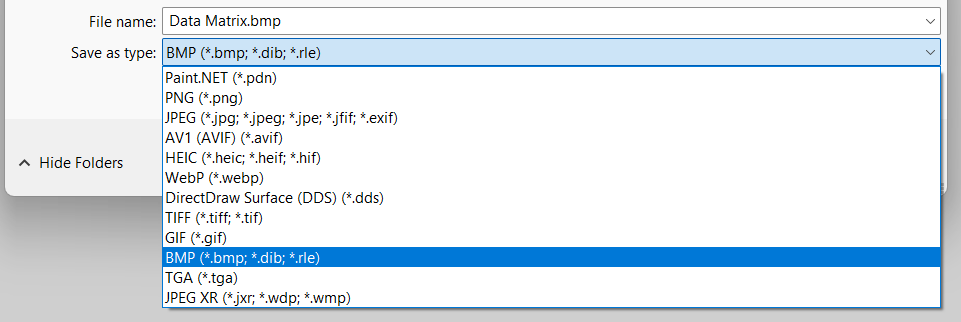
Save it as BMP:
In the next window, select 8-bit as Bit Depth:
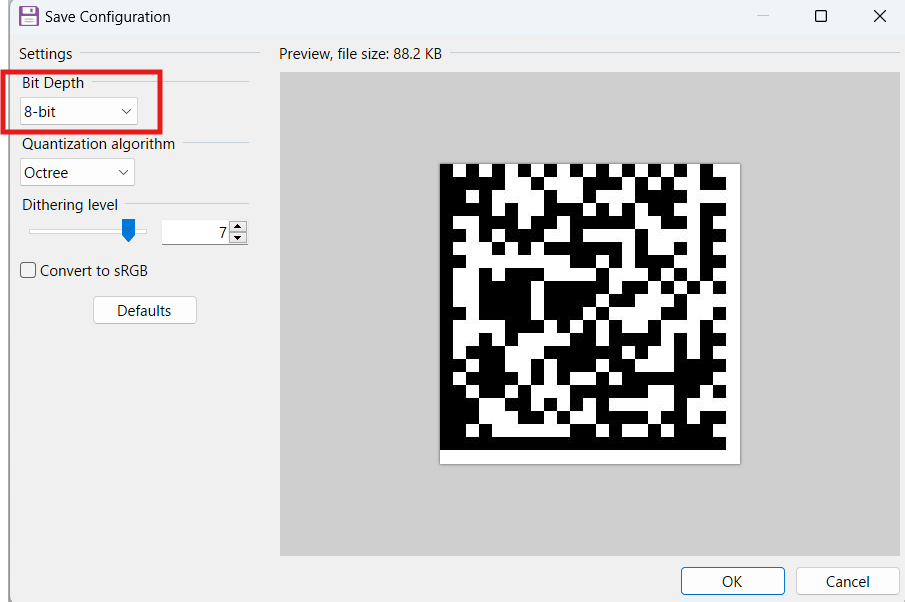
- And then press OK, now the image is saved.
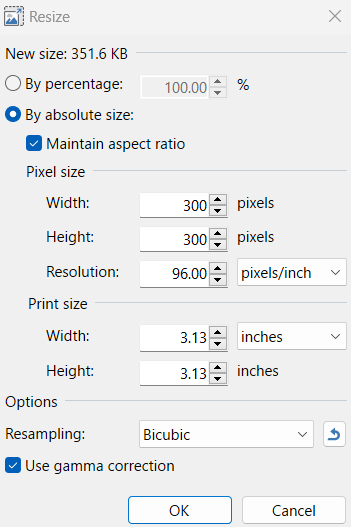
If the image is bigger than the reader resolution, before this passages you can use Image > Resize and resize the image dimension as per the reader resolution:
Actions > Upload image.

