Details
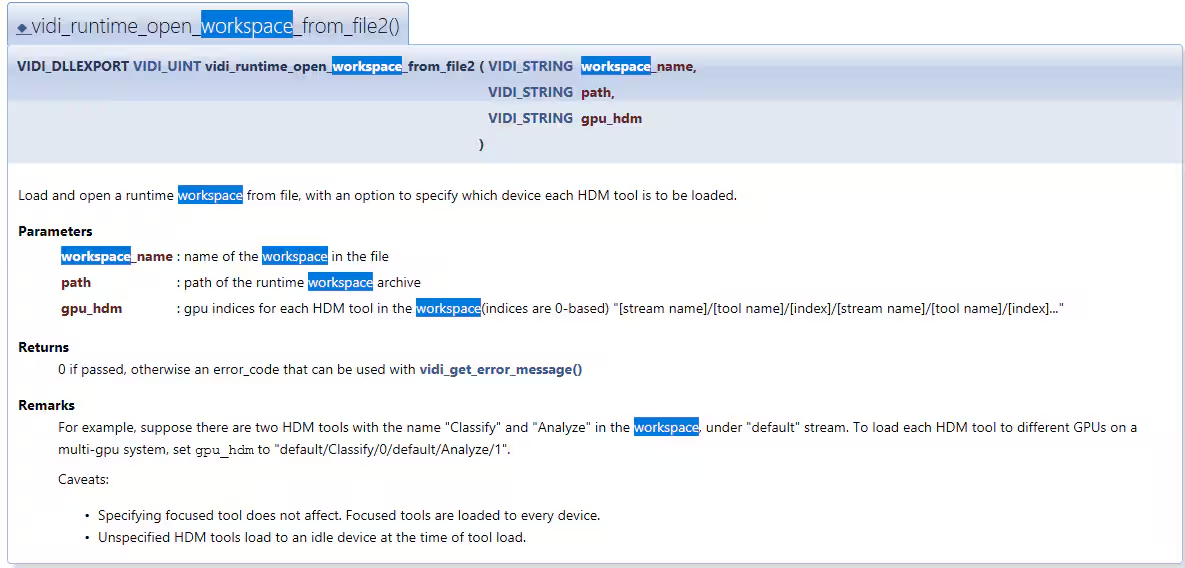
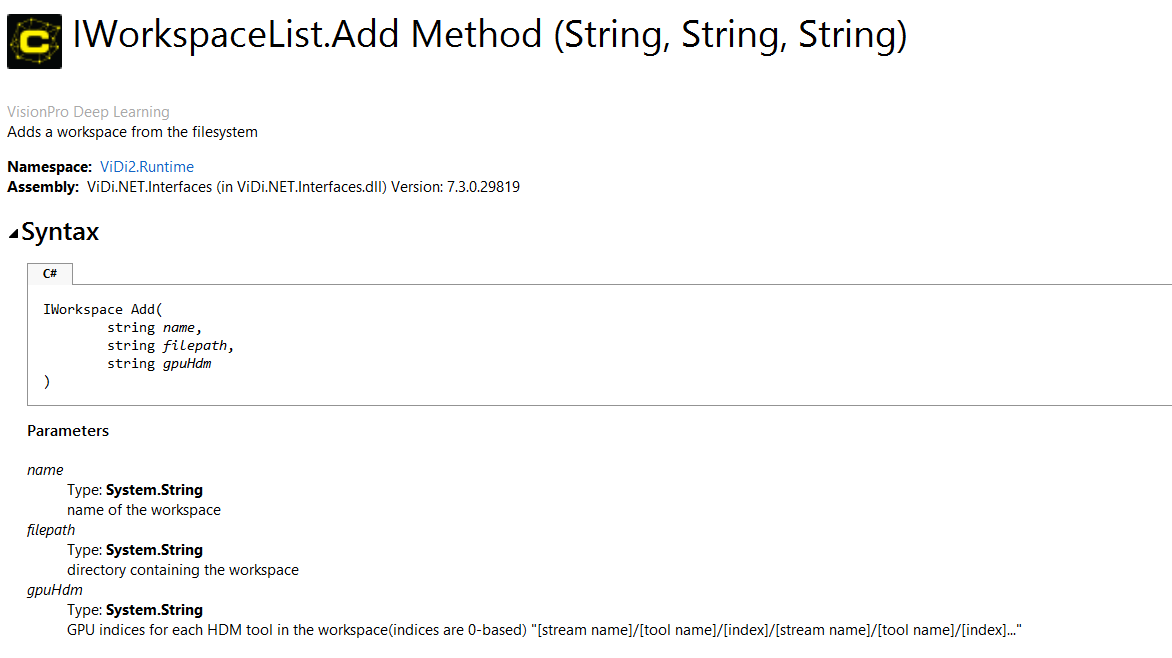
Within the context of the High Detail Tool, you can choose which GPU to load the tool on. This is based on the API and when loading the workspace. The method for making this selection involves providing the gpuHdm argument in the specified format within the API.
Here’s an example :
C++
auto status = vidi_runtime_open_workspace_from_file2("workspace", "c:\\temp.vrws", "default/Classify/0/default/Analyze/1");
C#
workspace.Add("workspace", "c:\\temp.vrws", "default/Classify/0");
- The gpuHdm argument does not impact focused tools.
- If no separate arguments are provided for gpuHdm, the tool will load on an idle GPU.
- For multiple tools, you can continue adding them sequentially.
You can also find the information from the API documents.