Details
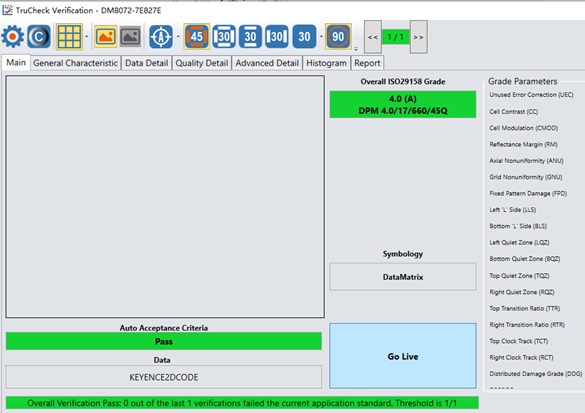
The Verifier can display live video and output correct verification results. But the Verifier doesn't display image after successful verification like below screenshot shows.
Resolution:
Image Transfer is disabled. Please enable Image Transfer. Image Transfer can be enabled with one of the two settings below:
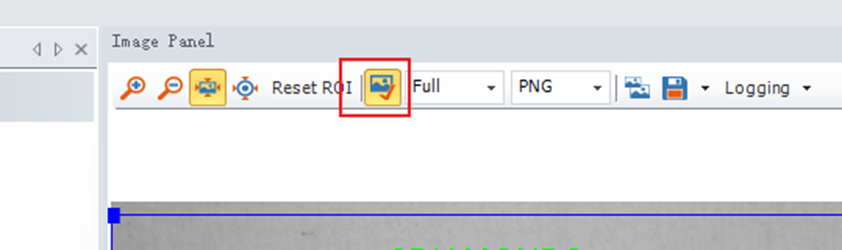
Method 1: Enable Image Transfer in the Image Panel.
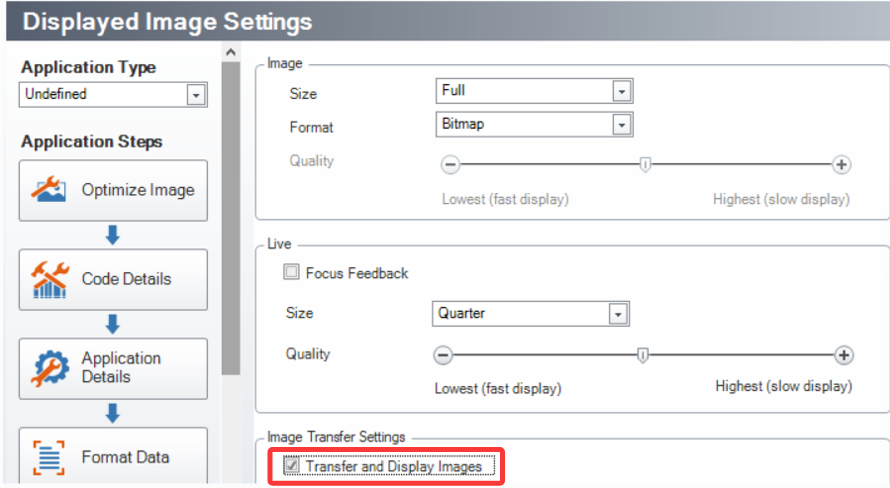
Method 2: Enable Image Transfer in the Displayed Image Settings Tab. Please direct to : Settings >> Optimize Image >> Displayed Image Settings, enable Transfer and Display Images.